

This topic describes how to integrate plugins into multimodal interactions and call them from your client.
About plugins
The Multimodal Interaction Development Kit supports three types of plugins:
-
Recommended plugins
- Pre-installed, practical plugins are included with the Multimodal Interaction Kit.
- They support common scenarios, such as weather queries, perpetual calendars, and stock price lookups.
- They are ready to use out-of-the-box. No extra configuration is required.

- Plugins from the Plug-in Marketplace
- Custom plugins
Integration flow
- Recommended plugins: They are enabled by default. You can clear the check box to disable them.
- Plugins from the Plug-in Marketplace: Click the Add button to integrate them.
-
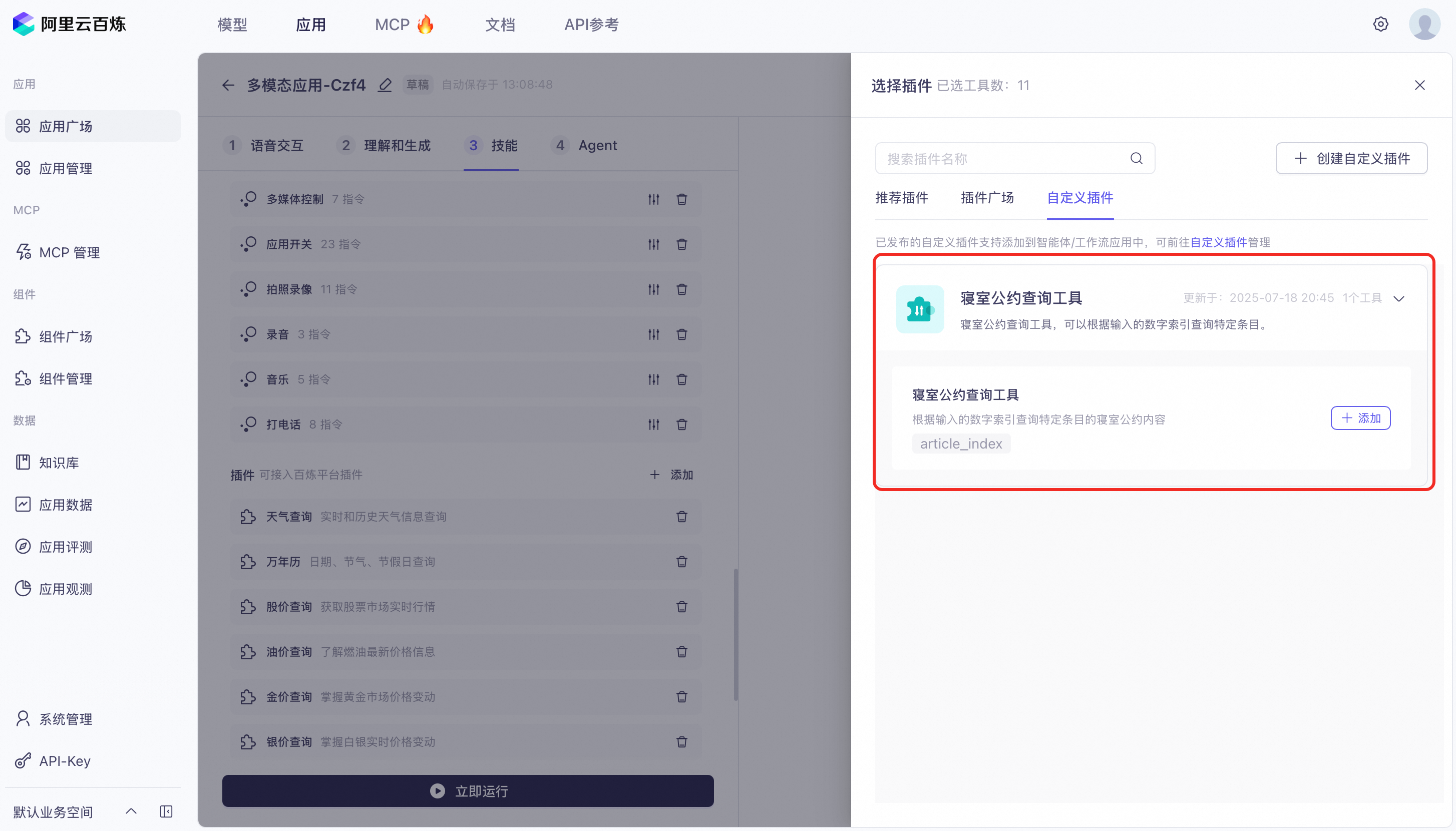
Custom plugins:
- Create a plugin: For more information, see Custom plugins. Note: You must complete both the Create Plug-in and Create Tool steps, and then publish the plugin. If you return to the Multimodal Interaction console and cannot select your newly created plugin in the Custom Plug-ins list, verify that you completed the Create Tool step and published the plugin.
-
Attach the plugin: Click the Add button to attach your created plugin (such as Dormitory Agreement Query Tool).
Call plugins from your client
- Recommended plugins: They are integrated into the SDK. No manual call is needed.
- Plugin Square plugins are the same as custom plugins.
- Custom plugins: You can call them using the SDK. Set the variable values specified in the plugin configuration.
Plugin parameter description
Top-level parameter | Second-level parameter | Third-level parameter | Fourth-level parameter | Description |
|---|---|---|---|---|
biz_params | The biz_params field in the multimodal request parameters | |||
user_defined_params | Pass-through user-defined parameters | |||
your_plugin_code | The ID of the imported Model Studio application. For more information, see Custom plugins to get the tool ID. | |||
your_plugin_param | Type: Object Corresponds to the information configured for the plugin |