

This topic describes the input and output parameters of the person instance segmentation model. Person instance segmentation is a technique that detects different objects in an image and generates a precise, pixel-level mask to define the border of each object instance.
Model overview
| Model name | Free quota(View) | Billing unit price | Throttling (including Alibaba Cloud accounts and RAM users) | |
| QPS limit for the task submission API | Number of tasks in simultaneous processing | |||
| image-instance-segmentation | 500 images | For free trial only.You cannot make calls after the free quota is used up. Please stay tuned for future updates. | 2 | 1 |
Prerequisites
Obtain an API key and export the API key as an environment variable.
HTTP call
To reduce waiting times and avoid request timeouts, this service is provided in asynchronous mode. You must make two requests:
- Create a task: First, send a request to create a human instance segmentation task. This request returns a task ID.
- Query the result using the task ID: Use the task ID that you retrieved in the previous step to query the result generated by the model.
Step 1: Create a task to obtain a task ID
POST https://{WorkspaceId}.cn-beijing.maas.aliyuncs.com/api/v1/services/aigc/image2image/image-synthesis
Replace {WorkspaceId} with your actual workspace ID.
Request headersContent-Type string RequiredThe content type of the request. The value must beapplication/json.Authorization string RequiredUse your Alibaba Cloud Model Studio API key. You can also use a DashScope API key. For example, Bearer d1xxx2a.X-DashScope-Async string RequiredSpecifies whether to enable asynchronous processing. Set this parameter to enable.Request bodymodel string RequiredThe model to call.input object RequiredThe basic information of the input image, such as the image URL.
Property image_url string RequiredThe URL of the input image.The URL must be publicly accessible and use HTTP or HTTPS.You can also obtain a temporary public URL.Image limits:
|
|
Responseoutput objectThe output information of the task.
Property task_id stringThe unique ID of the task.task_status stringThe status of the task.
|
Step 2: Query the result based on the task ID
GET https://{WorkspaceId}.cn-beijing.maas.aliyuncs.com/api/v1/tasks/{task_id}
Replace {WorkspaceId} with your actual workspace ID.
Request headersAuthorization string RequiredThe API key. Example: Bearer d1**2a.URL path parameterstask_id string RequiredThe task ID. |
|
Responserequest_id stringThe unique ID for this request.status_code intA value of 200 (HTTPStatus.OK) indicates that the request is successful. Other values indicate that the request failed. If the request fails, you can retrieve the error code from the code field and the error details from the message field.code stringIf an error code is returned, see the error code table.message stringIf an operation fails, the content includes failure details.output objectThe output information of the task.
Property task_id stringThe task ID.task_status stringThe status of the task.
Property image_count integerThe number of images generated for this request. |
For this model, the status of a completed task is retained for 24 hours, during which you can query it at any time. After 24 hours, the task and its results are deleted from the system. The task result is an image URL. For security reasons, the URL is valid for only 24 hours. After you retrieve the task result, you must use or save the image. |
Appendix: How to separate masks for preserved and erased people
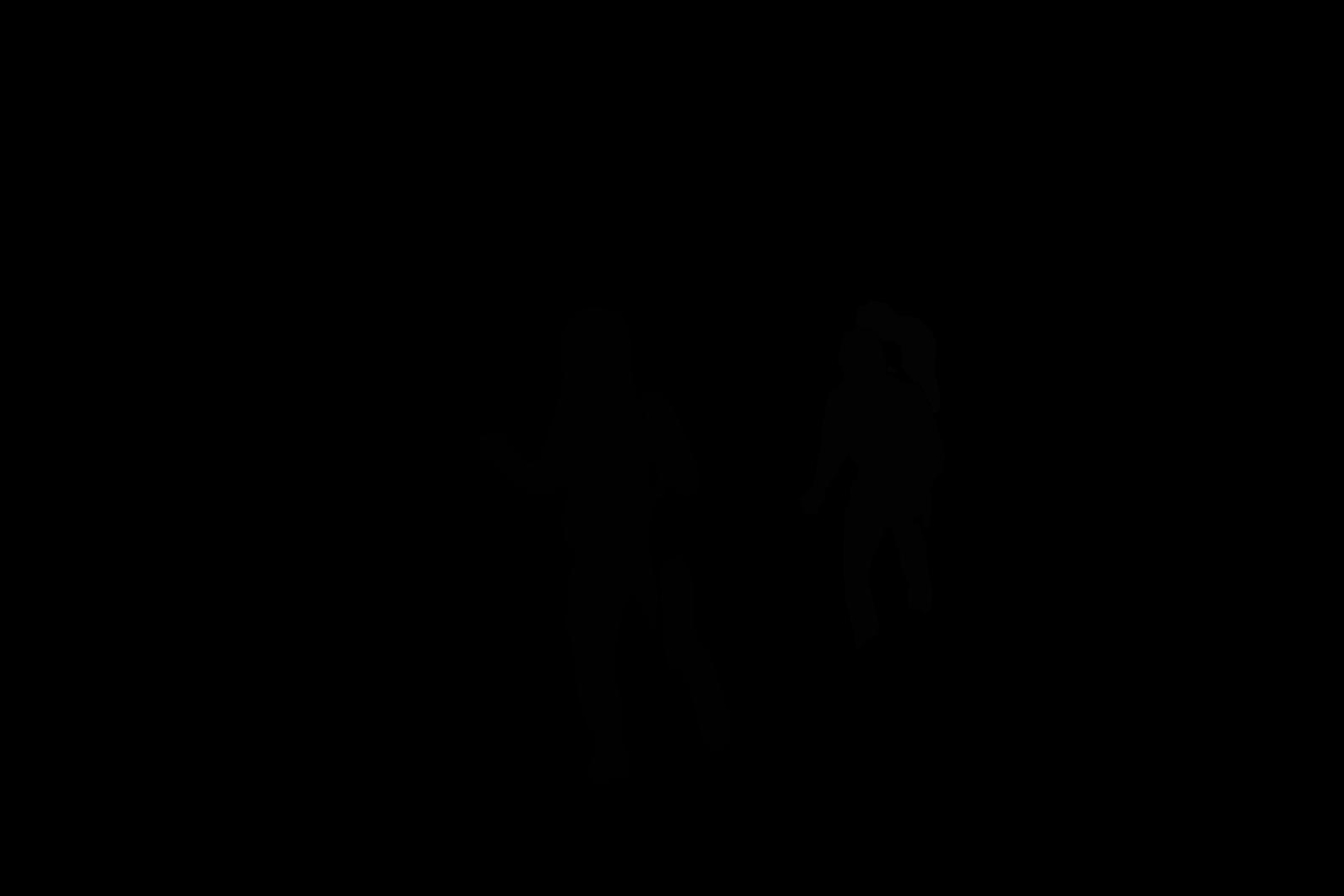
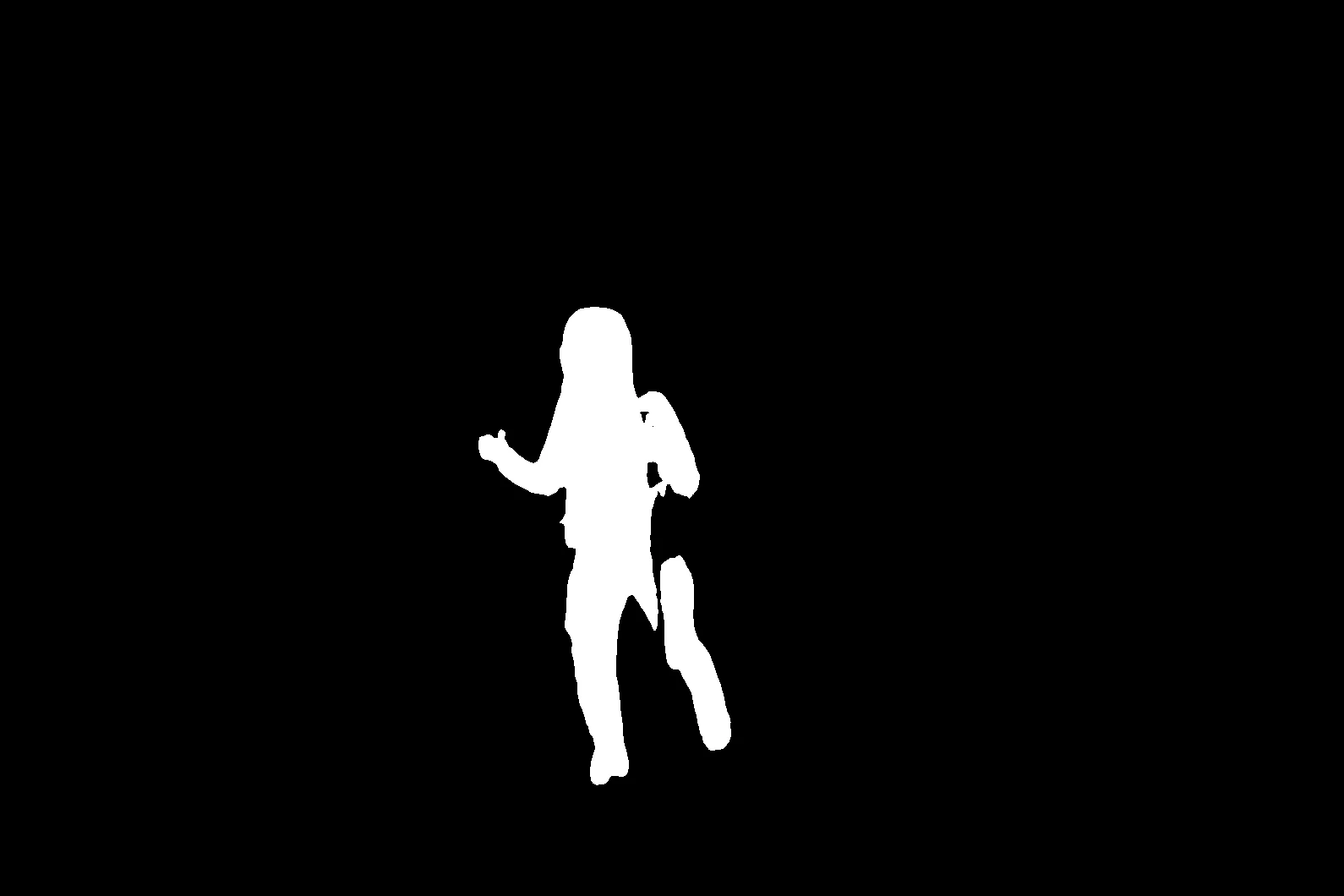
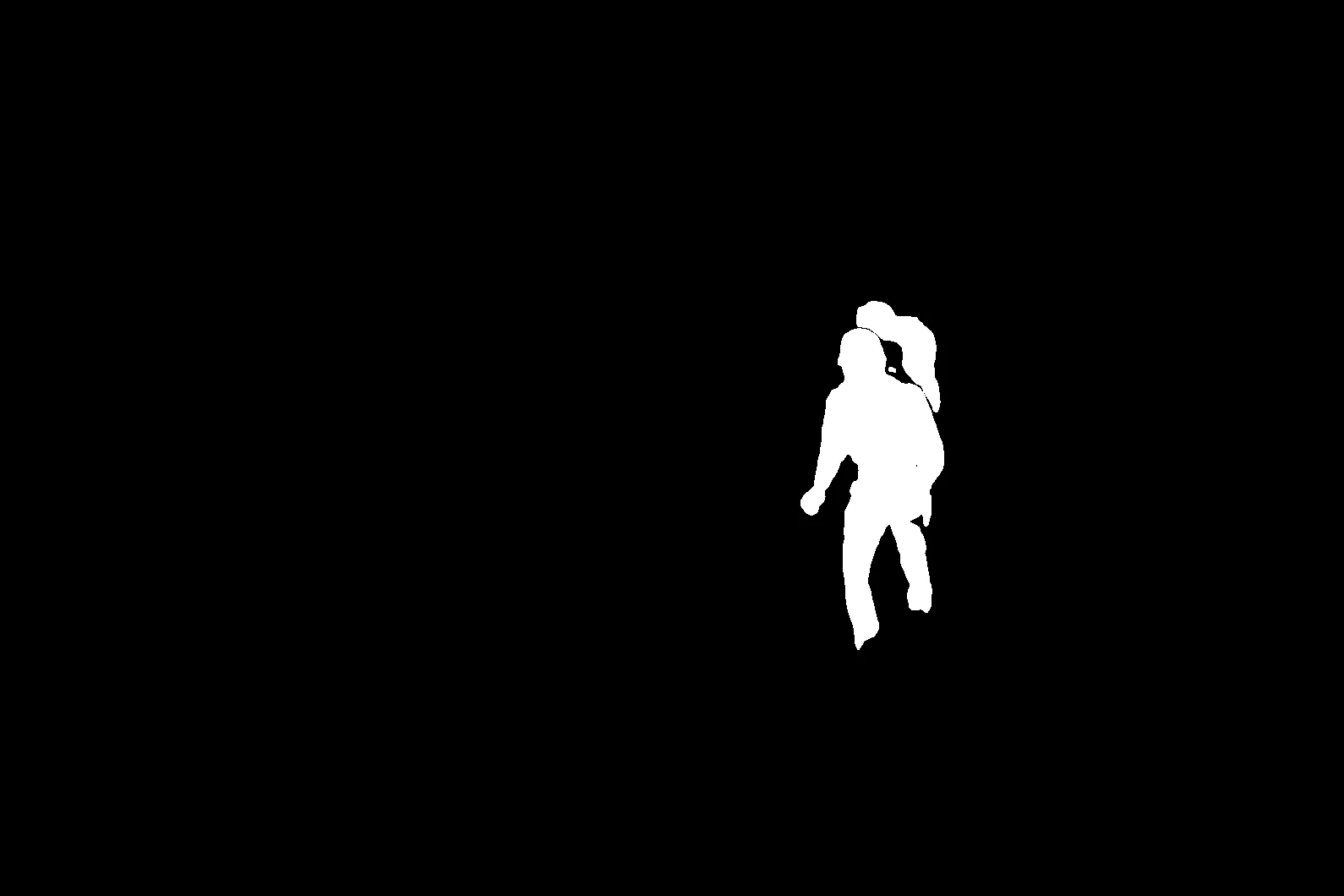
The following code example shows how to split the resulting human instance segmentation image into an reserved area image and a removed area image. You can then call an image erasing model to remove the unwanted person.
Original image | Human instance segmentation result | Reserved area | Removed area |
|---|---|---|---|
|
mask.png |
reserve.png |
remove.png |

Error codes
If the model call fails and returns an error message, see Error codes for resolution.
This API also has the following specific status codes.
HTTP status code | Error code (code) | Error message (message) | Description |
|---|---|---|---|
400 | InvalidParameter.JsonPhrase | input json error | Invalid JSON input. |
400 | InvalidParameter.FileDownload | oss download error | Failed to download the input image. |
400 | InvalidParameter.ImageFormat | read image error | Failed to read the image. |
400 | InvalidParameter.ImageContent | The image content does not comply with green network verification. | The image content is not compliant. |
400 | InvalidParameter | the parameters must conform to the specification: xxx | An input parameter is out of range. |
500 | InternalError.Algo | algorithm process error | An algorithm error occurred. |
500 | InternalError.FileUpload | oss upload error | The file failed to upload. |