

This topic describes the input and output parameters for the creative poster generation model. The model automatically generates poster backgrounds and text layouts based on your requirements and supports multiple poster styles. You can create stunning designs without any design experience.
Related guide: Creative poster generation
You have obtained and configured an API key and configured the API key as an environment variable.
To reduce wait times and prevent request timeouts, the service is provided asynchronously. You need to make two requests:
If the model call fails and returns an error message, see Error codes for resolution.
This model also has the following specific error codes:
Model overview
| Model name | Free quota(View) | Billing unit price | Throttling (for Alibaba Cloud accounts and RAM users) | |
| QPS limit for task submission API | Number of simultaneous processing tasks | |||
| wanx-poster-generation-v1 | 500 items | Currently available for free trial only.After you use up the free quota, you cannot call the model. For an alternative, see Text-to-image. | 2 | 1 |
Prerequisites
You have obtained and configured an API key and configured the API key as an environment variable.
HTTP call
To reduce wait times and prevent request timeouts, the service is provided asynchronously. You need to make two requests:
- Create a task: Send a request to create a text-to-image task. This request returns a task ID.
- Query the result by task ID: Use the task ID from the previous step to retrieve the result generated by the model.
Step 1: Create a task and get the task ID
POST https://{WorkspaceId}.cn-beijing.maas.aliyuncs.com/api/v1/services/aigc/text2image/image-synthesis
Request headersAuthorization string RequiredUse your Alibaba Cloud Model Studio API key. You can also use a DashScope API key. Example: Bearer d1xxx2a.X-DashScope-Async string RequiredSpecifies whether to use DashScope asynchronous invocation. HTTP calls only support asynchronous invocation. Set this parameter toenable.Content-Type string RequiredThe content type of the request. The value is fixed to application/json.Request bodymodel string RequiredThe model to call. The creative poster generation model iswanx-poster-generation-v1.parameters object RequiredOther model call parameters. Enter a null object. Example: {}input object RequiredEnter the basic image information, such as the image URL.
Properties generate_mode string RequiredThe poster generation mode.
generate_mode=generate.The value range is [1, 4]. The default value is 1. If you set a value greater than 4, four images are generated by default.auxiliary_parameters string OptionalThis parameter is required when generate_mode is sr or hrf. It specifies the auxiliary parameters for the single poster image that requires resolution enhancement or high-definition restoration.
Note This field must contain the auxiliary_parameters value returned by the service when generate_mode is generate.You must set at least one of the Chinese or English prompts. You can also set both parameters. The total length of both fields cannot exceed 50 characters.prompt_text_en string OptionalThe English prompt. Example: "Children draw a lovely dragon, white background". You must set at least one of the Chinese or English prompts. You can also set both parameters. The total length of both fields cannot exceed 50 characters.wh_ratios string OptionalPoster generation layout.
Poster style enumerations and examples


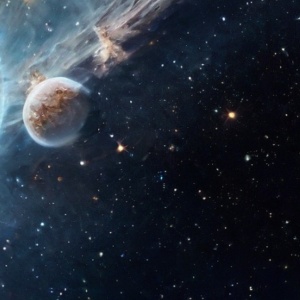



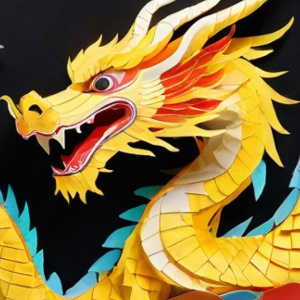
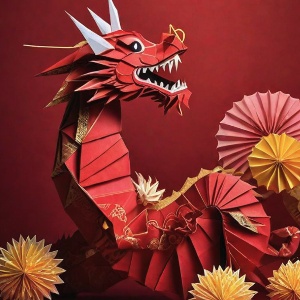
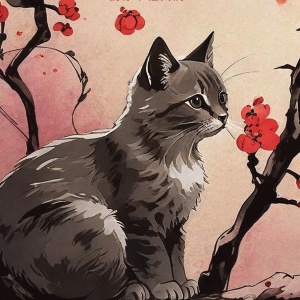
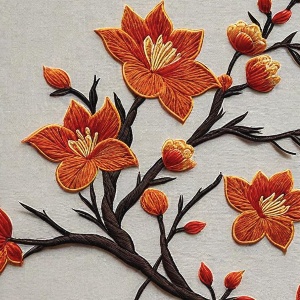
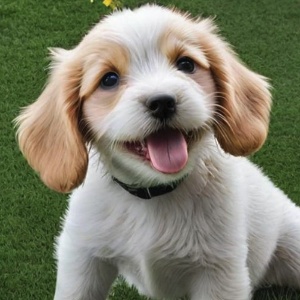





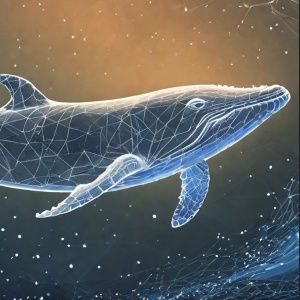
 lora_name parameter.The value range is [0, 1]. The default value is 0.8. The closer the value is to 1, the more pronounced the poster style.ctrl_ratio float OptionalThe weight of the whitespace effect, which is used to control the amount of whitespace on the poster.The value range is [0, 1]. The default value is 0.7. The closer the value is to 1, the better the whitespace effect, but the background generation may be negatively affected.ctrl_step float OptionalThe ratio of whitespace steps, which is used to control the poster's whitespace effect.The value range is (0, 1]. The default value is 0.7. The closer the value is to 1, the better the whitespace effect, but the background generation may be negatively affected.creative_title_layout bool OptionalSpecifies whether to enable creative layout for the title. The default value is false. |
Replace {WorkspaceId} with your actual workspace ID. |
Responseoutput objectThe task output information.
Properties task_id stringThe task ID.task_status stringThe task status.
|
Step 2: Query the result by task ID
GET https://{WorkspaceId}.cn-beijing.maas.aliyuncs.com/api/v1/tasks/{task_id}
Request headersAuthorizationstringRequiredUse your Alibaba Cloud Model Studio API key. You can also use a DashScope API key. Example: Bearer d1xxx2a.URL path parameterstask_idstringRequiredThe task ID. |
Replace {WorkspaceId} with your actual workspace ID. |
Responseoutput objectThe task output information.
Properties task_id stringThe task ID.task_status stringThe task status.
output data may contain inappropriate content.auxiliary_parameters List[String]The auxiliary parameters for high-definition restoration and resolution enhancement. They correspond one-to-one with the URLs in the render_urls list. The parameters are valid for 24 hours.The auxiliary_parameters returned by the API can be used as input parameters in a second call to enhance the resolution or perform high-definition restoration on the poster.A sensitive information check is performed before a poster image URL is returned. If sensitive content is detected, the image is blocked, and the URL is replaced with the message: output data may contain inappropriate content.bg_urls List[String]The URL of the poster background image without text. The URL is valid for 24 hours.
output data may contain inappropriate content.task_metrics objectThe statistical metrics of the task.
Properties TOTAL integerThe total number of tasks.SUCCEEDED integerThe number of tasks that succeeded.FAILED integerThe number of tasks that failed.
Properties image_count integerThe number of generated images. |
Error codes
If the model call fails and returns an error message, see Error codes for resolution.
This model also has the following specific error codes:
HTTP status code | API error code (code) | API error message (message) | Description |
|---|---|---|---|
400 | InvalidParameter | check input data style | The input parameters do not meet the requirements. |
500 | InternalError | inference error | Internal algorithm error. |
FAQ
- How do I query all submitted asynchronous tasks? For more information, see Manage asynchronous tasks.
-
Does the creative poster generation API support secondary editing of generated posters?
No. You cannot perform secondary editing on the content of a generated poster, such as its title, body text, or style. To change the poster's content, you must generate a new one. You can, however, enhance the resolution of a generated poster by calling this API again.
To enhance the resolution of a generated poster, set the
"generate_mode"input parameter tosrorhrf. Add the"auxiliary_parameters"parameter to the input and set its value to theauxiliary_parametersstring returned from the initial generation request. Keep the other parameters the same. Replace{WorkspaceId}with your actual workspace ID.