Network Content Moderation scans text to quickly detect violations, such as pornography, terrorism, violence, and intellectual property infringement. It supports manual review to improve efficiency and helps ensure your online environment is legal and compliant. The tool also reviews and proofreads documents. It detects issues with wording, punctuation, and expression, and suggests corrections.
Access the feature
Log on to Alibaba Cloud Model Studio. On the Application Gallery page, click Network Content Moderation to open the lightweight app console.
Feature overview
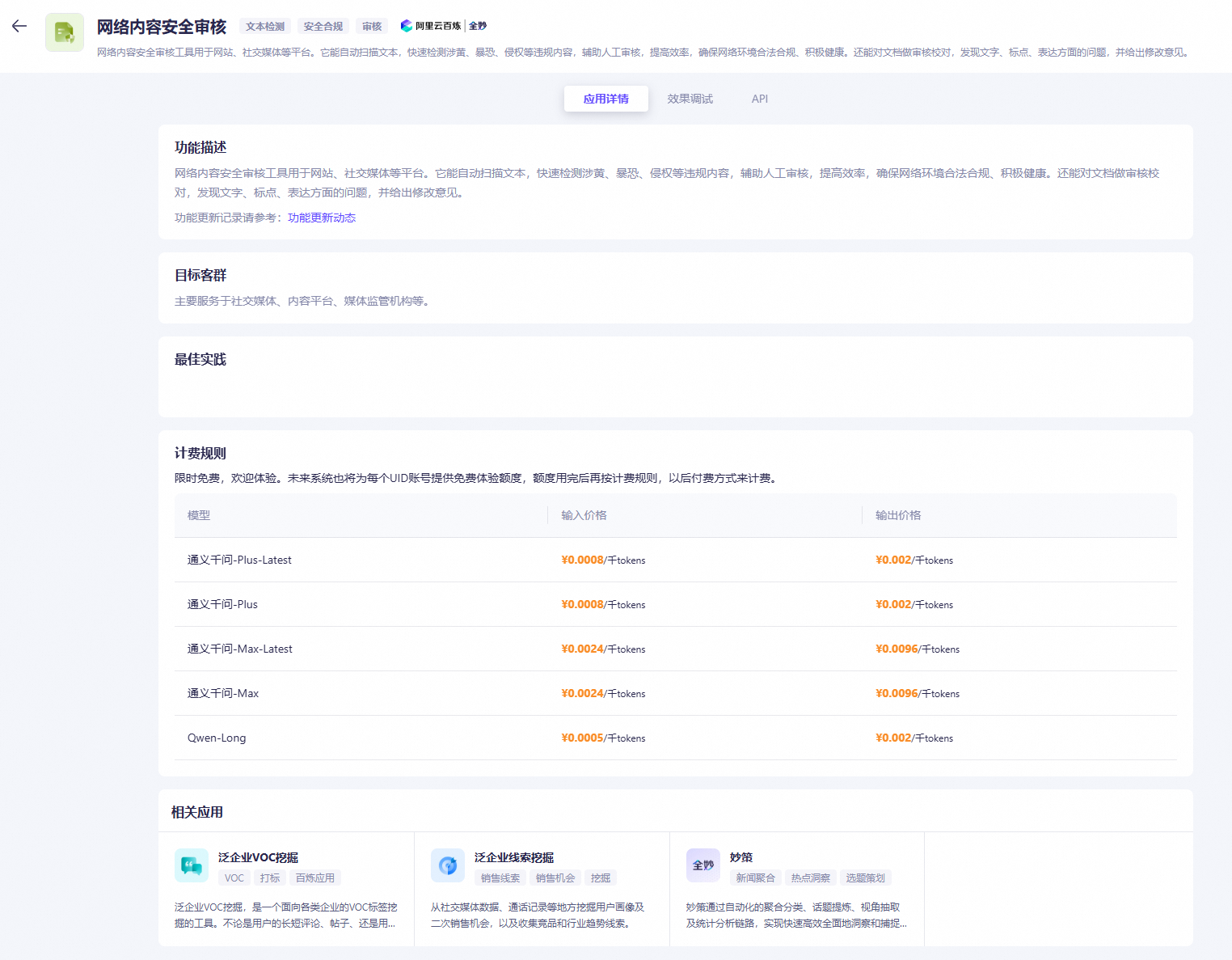
App details
On the Network Content Moderation app’s Application Details tab, you can view five sections: feature description, target users, best practices, billing rules, and recommended Quanmiao apps.
Test the output
Click the Test Output tab. Follow these steps to configure settings.
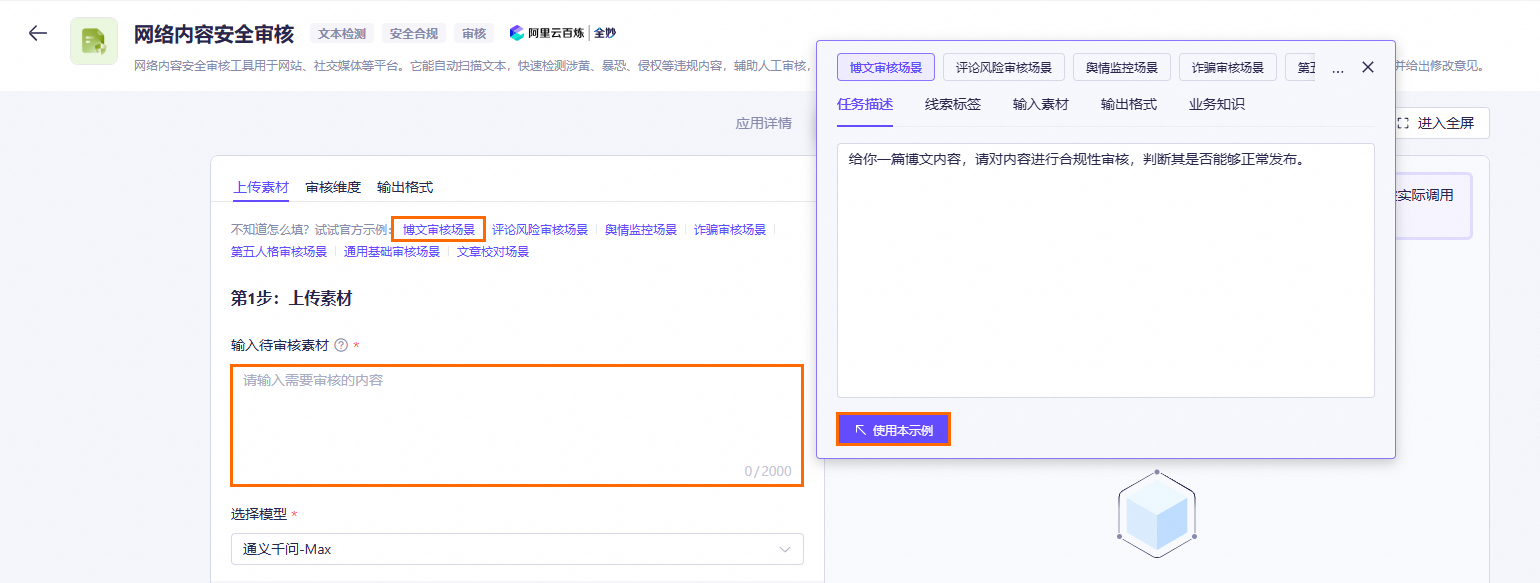
Step 1: Upload content
- Paste the content to be reviewed into the text box. This can be an article, a comment, or similar text. Use the official examples as a guide.
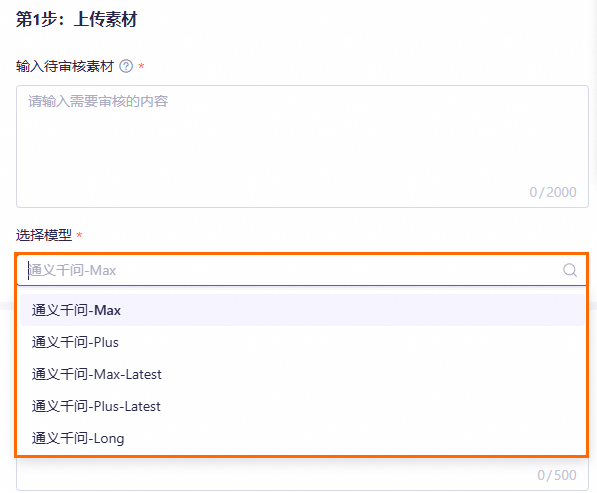
- Select a model for analysis. The default model is Qwen-Max.
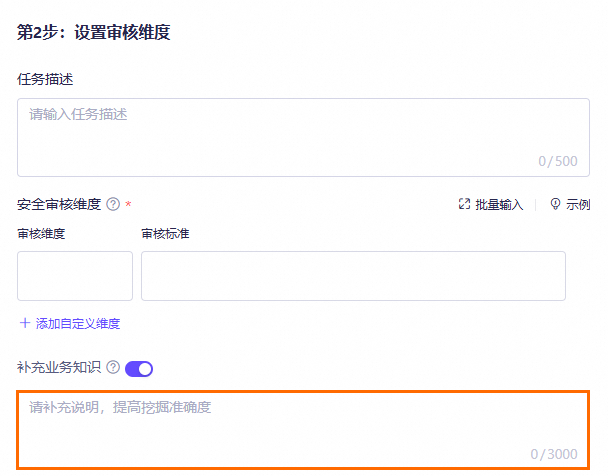
Step 2: Set moderation dimensions
- Enter a Task Description.
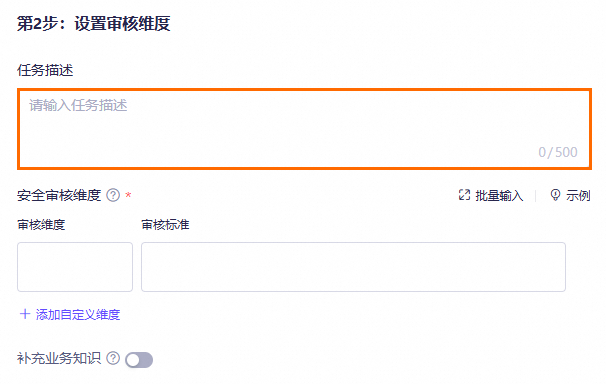
- Define custom moderation dimensions.
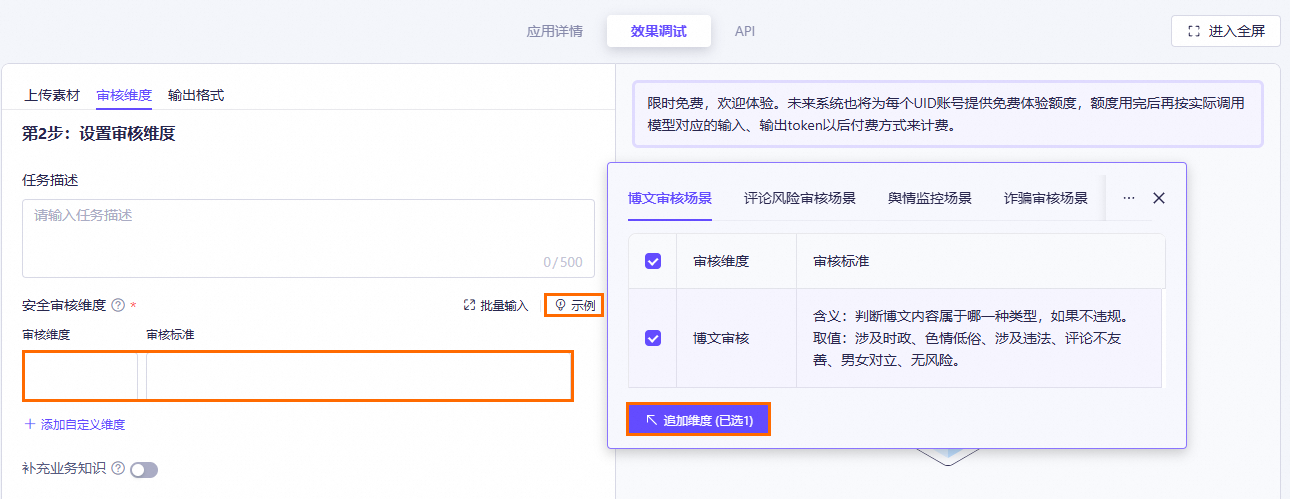
- Enter the moderation dimensions and moderation criteria in the required format. You can use the official examples on the right for reference.
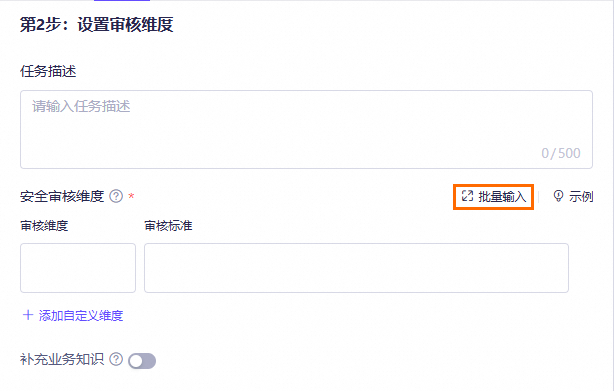
- Click Batch Input to paste all dimensions and criteria at once. The system automatically detects them.
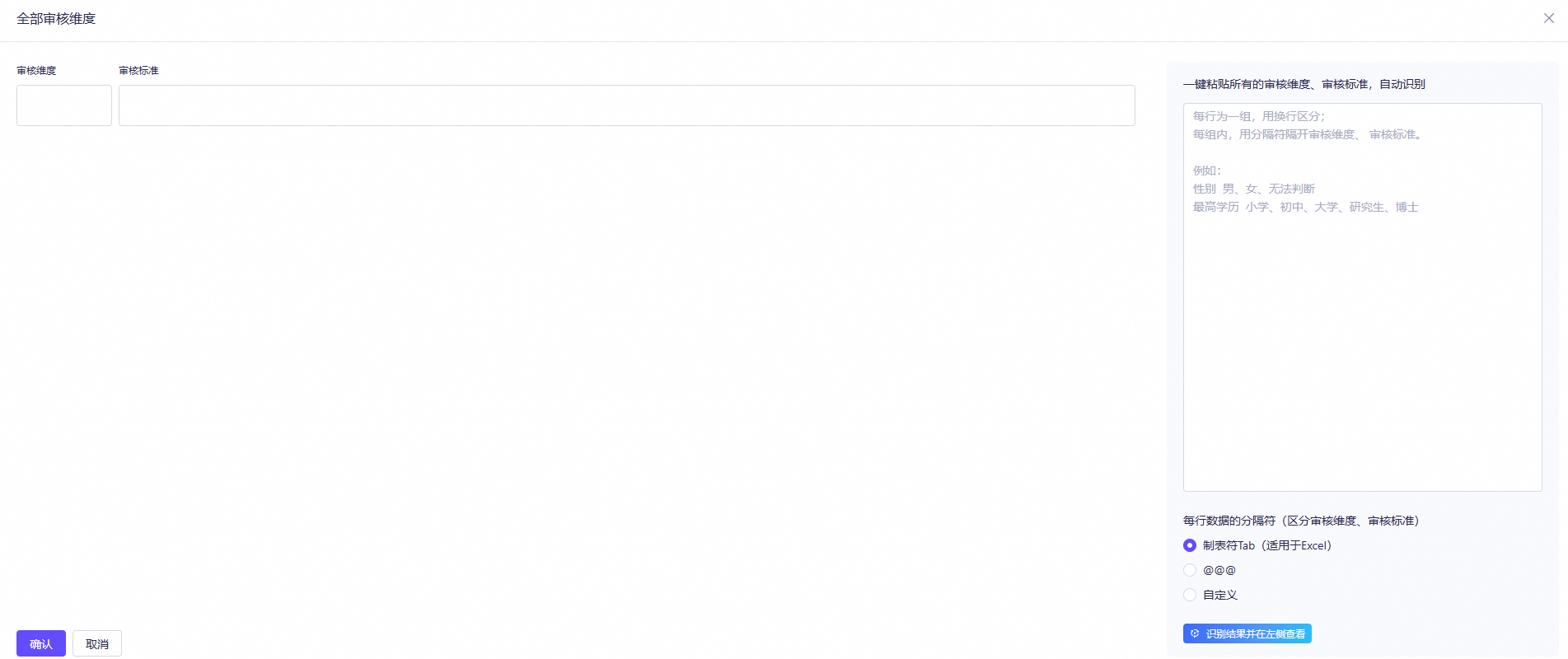
- You can click Add Custom Dimension to add custom dimensions and precisely mine information.

- Optional: Add business knowledge.
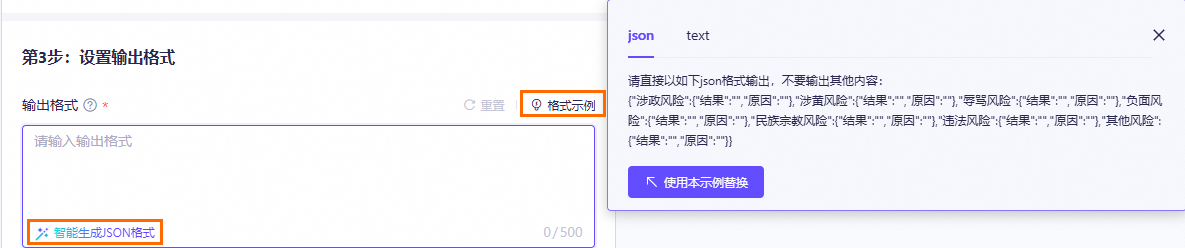
Step 3: Set output format
Use the format examples on the right to define your output format. Or click Auto-generate JSON format in the input box to generate it instantly.
View API examples
After testing the output, click the API tab to view the generated API examples.
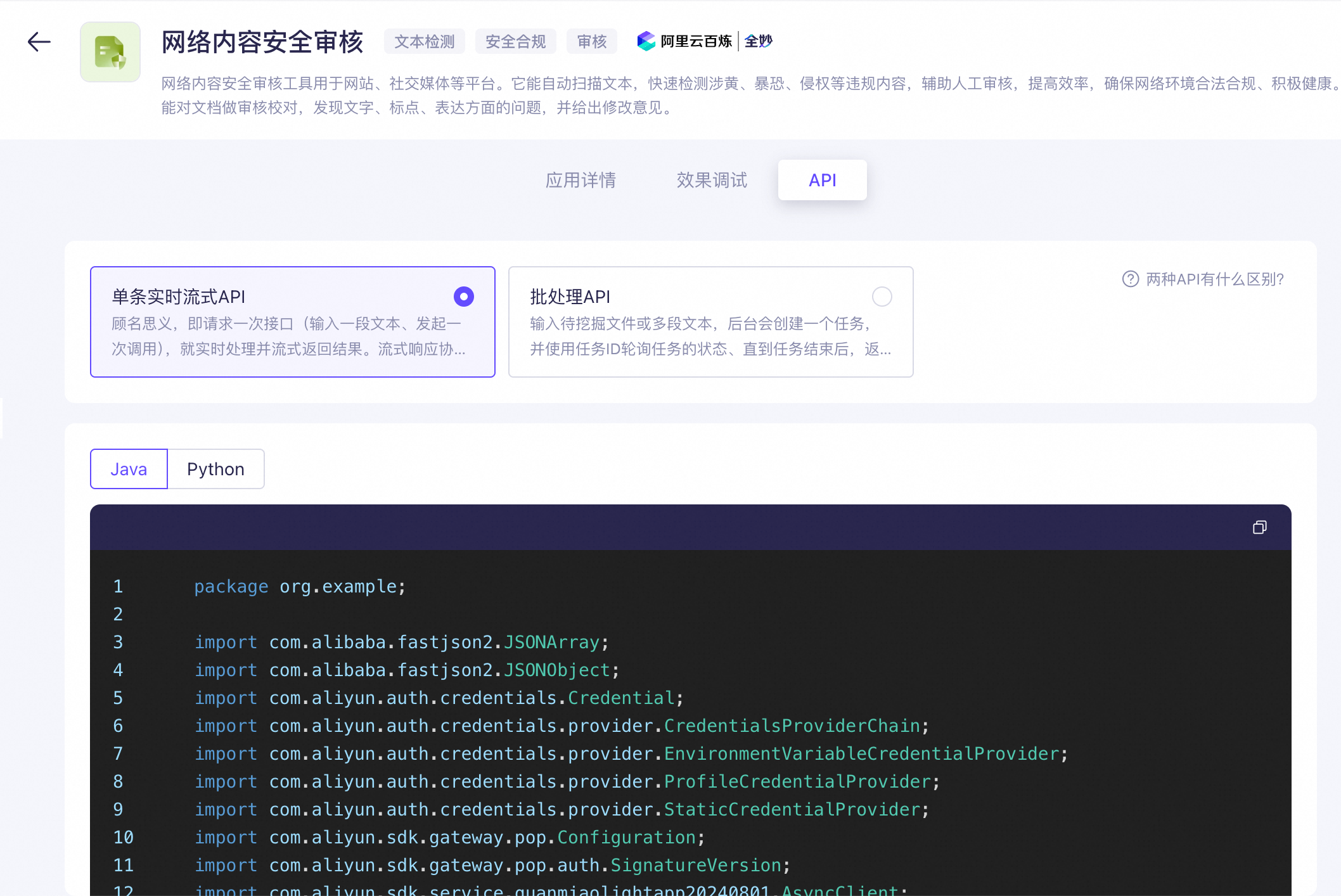
The API supports two invocation methods:
- Real-time streaming API: Processes a single request (one text input per call) and returns the result in real time as a stream. The streaming response protocol is Server-Sent Events (SSE).
- Batch processing API: Processes a submitted file or multiple text segments. A background task is created, and you must poll the task status by using the task ID. The results are returned after the task is complete.