This document describes how to activate Tongyi Xiaomi CCAI-Conversation Analysis AIO.
1. Activate the product
- Go to App Square, click App Practices, and select Tongyi Xiaomi CCAI-Conversation Analysis AIO.
-
Step 1: Click the View Details button. On the Tongyi Xiaomi CCAI-Conversation Analysis AIO product page, click Activate for Free in the upper-right corner.


-
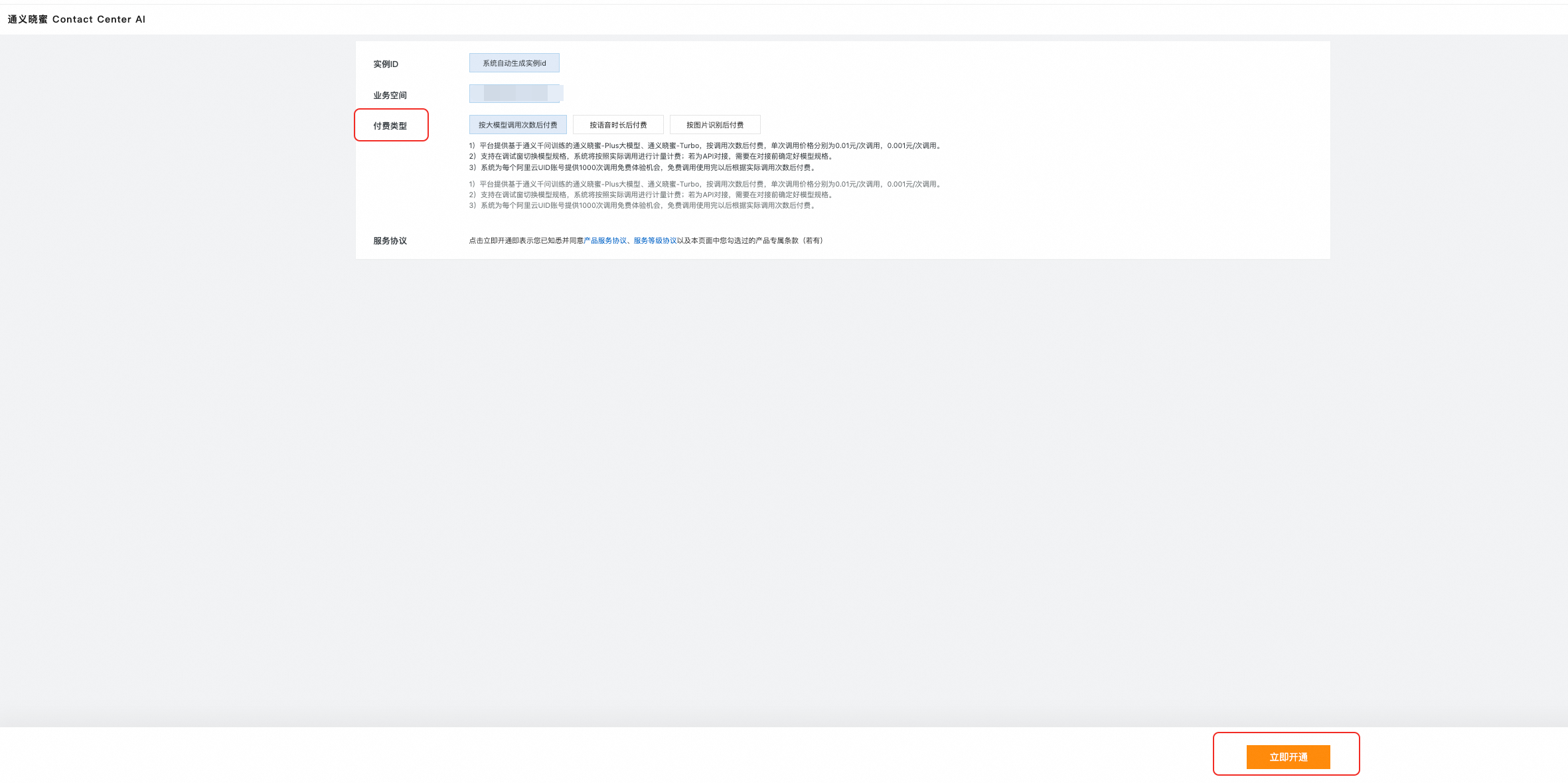
Step 2: On the purchase page, select a billing method as needed. For more information about pricing, see Billing overview.
-
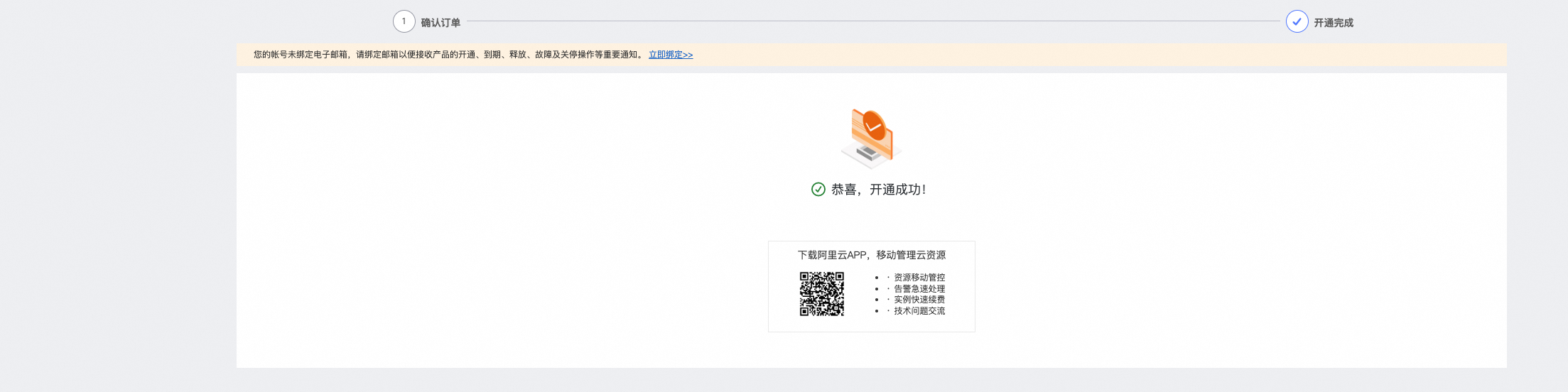
Step 3: Click the Activate Now button to complete the activation.