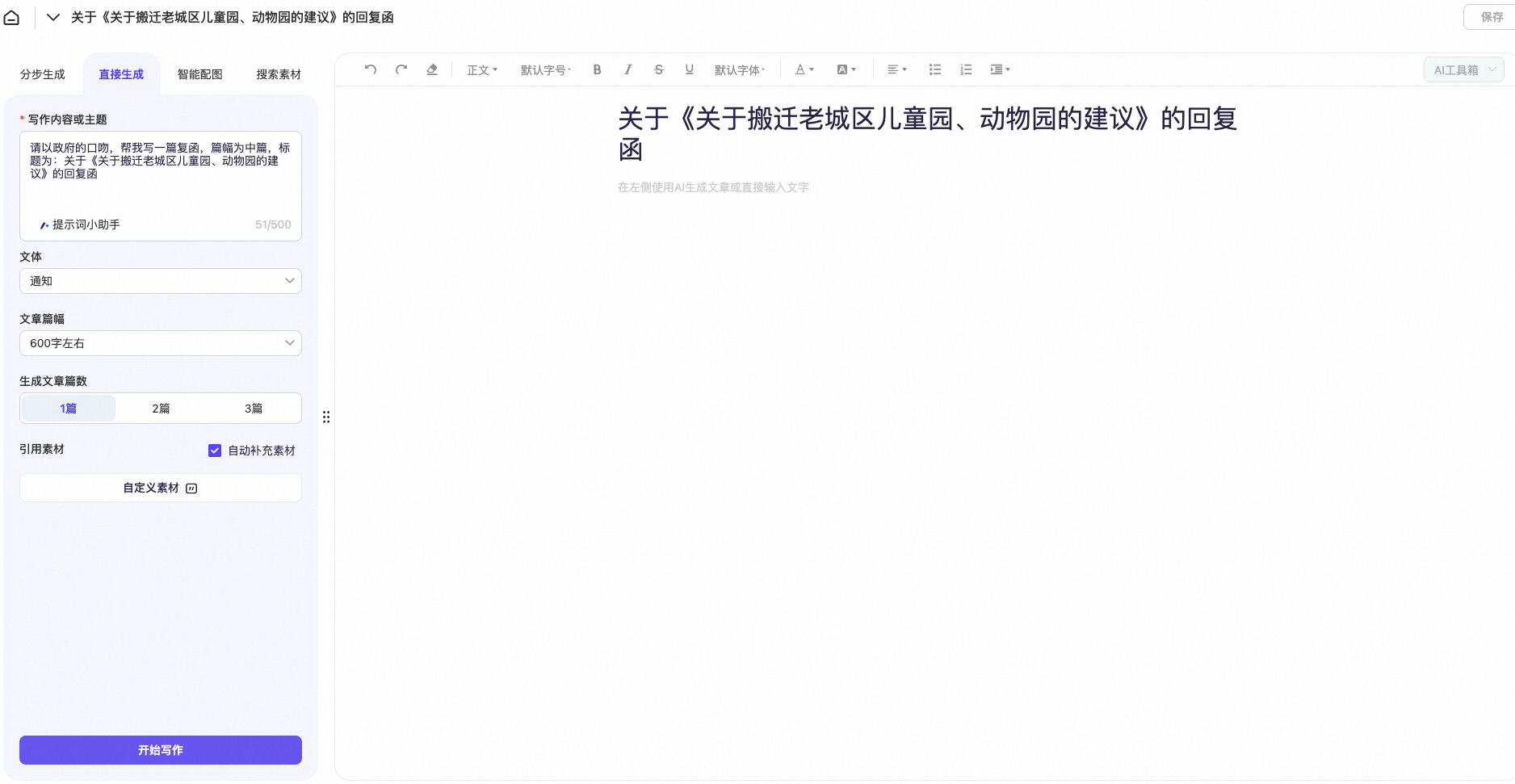
Article subject (prompt) | Write a medium-length reply letter in a formal government tone. The title is "Reply to the 'Proposal to Relocate the Old City's Children's Park and Zoo'". |
Article title | Reply to the "Proposal to Relocate the Old City's Children's Park and Zoo" |
Procedure
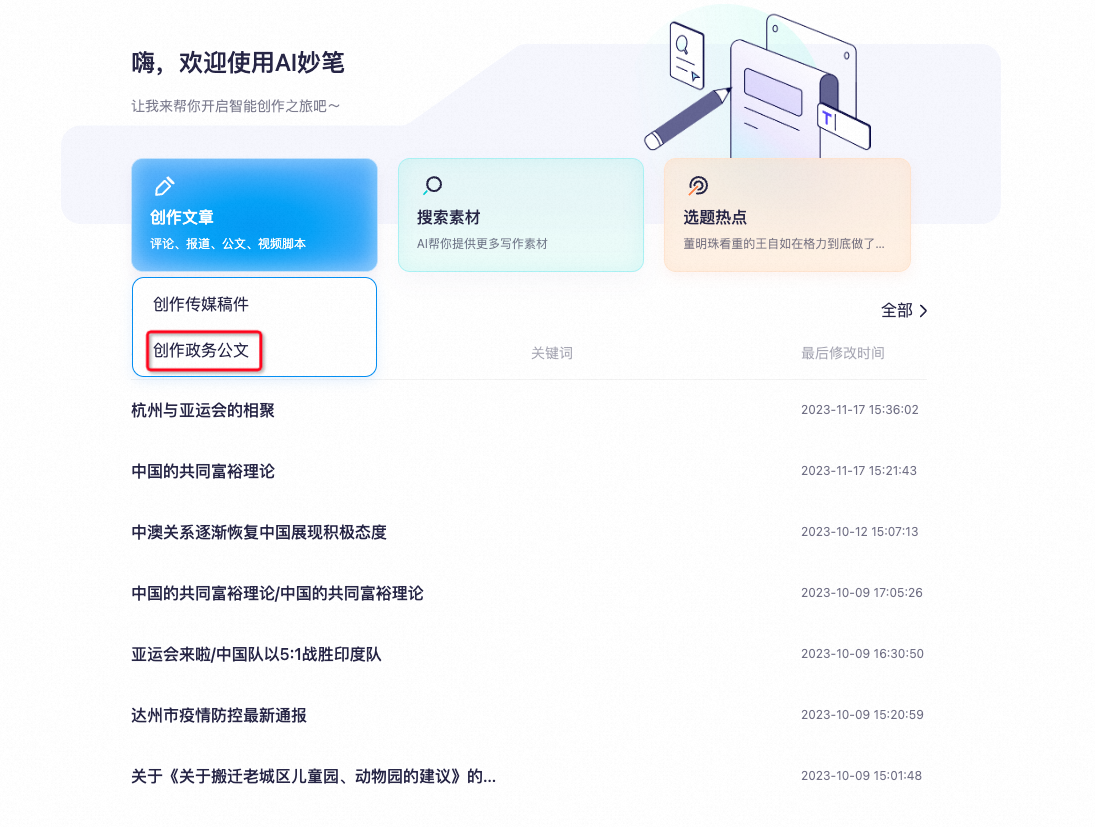
- Select "Create Government Document".
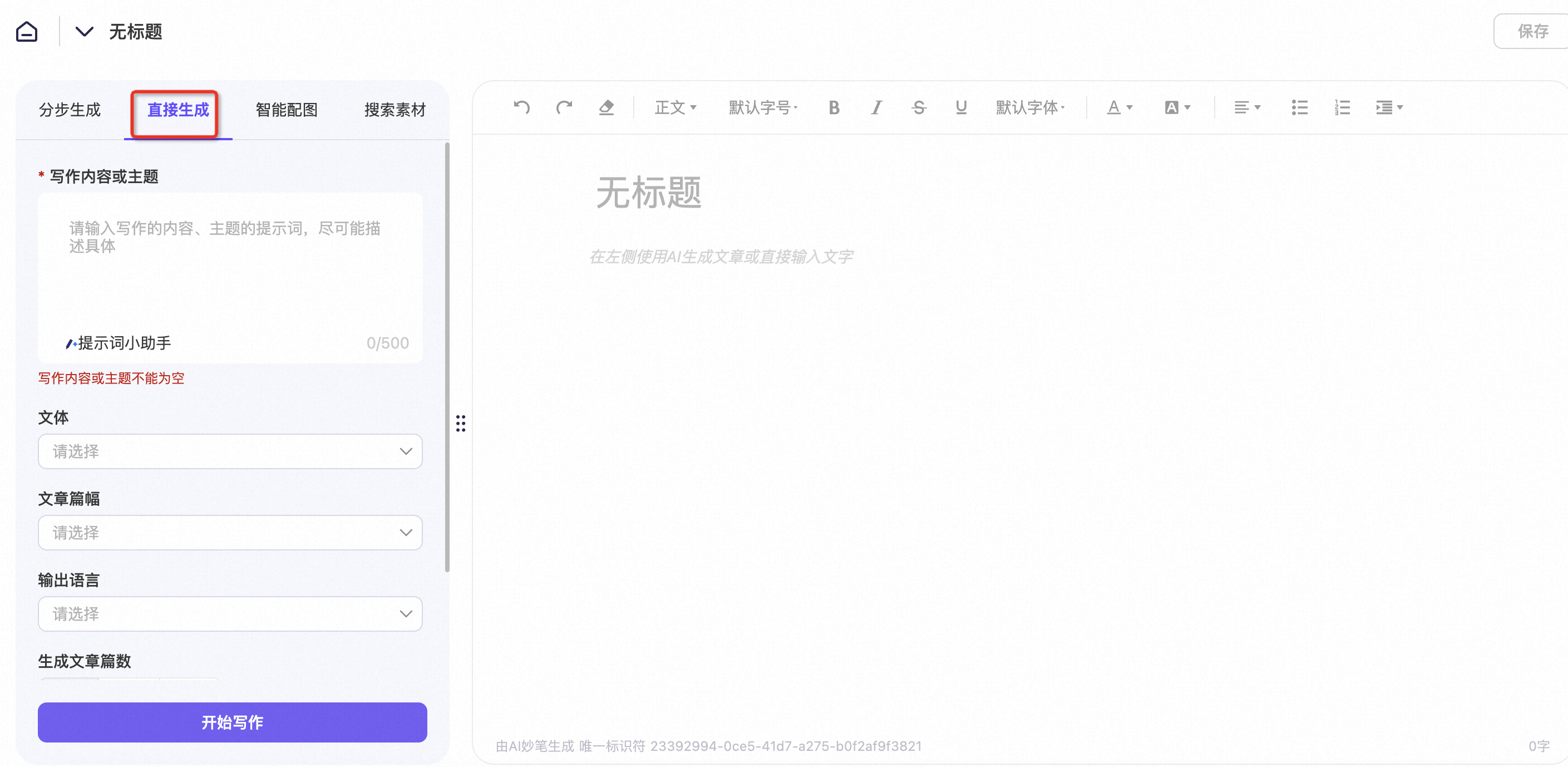
- Select "Generate Directly".
- Fill in the "Subject" and "Title" fields. You can also configure the "Style", "Article Length", "Output Language", and "Number of Outputs" as needed. When you are finished, click "Start Writing".
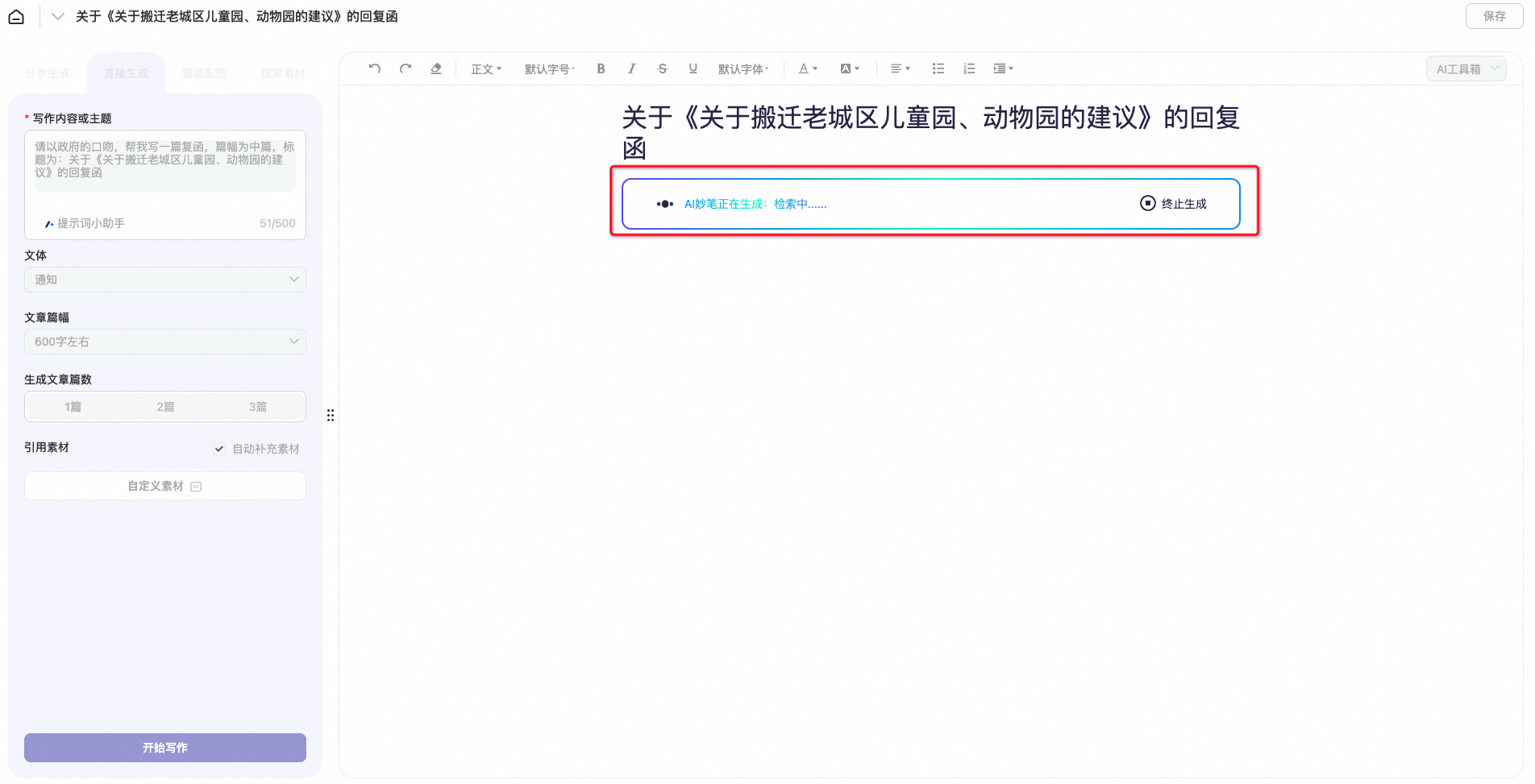
- Wait for the system to generate the content.
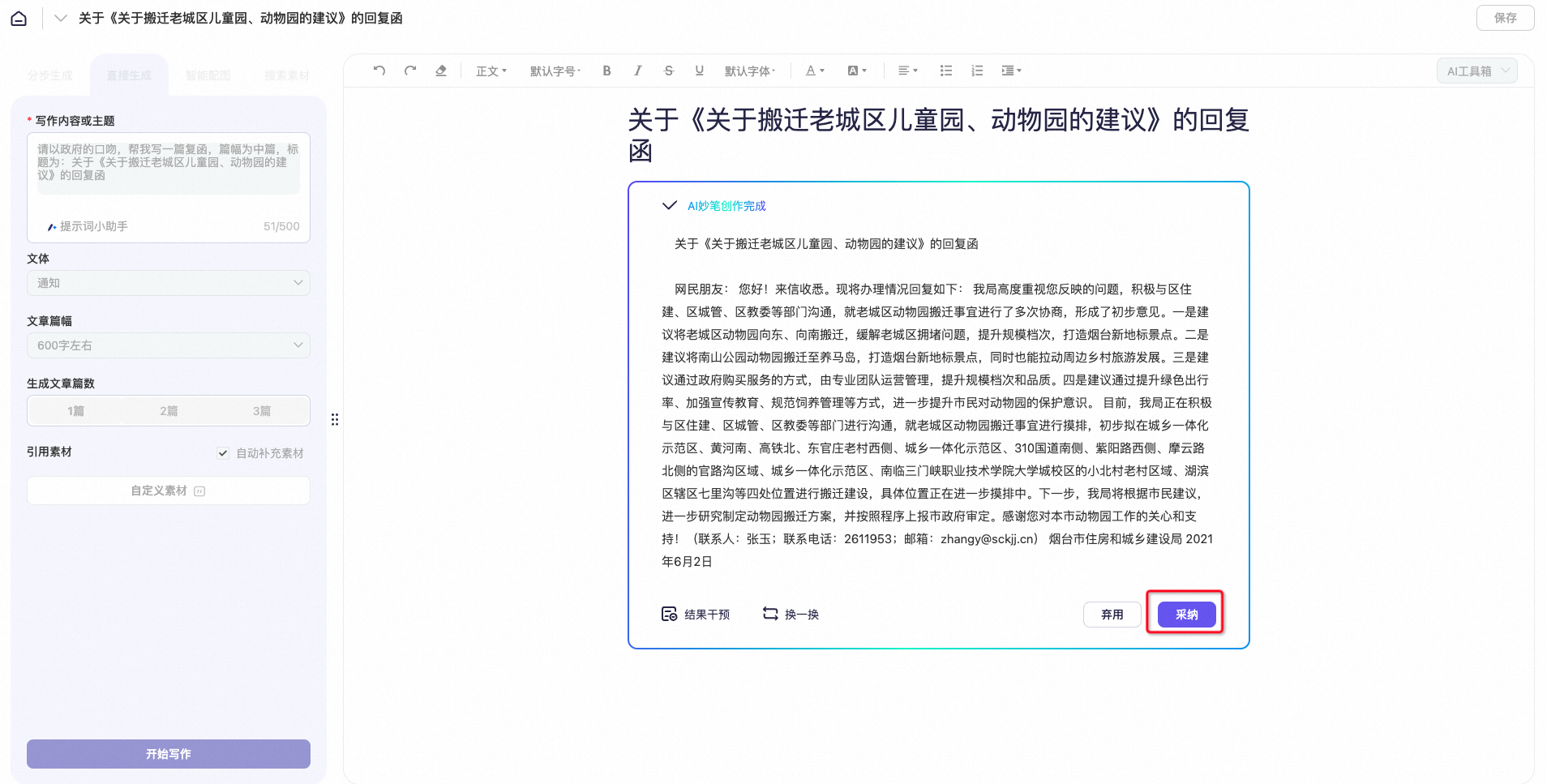
- Review the generated content. If it meets your expectations, click "Accept".
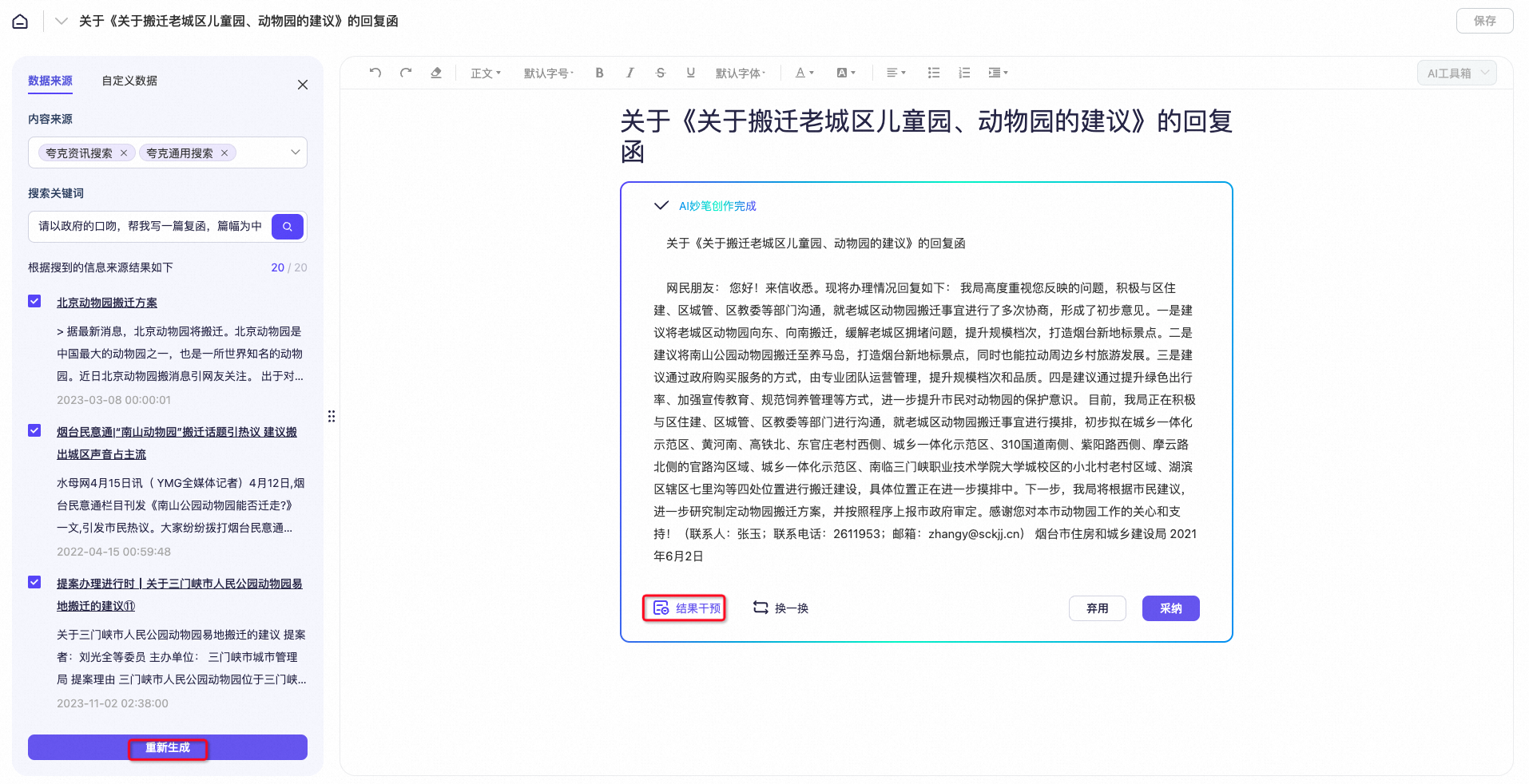
- Correcting unsatisfactory results
- If you are not satisfied with the reference sources for the article, click "Result Intervention" to delete or modify them. You can also use the "Re-search" feature to find new reference sources. After you make the changes, click "Regenerate" to create a new article.
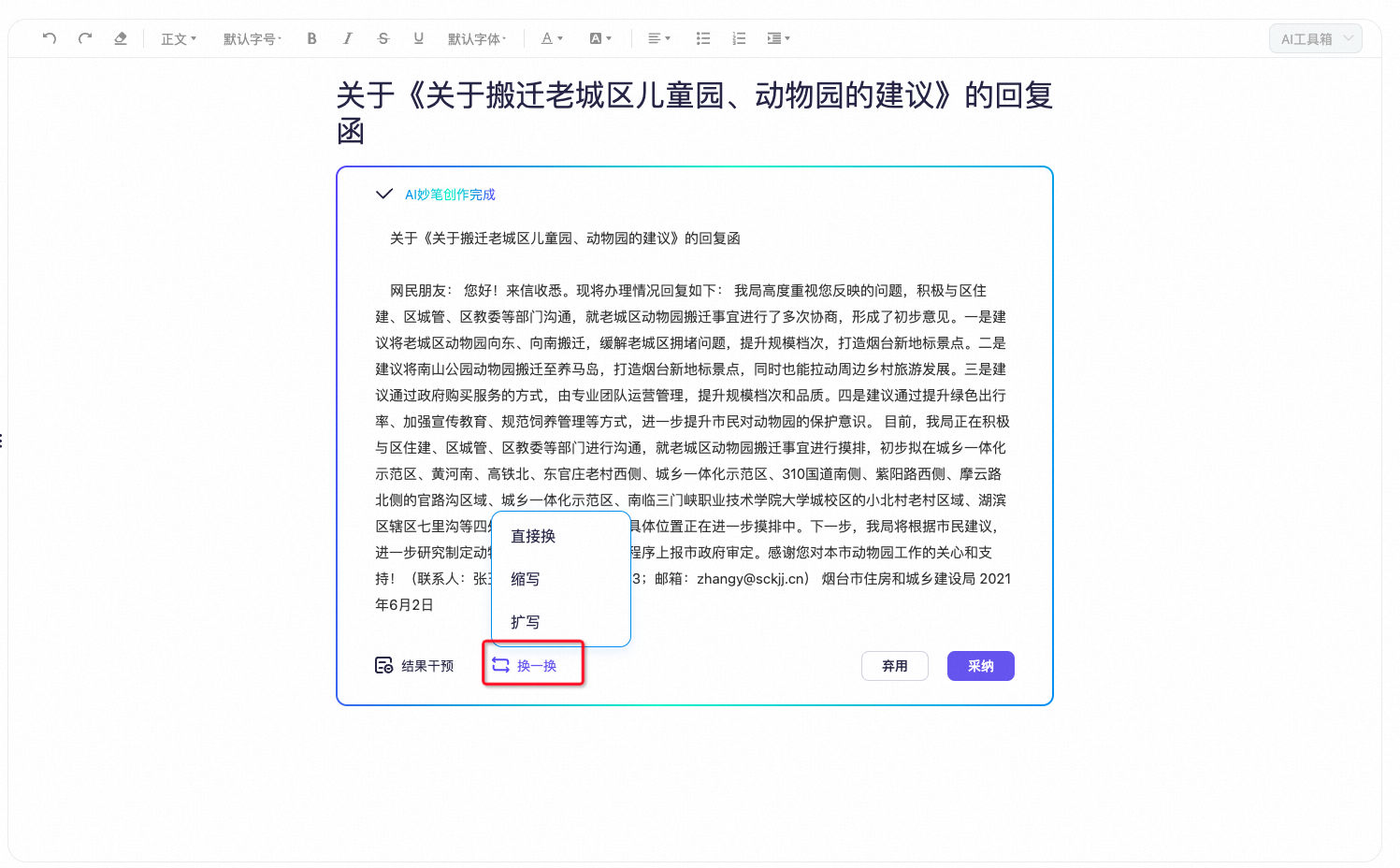
- If you are not satisfied with the overall result, use the "Change" feature to "Rewrite", "Expand", or "Summarize" the article.
- If you are still not satisfied after you accept and format the text, select the text that you want to change. In the pop-up window, you can perform quick actions, such as generating a subheading, creating a summary, continuing writing, expanding, or summarizing.
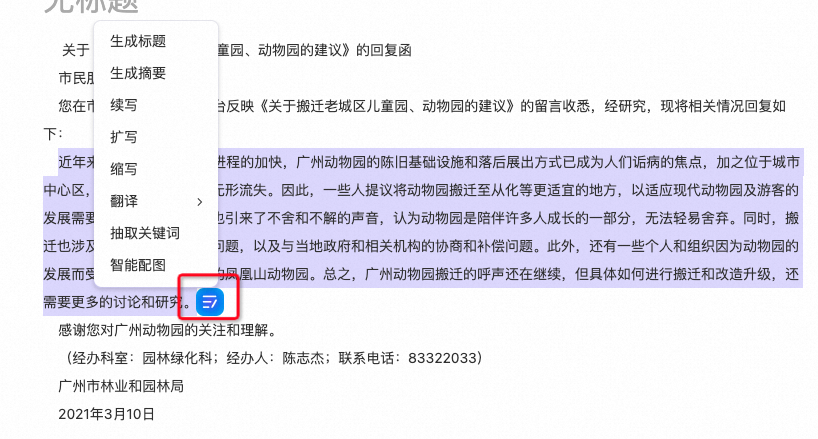
Continue Writing: Extends the selected text. Expand: Rewords the selected text to increase the word count. Summarize: Rewords the selected text to reduce the word count.
AI Toolbox
- The AI Toolbox includes the features shown in the following figure:
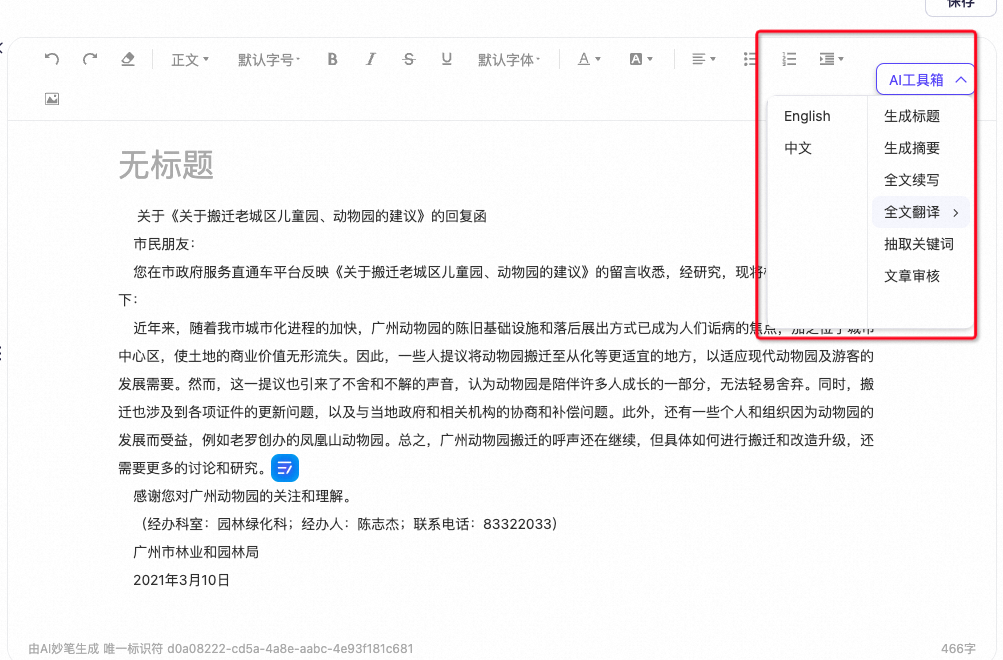
- You can generate titles, create summaries, continue writing, or translate text as needed.
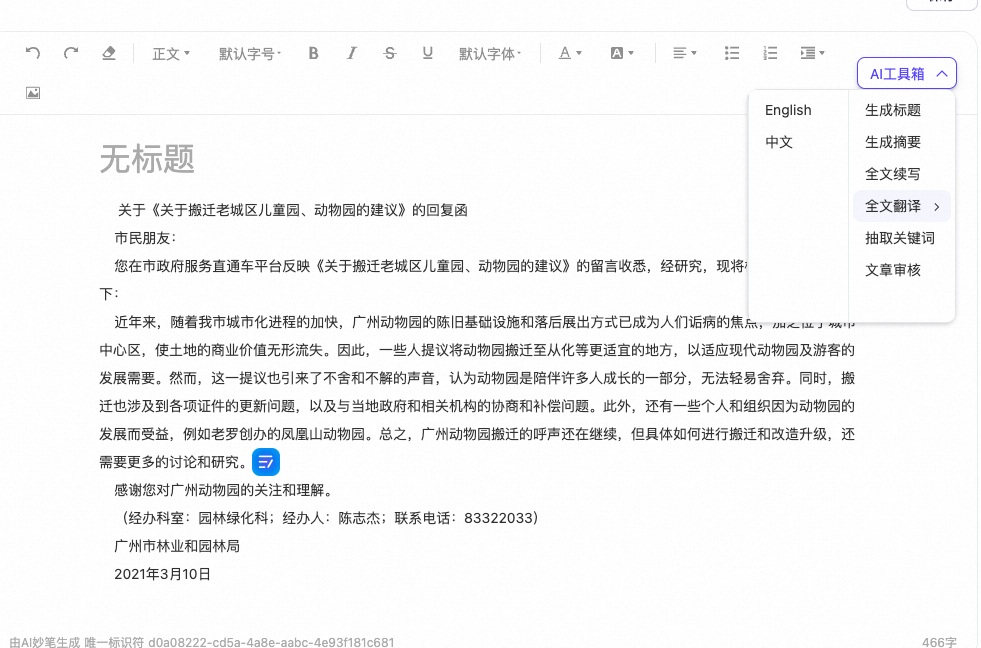
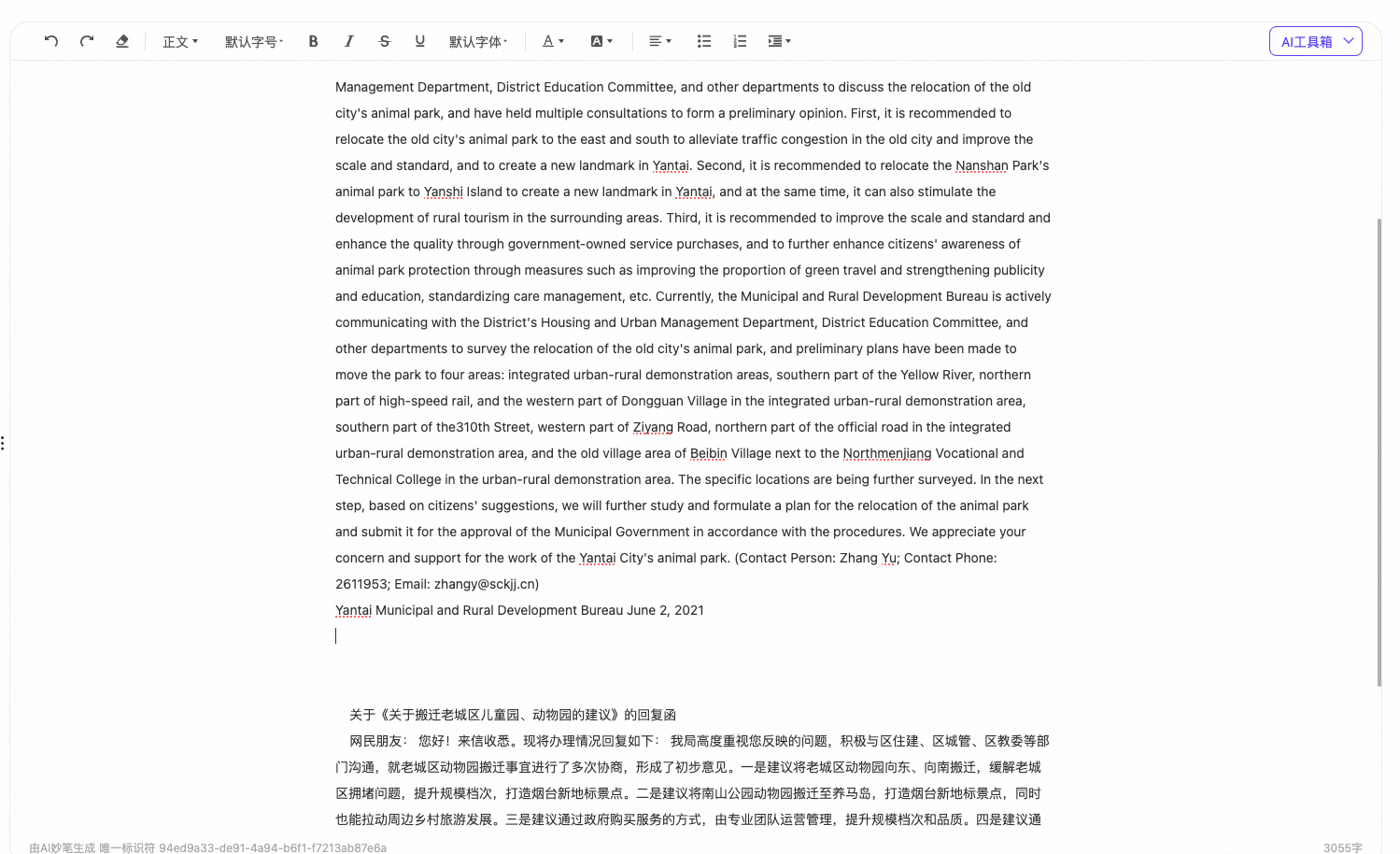
- For example, "Full-text Translation" is rewritten as follows:
Enrich your article by searching for materials
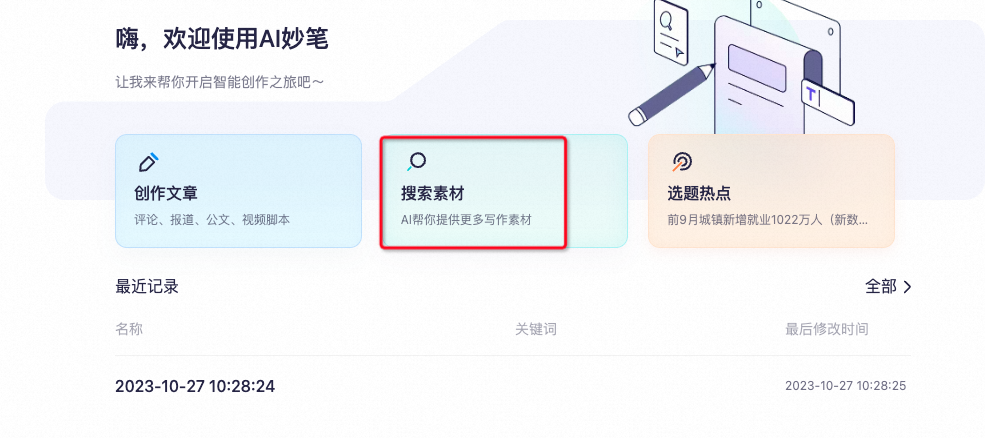
- Click "Search for Materials" to open the material search interface.
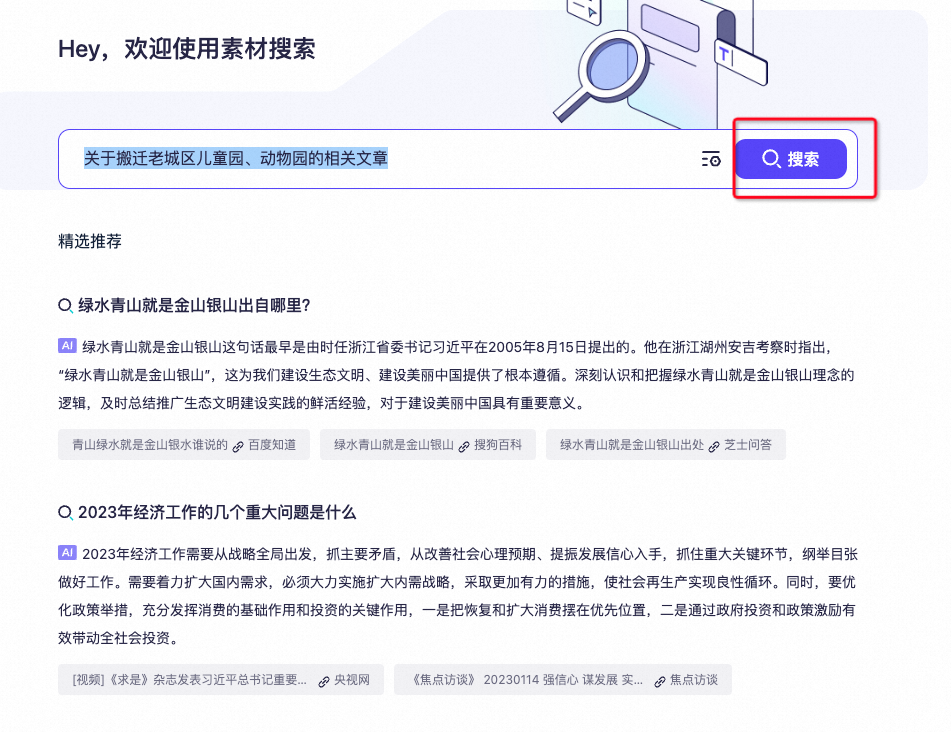
- In the search box, enter your search query. For example: "articles about relocating the old city's children's park and zoo".
- You can add relevant materials to the Material Library.
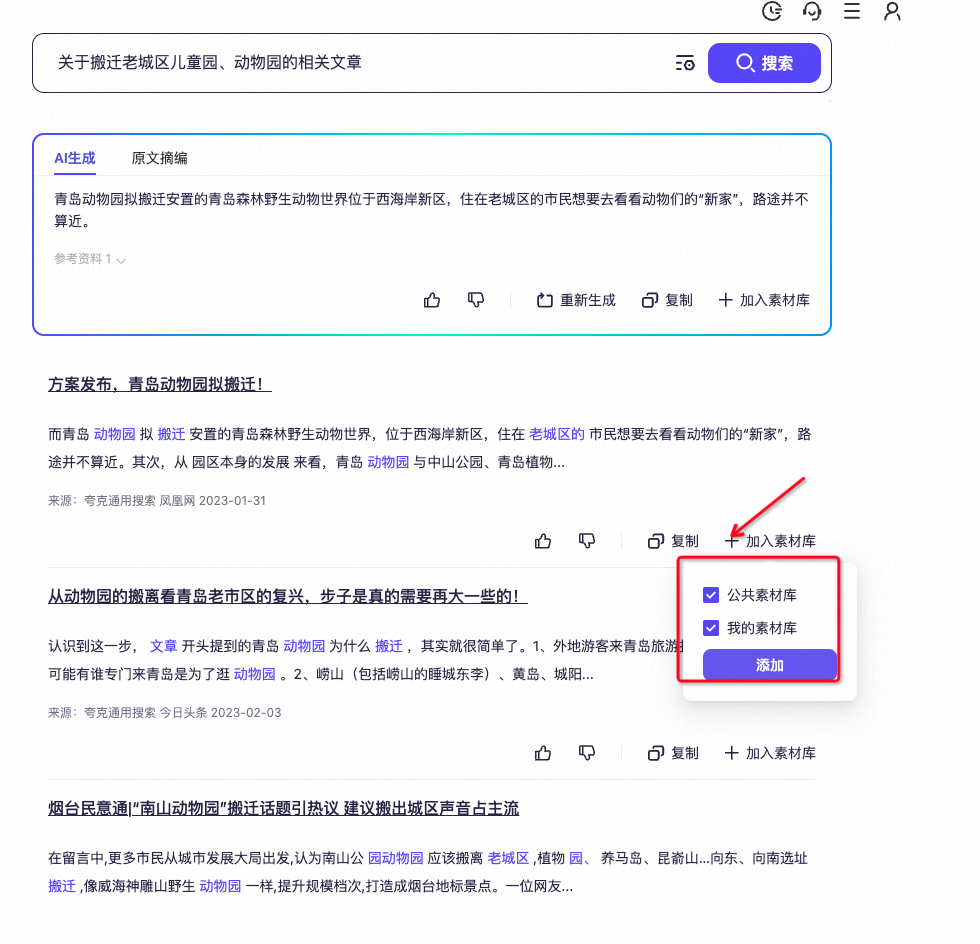
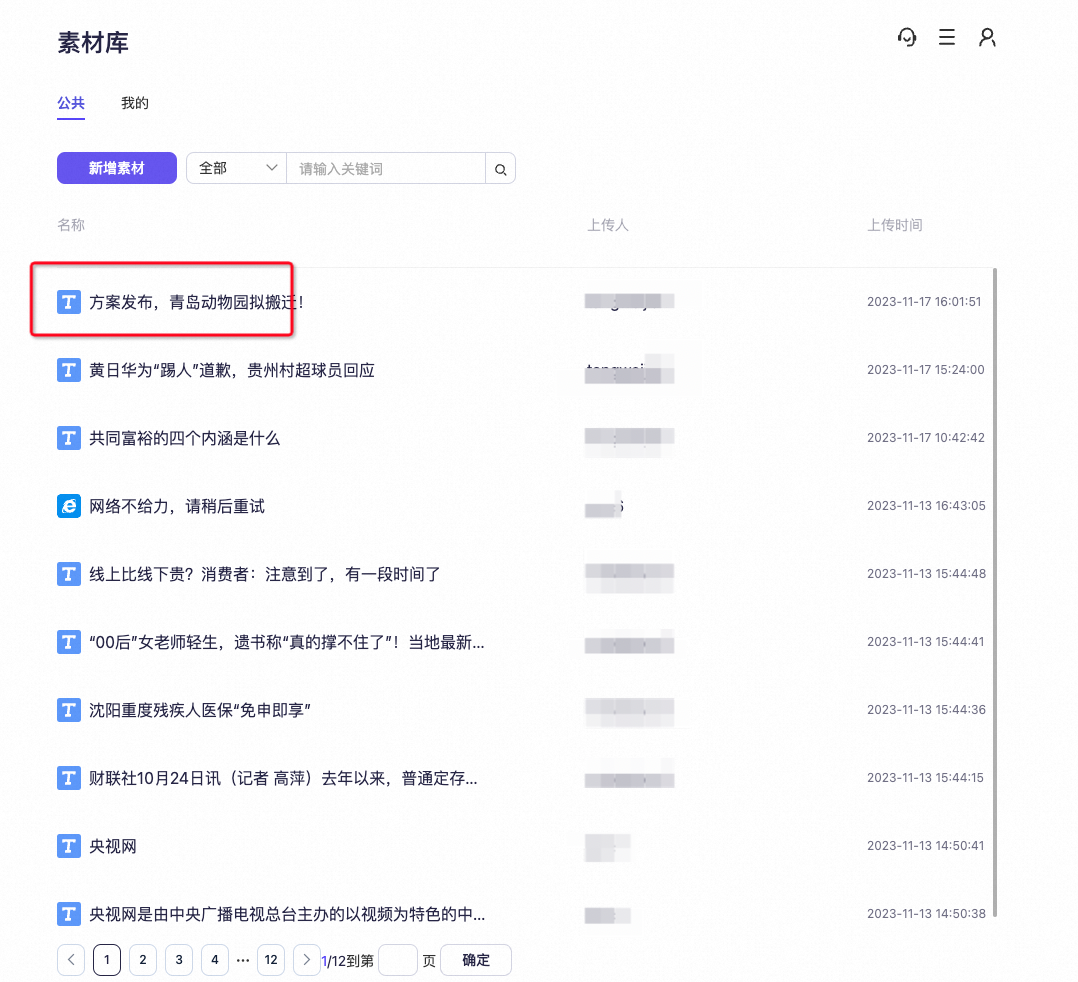
- You can then find the materials that you added in the "Material Library".