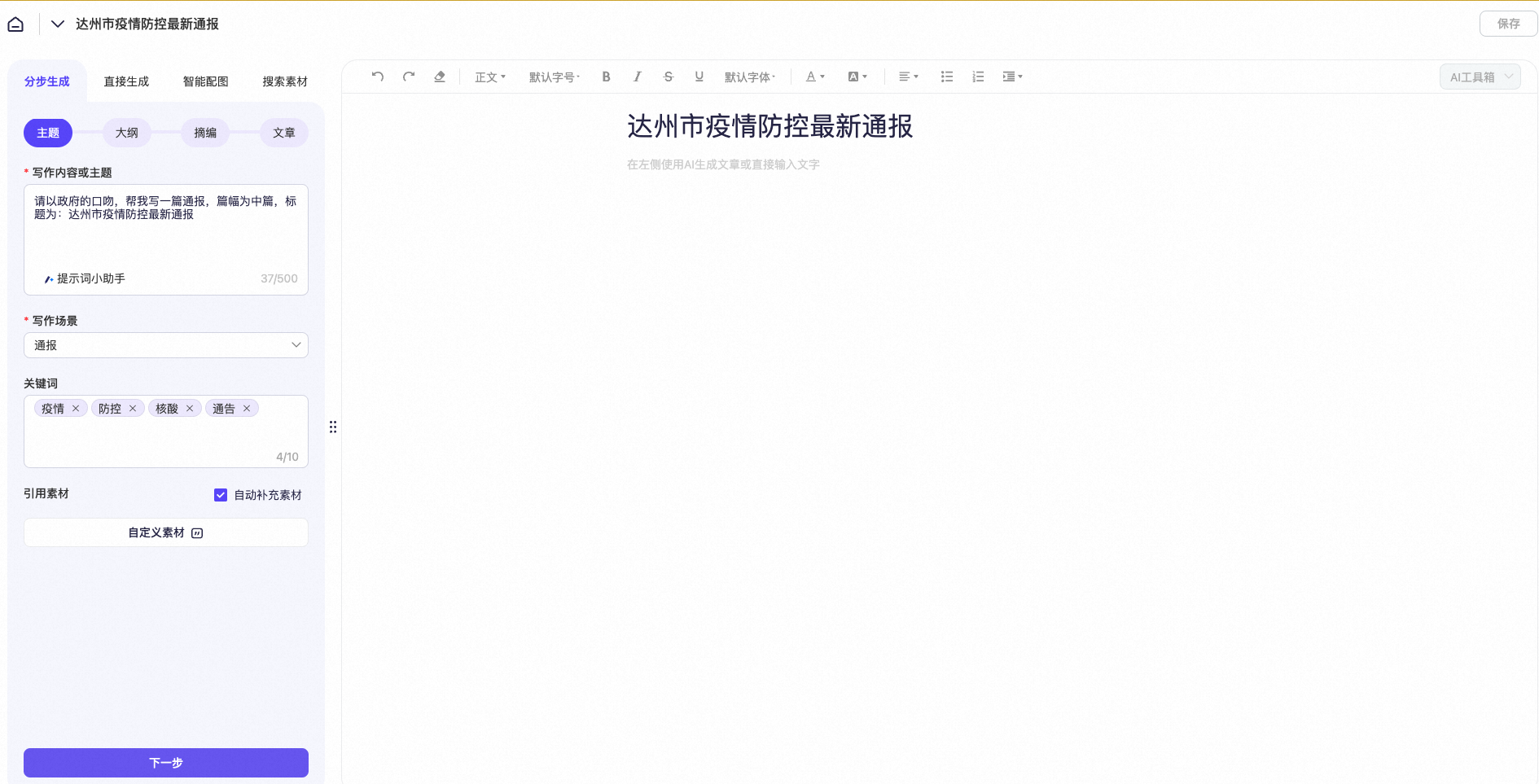
Subject (prompt) | In a government tone, write a medium-length notice titled: Latest COVID-19 Prevention and Control Update for Dazhou City |
Title | Latest COVID-19 Prevention and Control Update for Dazhou City |
Keywords | COVID-19, prevention and control, nucleic acid test, notice |
Procedure
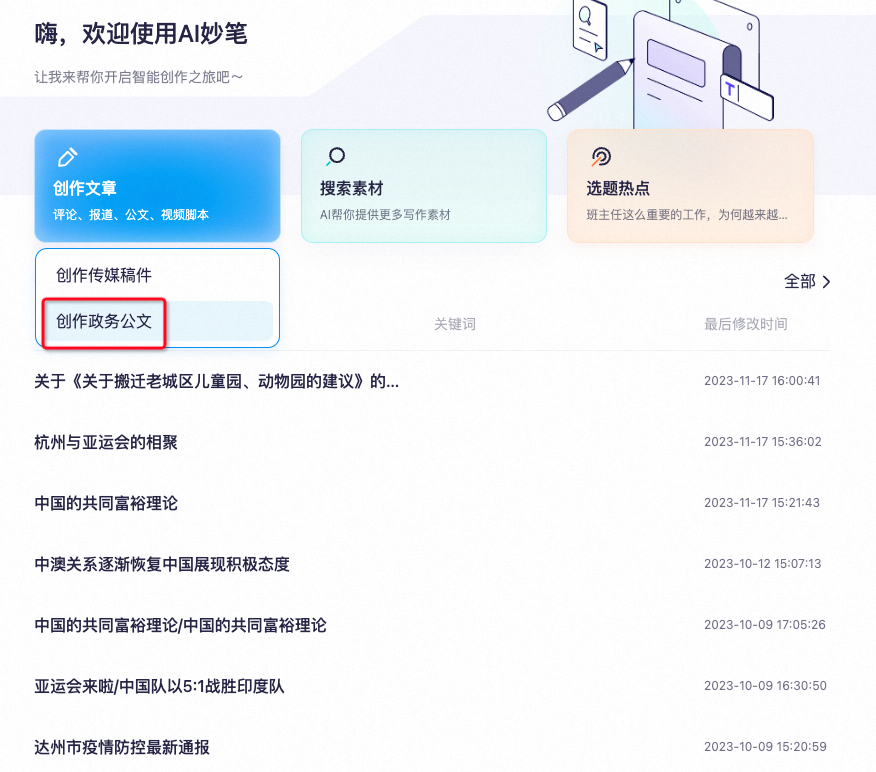
- Select "Create Government Document".
- Fill in the "Writing Content or Subject", "Title", "Scenario", and "Keywords" fields. Then, click "Next".
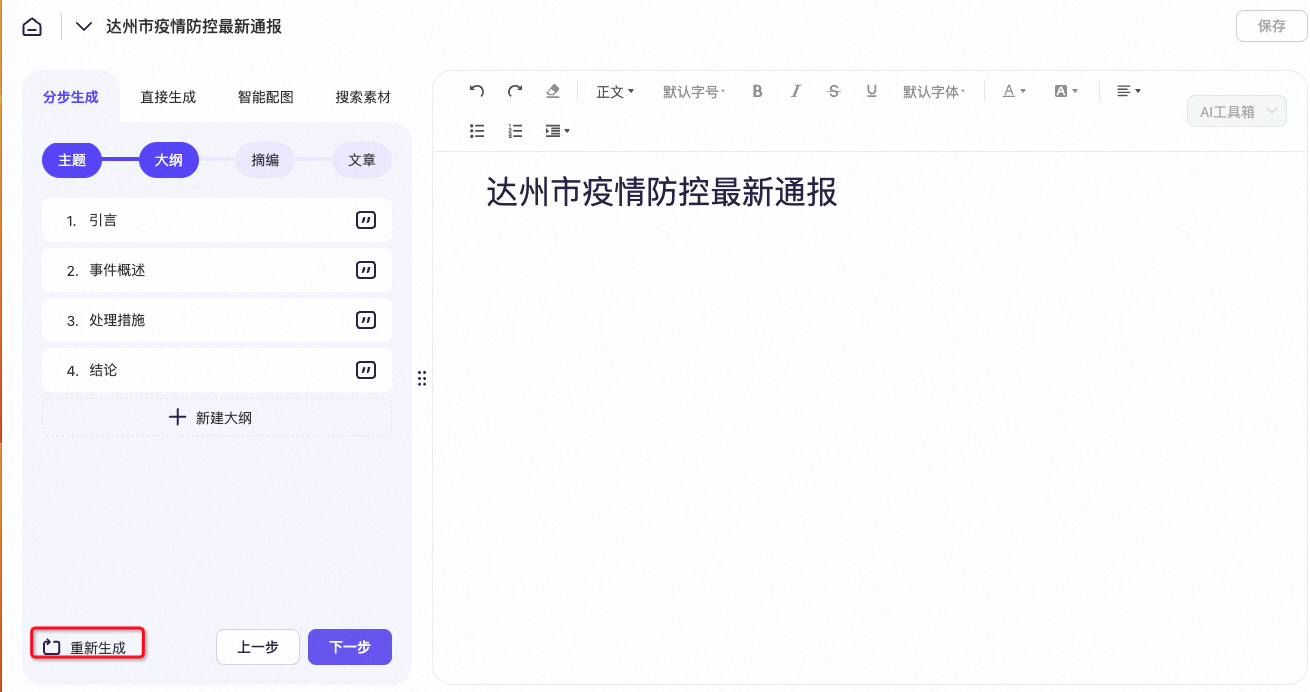
- View the generated outline.
- Regenerate the entire outline
- Edit the outline
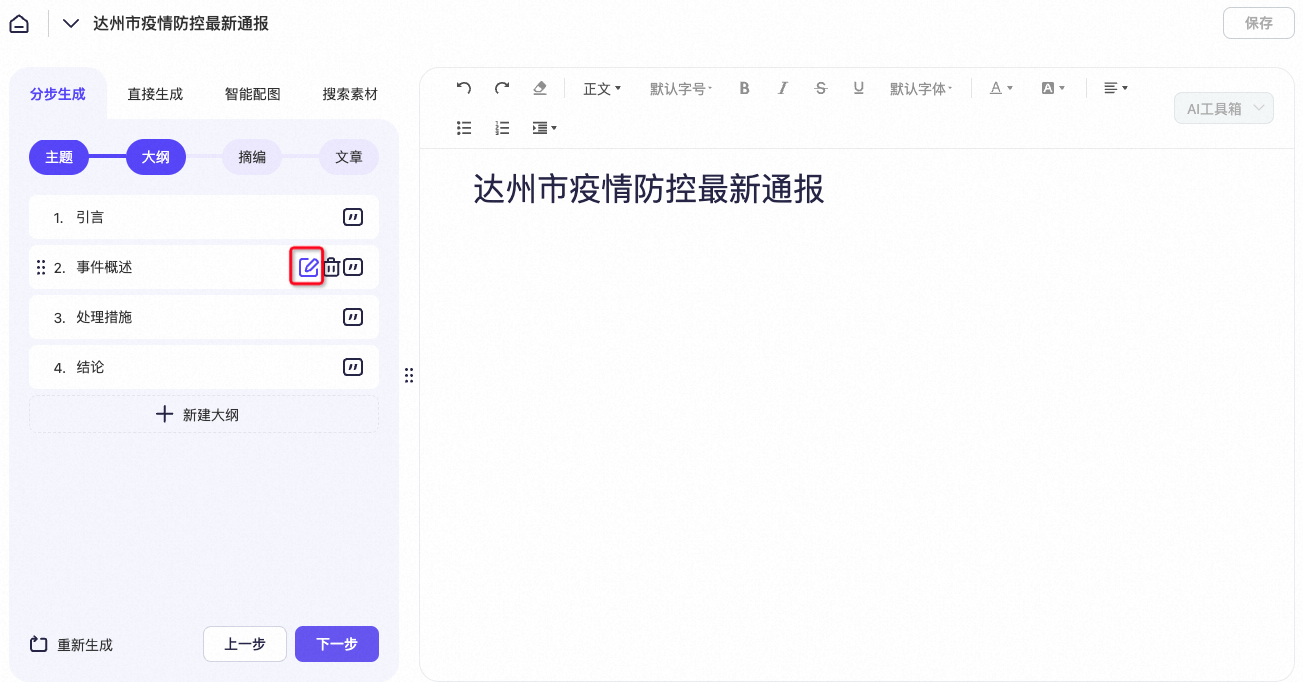
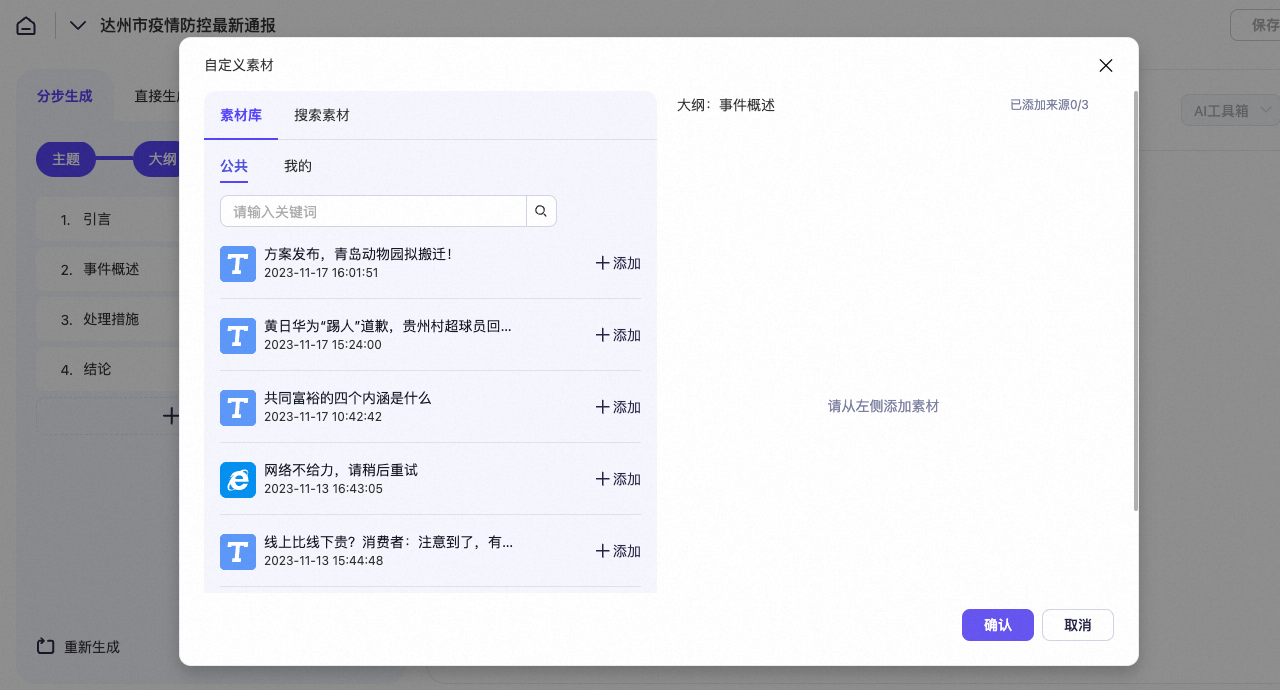
- View the generated excerpts.
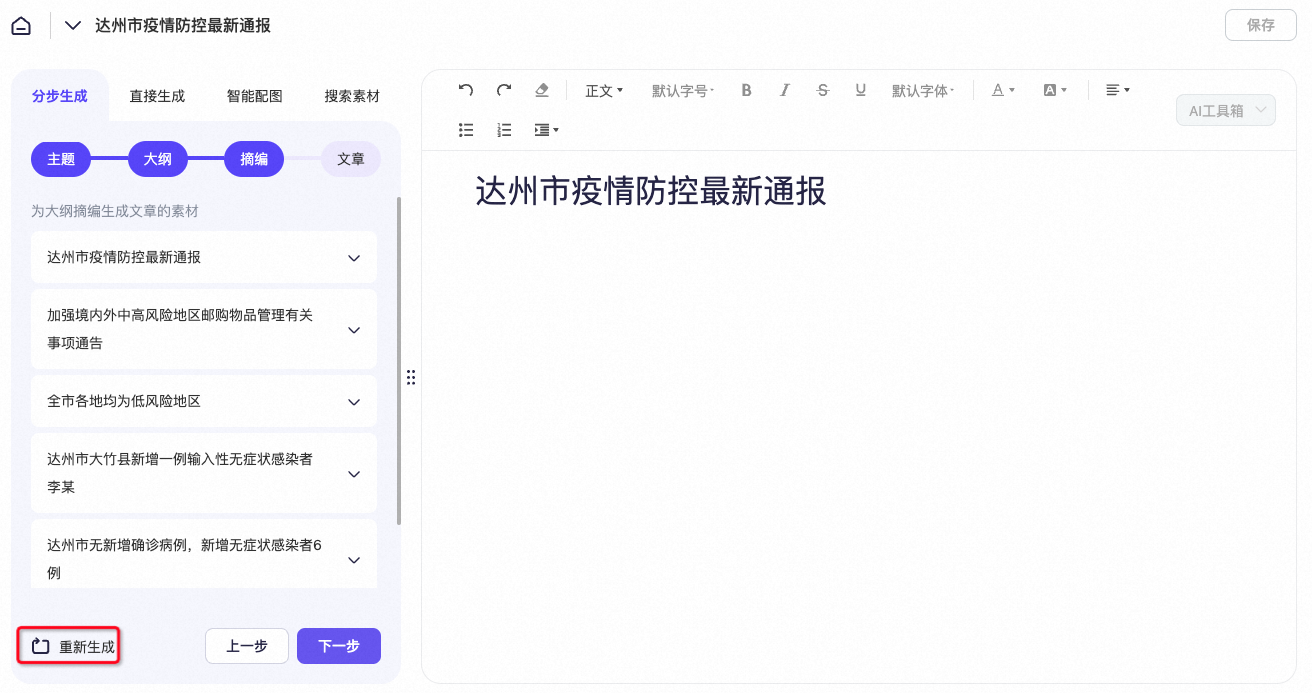
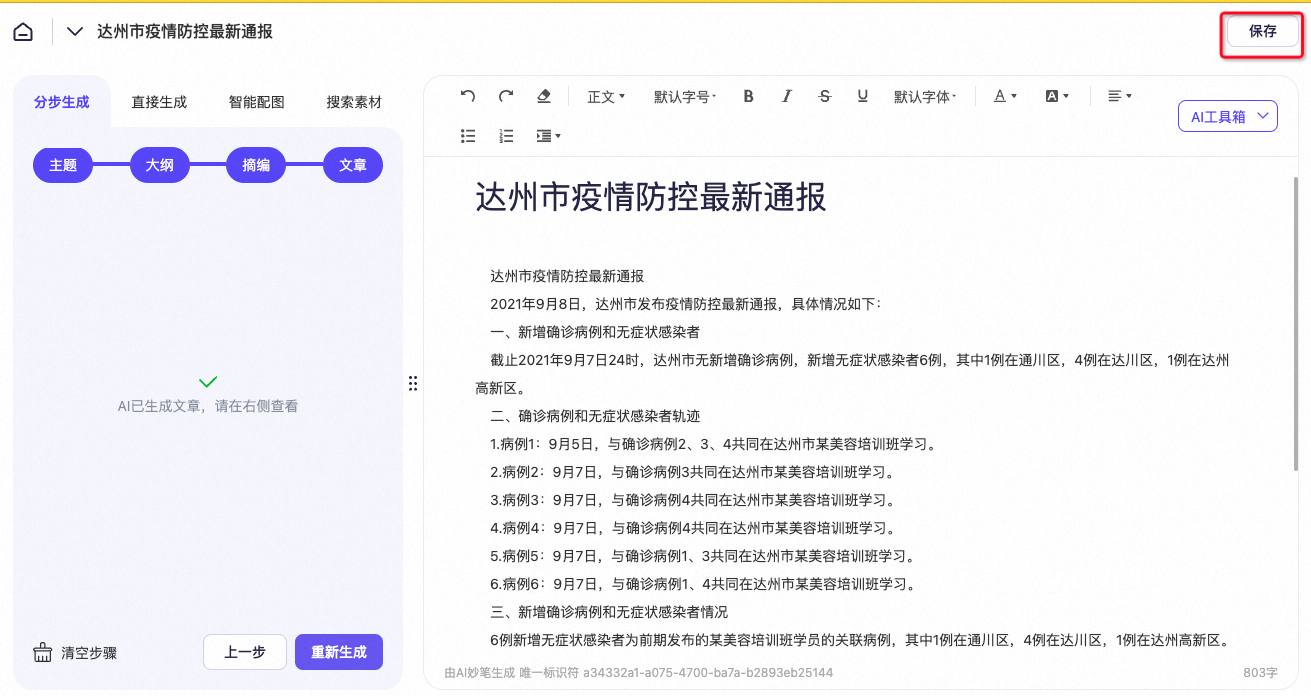
- Click "Save" to save the article to "Document Management".
Enrich content with smart material search
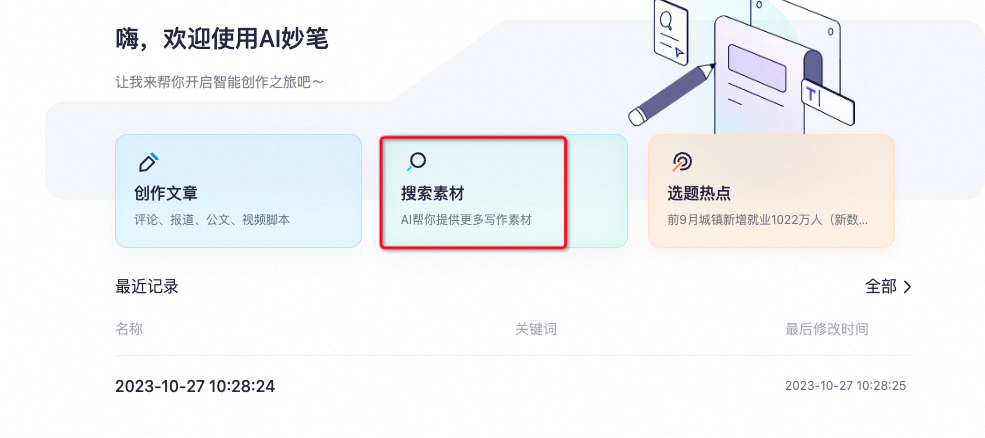
- Click "Search Materials" to open the material search interface.
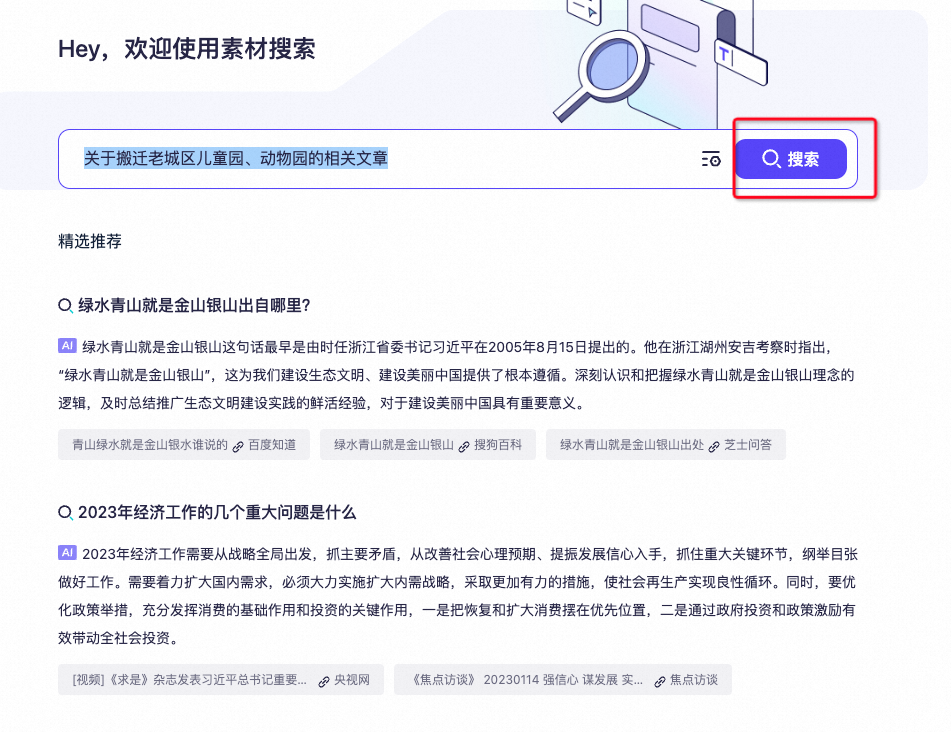
- In the search box, enter your search query. For example, you can search for articles about relocating the city's kindergarten and zoo.
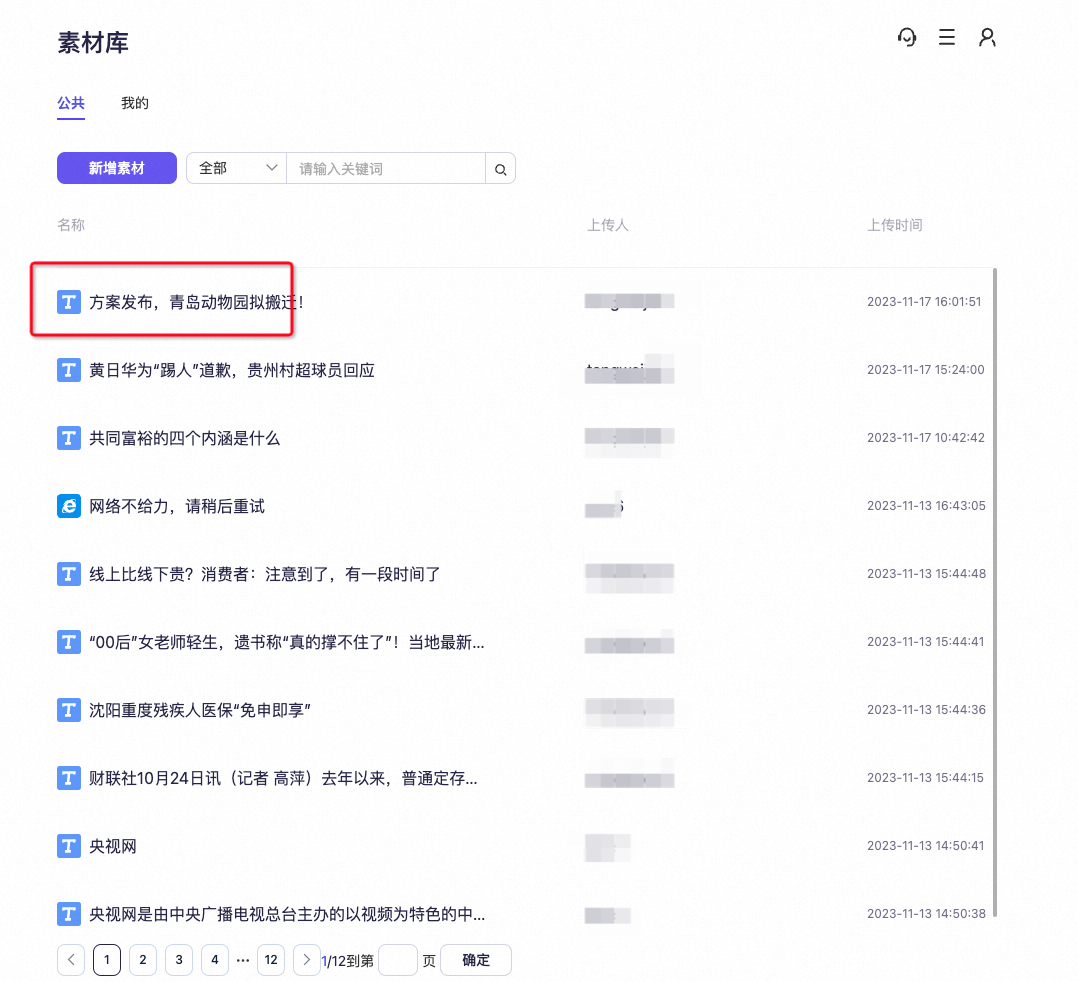
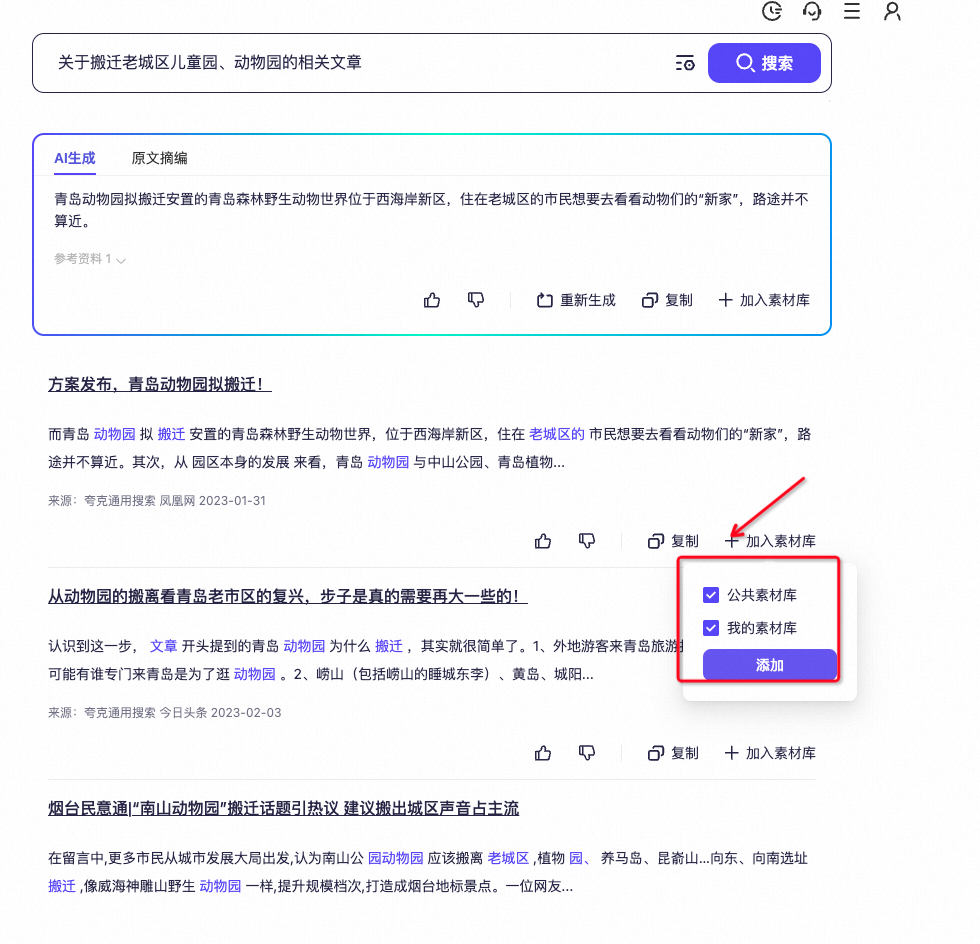
- Add relevant materials to the Material Library.
- You can find the added materials in the "Material Library".