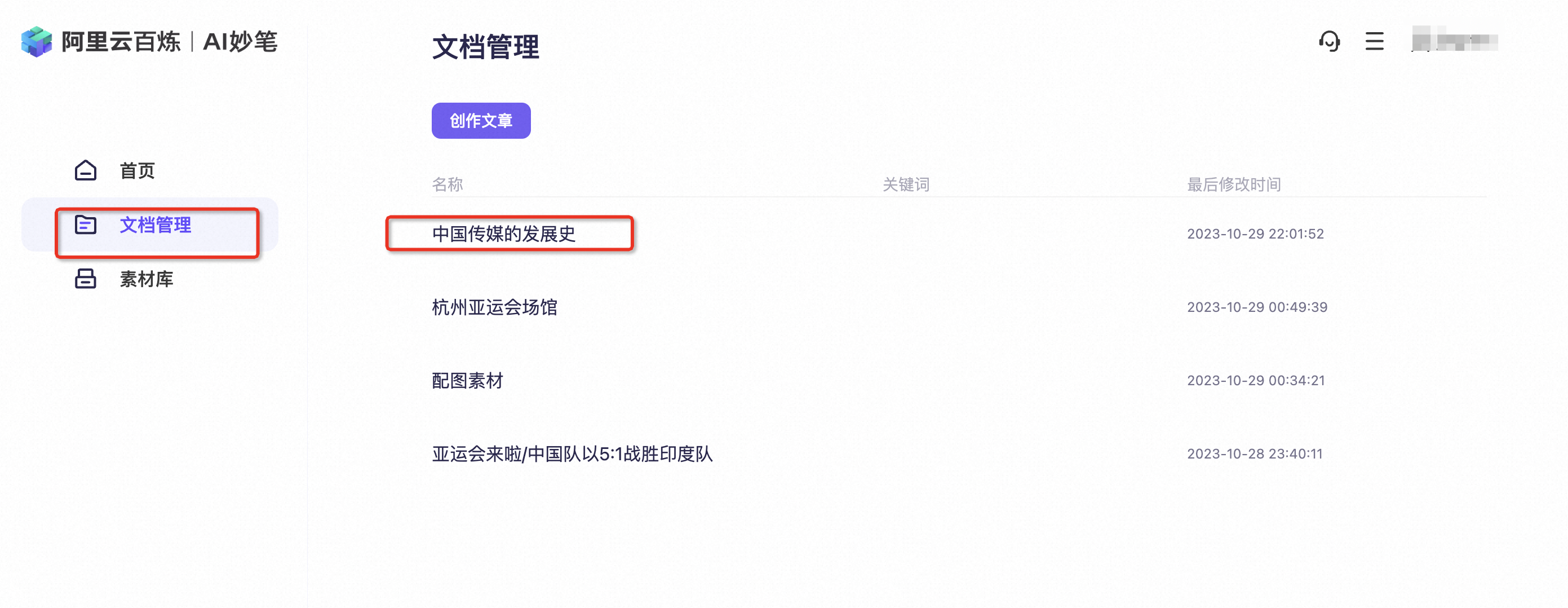
Function overview
Direct generation creates an article in one step without building an outline first. This method is fast and efficient. However, you have less control over details and customization. Use direct generation to create content quickly. Go to the AMB workbench.
Procedure
Article subject (prompt) | Write an article about the history of Chinese media. |
Article title | The History of Chinese Media |
- Select Direct Generation.
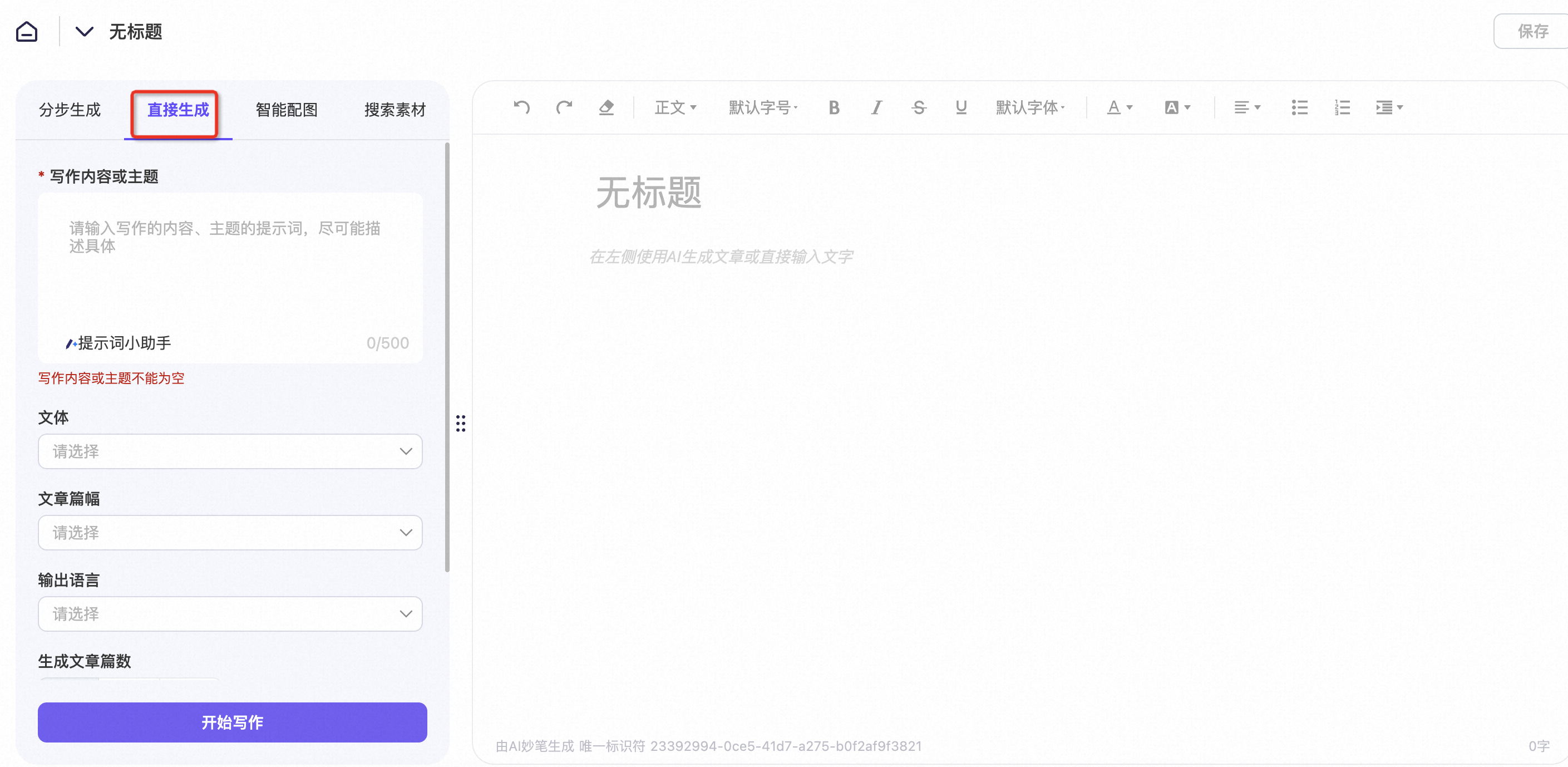
- Fill in the Subject and Title fields. You can also select the Style, Length, Output Language, and Number of Outputs. When you are finished, click Start Writing.
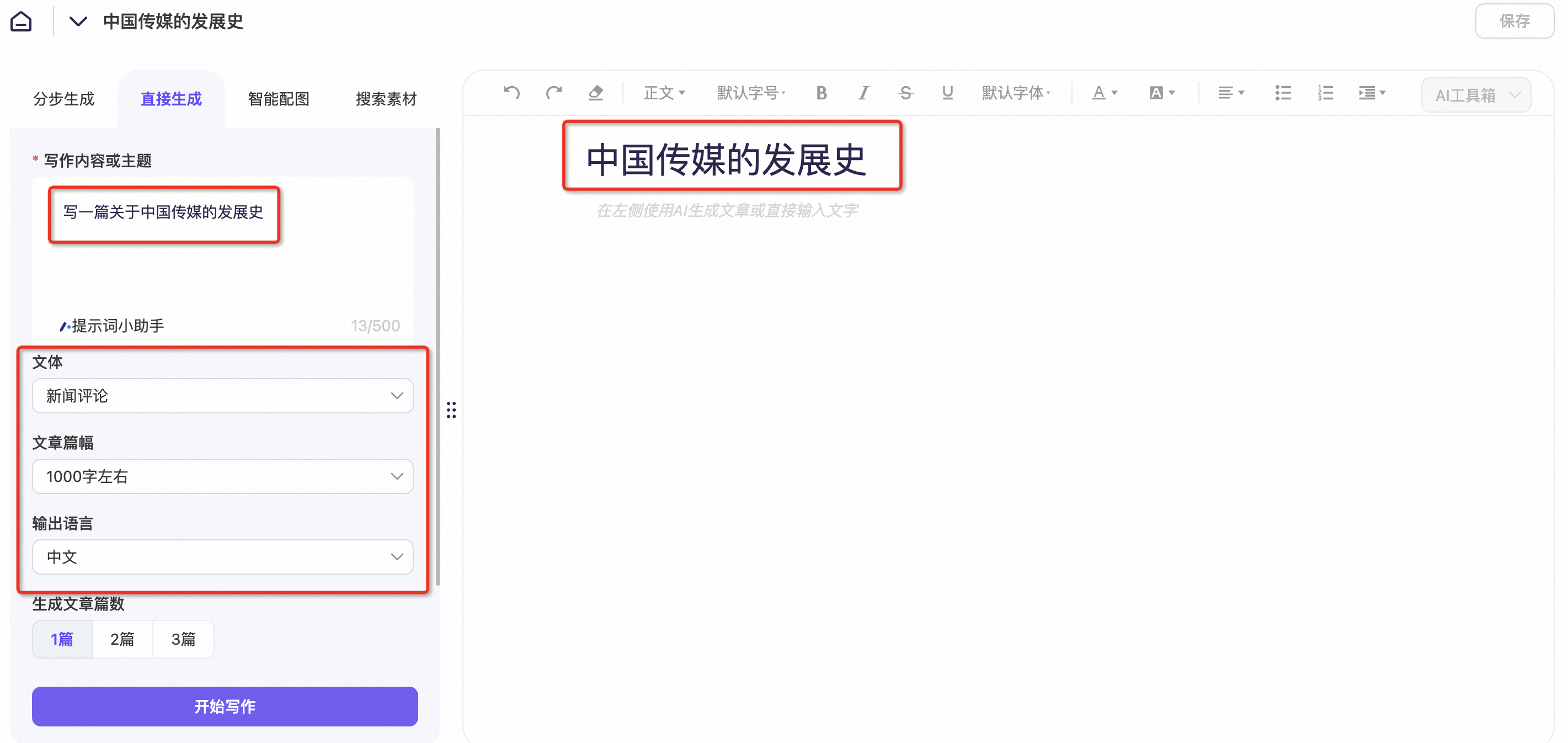
- Review the generated content. If it meets your expectations, click Accept.
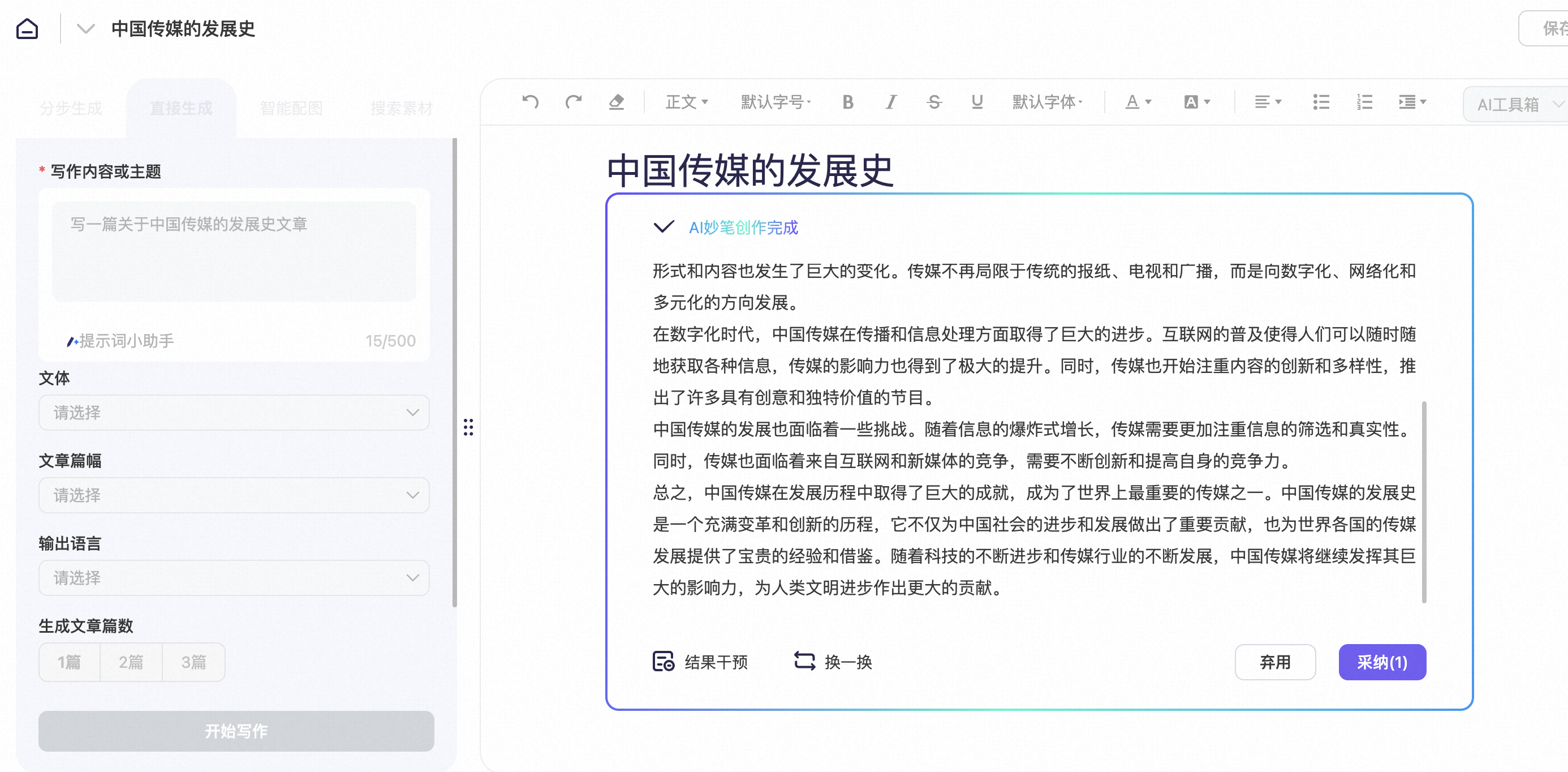
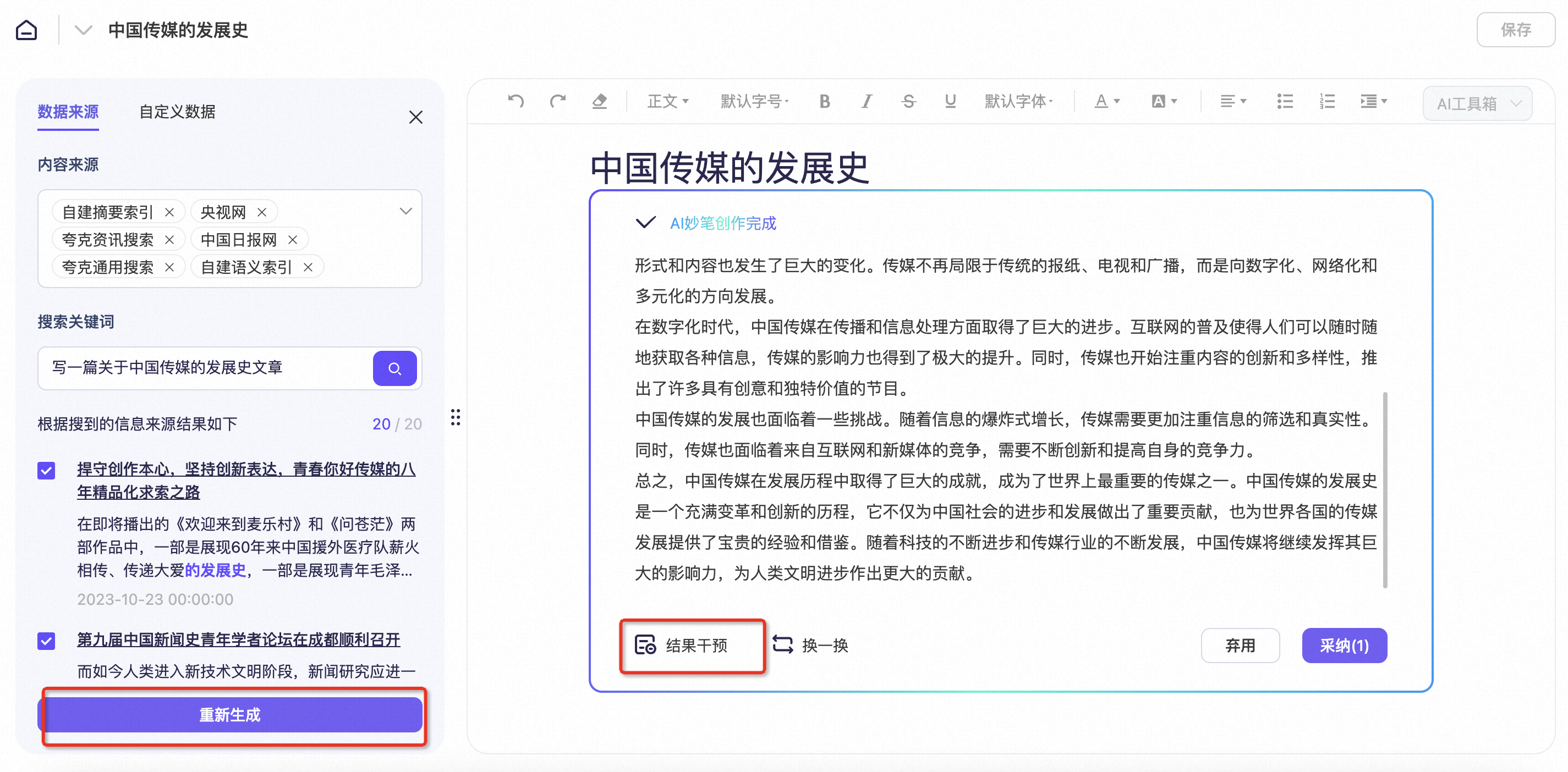
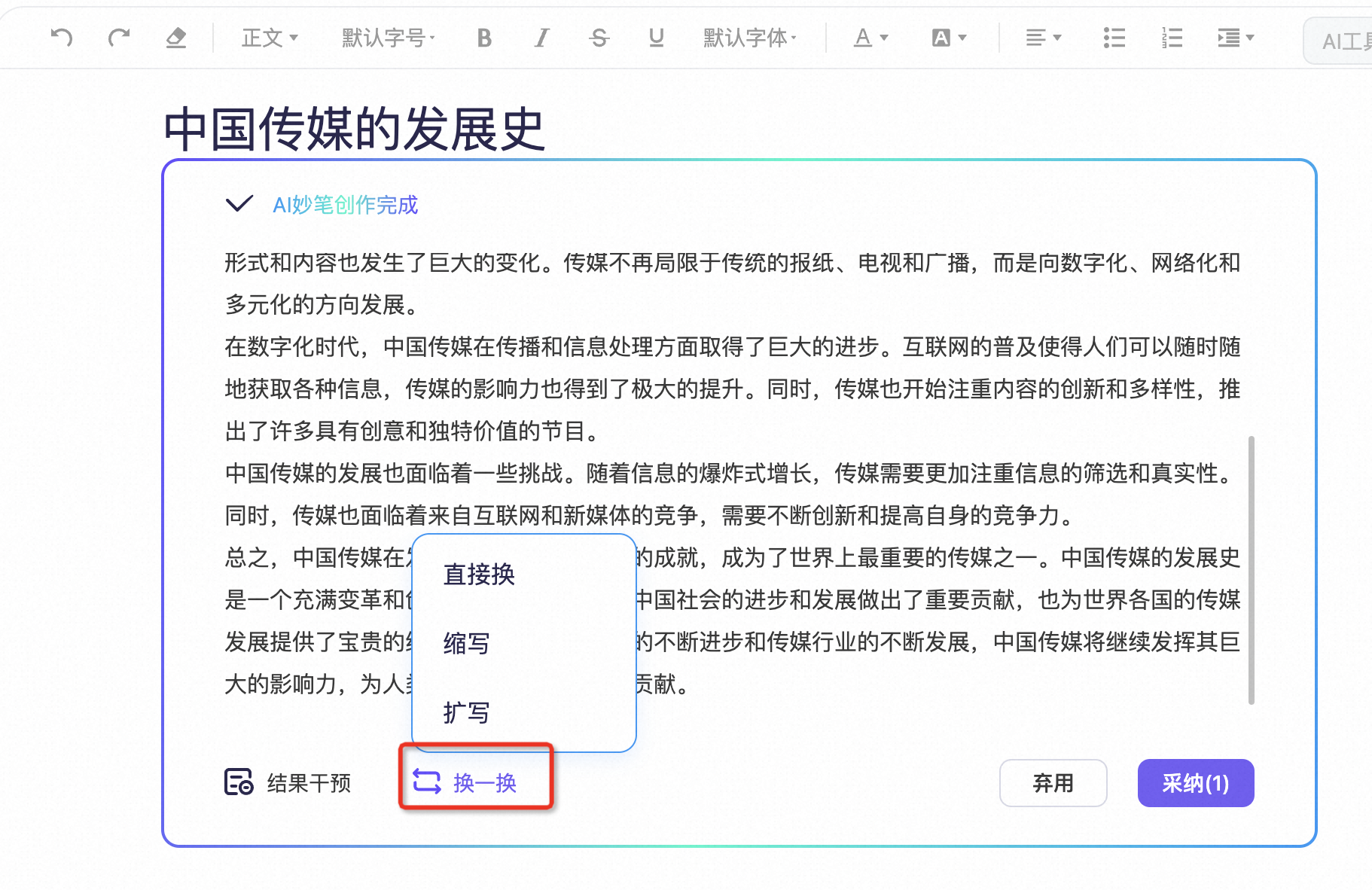
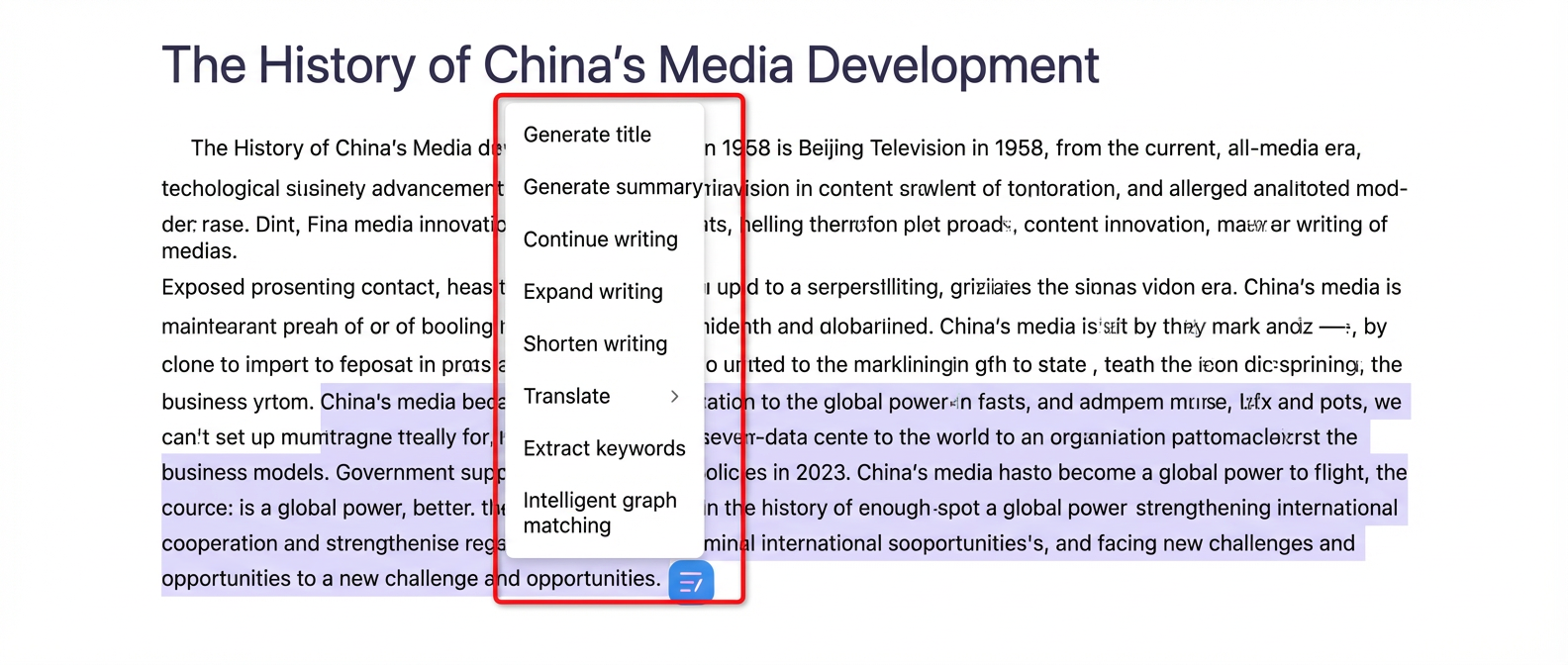
- If the result does not meet your expectations, modify it as follows:
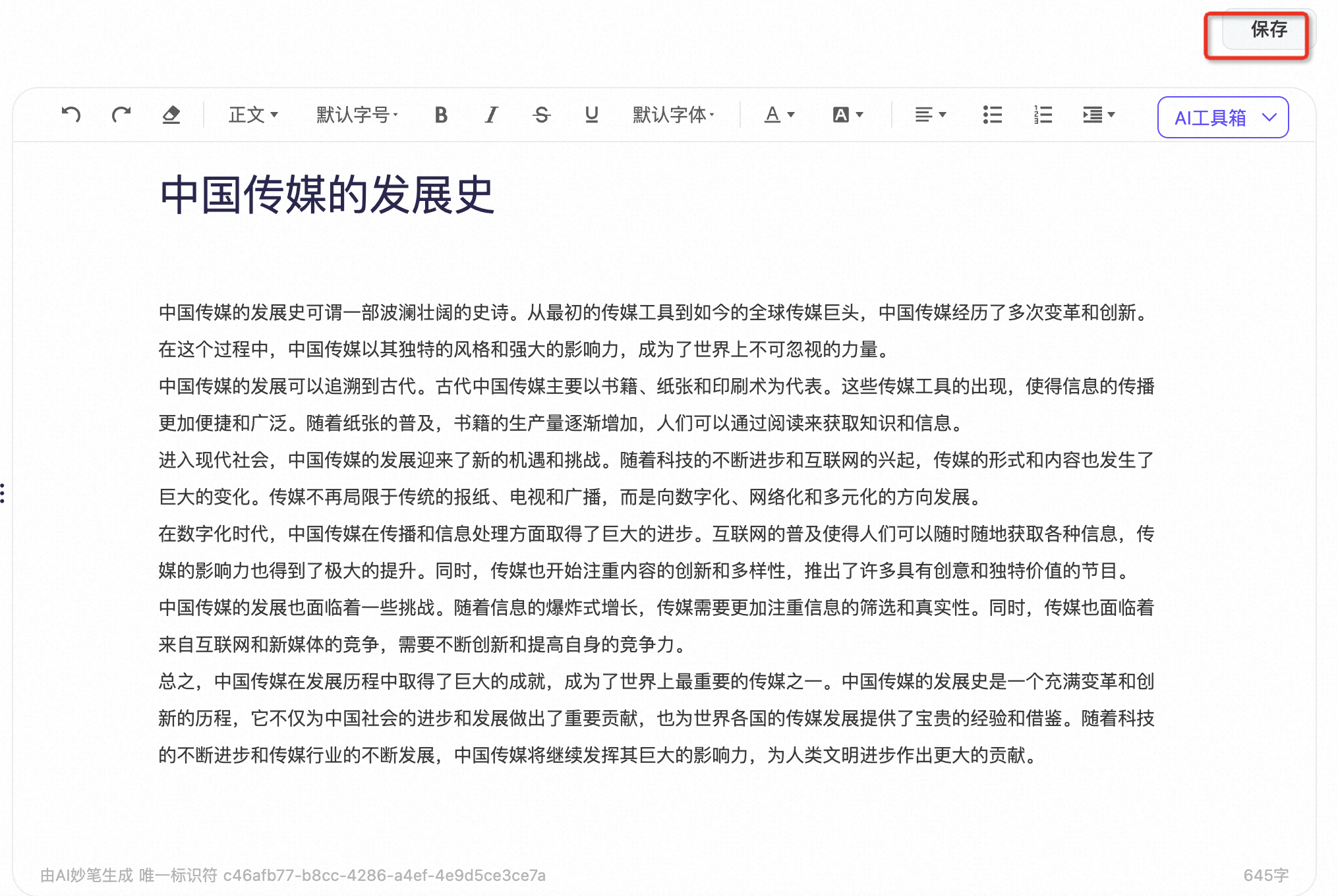
- After the content meets your expectations, click the Save button.
- You can then find your article on the Document Management page.