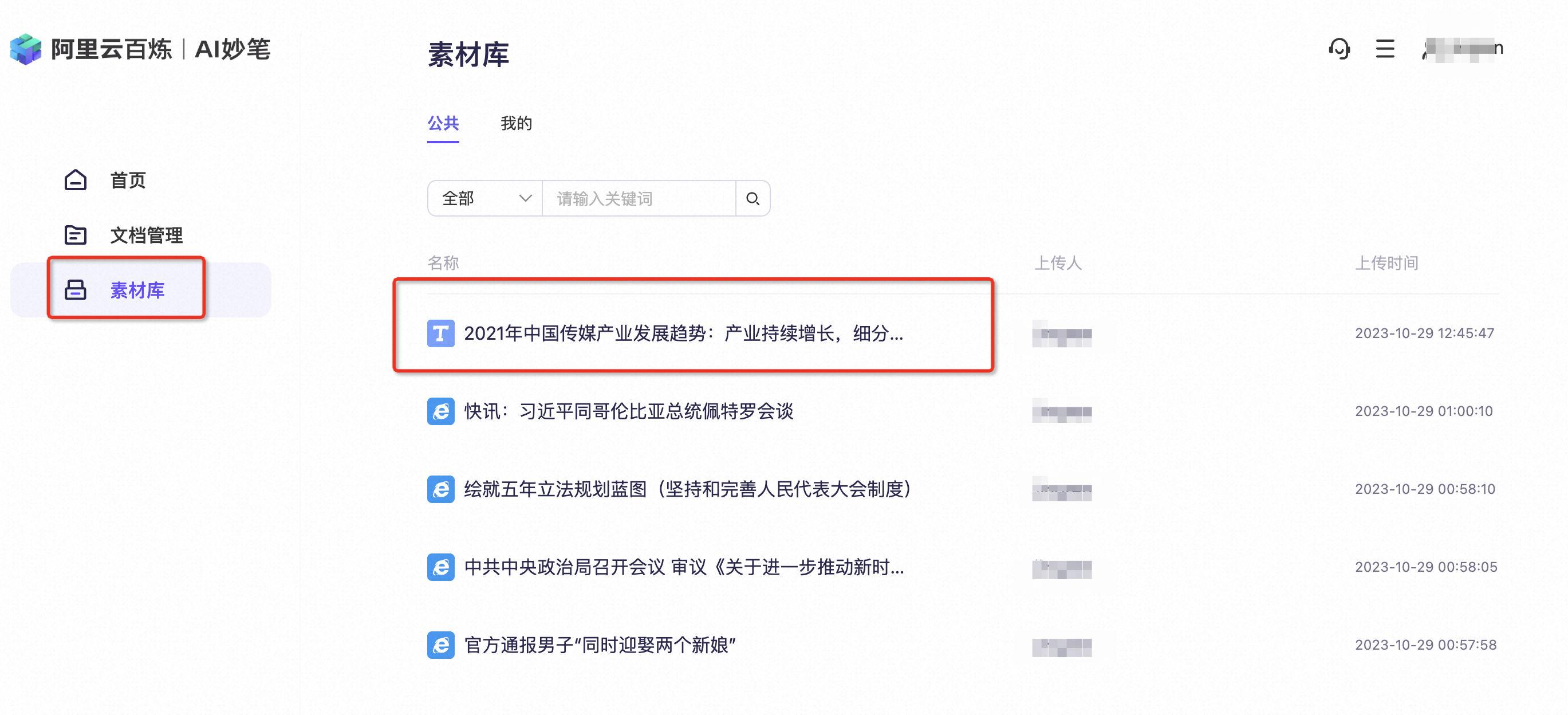
Function overview
AMB integrates with the Quark search engine to provide a powerful material search feature. This feature helps content creators efficiently search for and use online resources. When you enter keywords or a description, the system searches the Internet and displays related materials. You can then add suitable materials to the Material Library.Go to the AMB console
Procedure
- Click Search for materials to find more content.
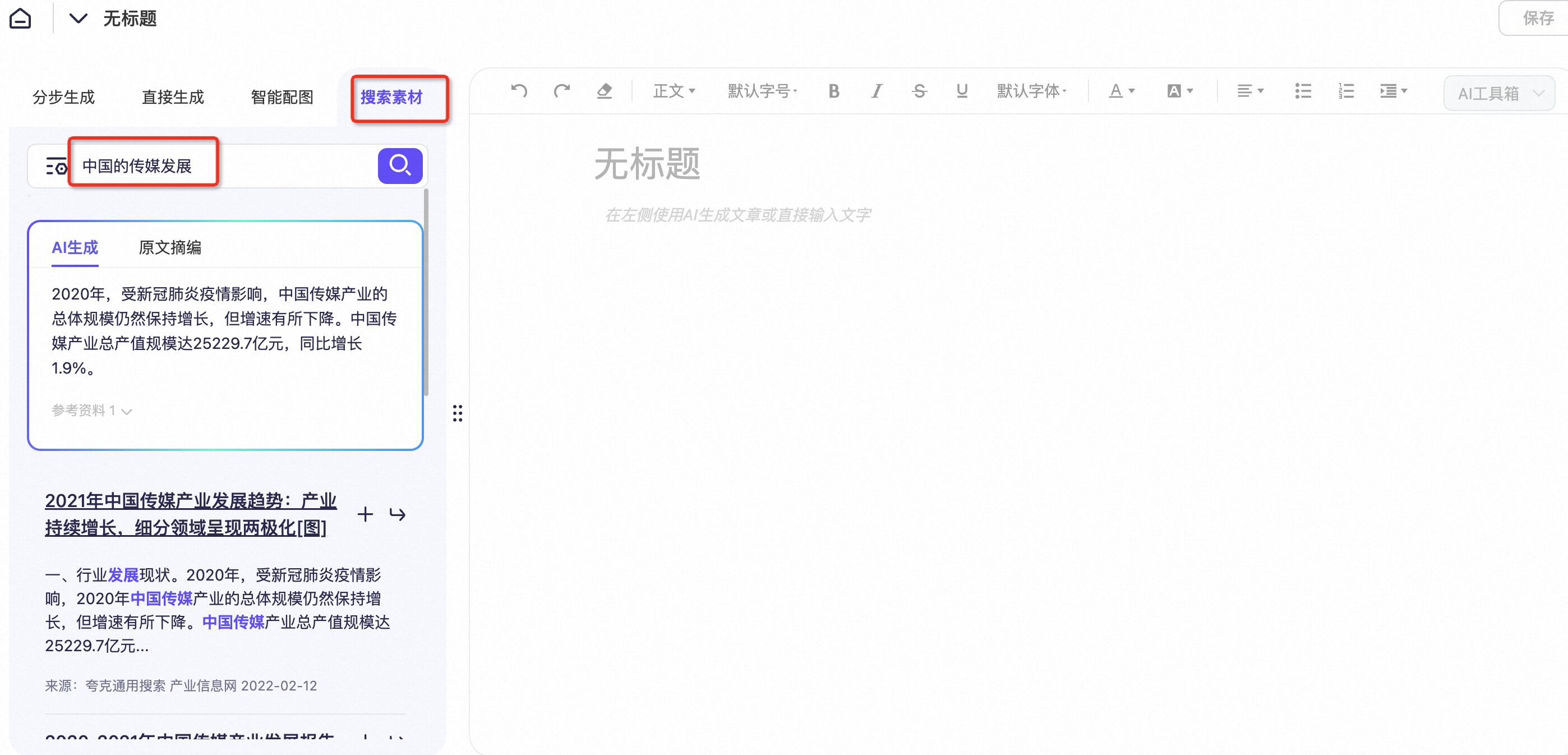
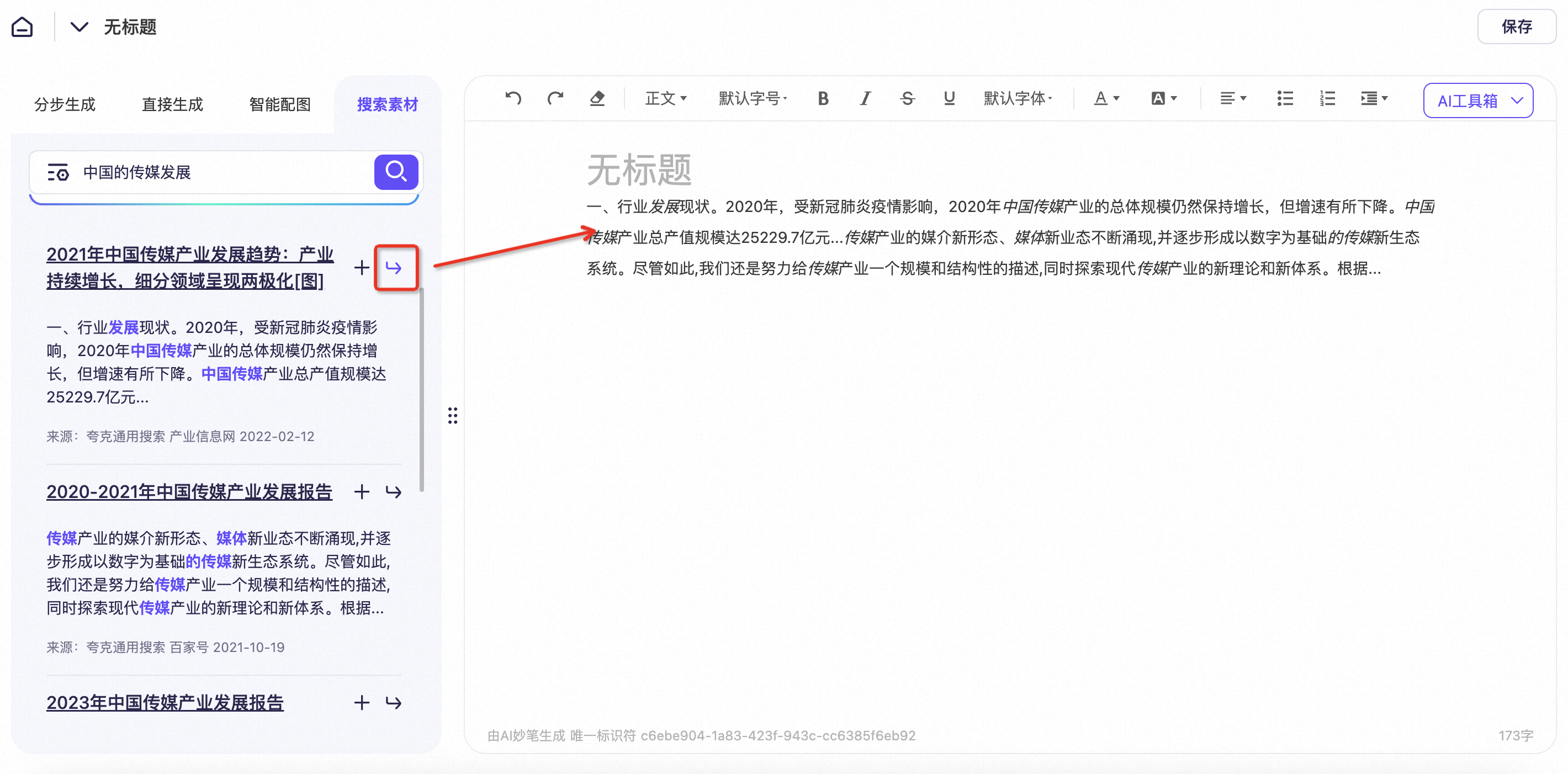
- Press Enter to automatically add the content to the editor on the right.
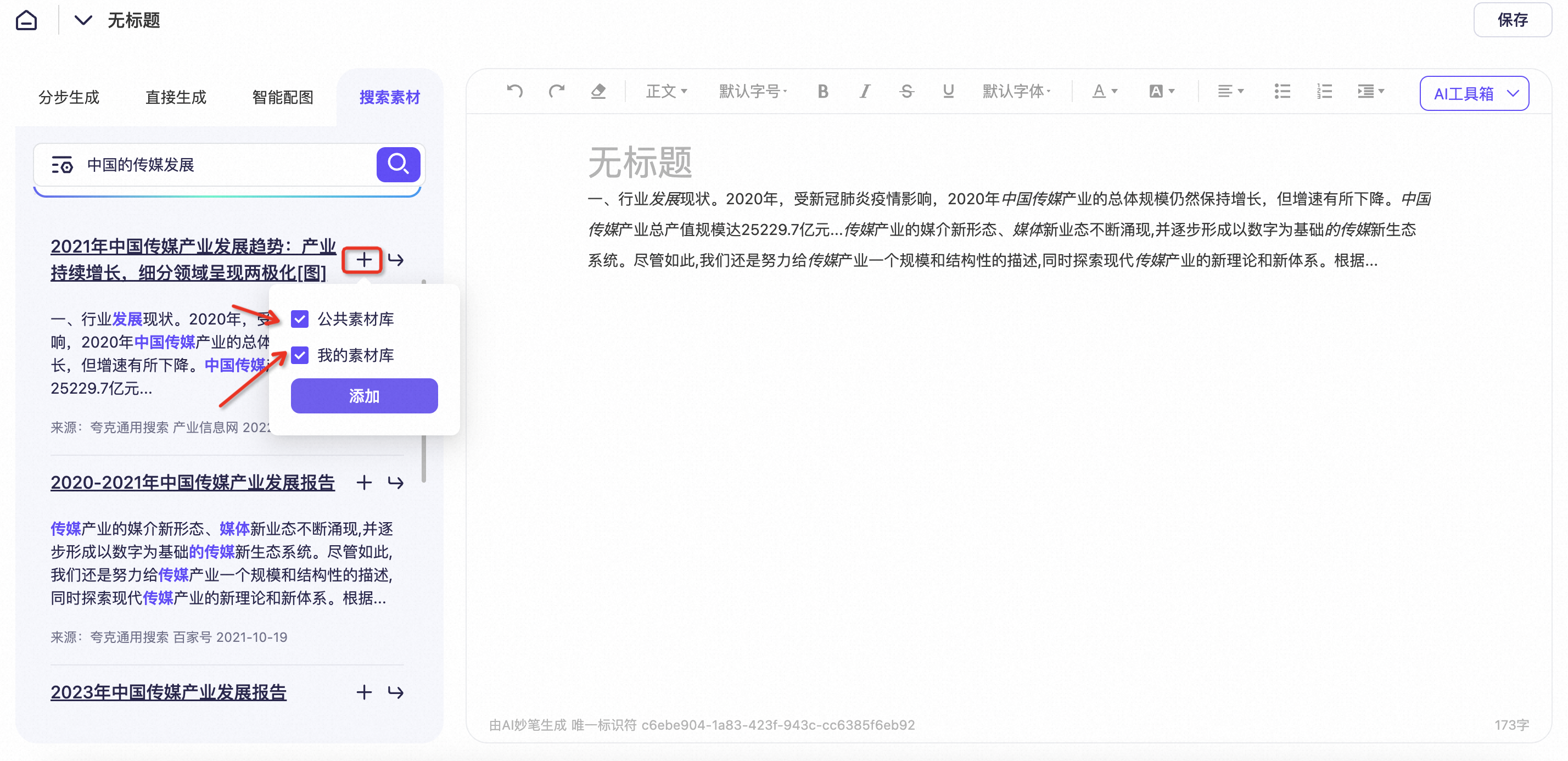
- Click the + button to add desired articles to the Material Library.
- You can then find the added content in the Material Library.