

Qwen-Image-Edit supports multi-image input and output. It can modify text in images, add/delete/move objects, change subject actions, transfer styles, and enhance details.
Getting started
Before making a call, get an API key and export the API key as an environment variable.
To call the API using the SDK, install the DashScope SDK. The SDK is available for Python and Java.
- Python
- Java
- curl
Download images to your local device
Download images to your local device
Model recommendations
qwen-image-3.0-pro(Flagship quality): The flagship Qwen Image 3.0 model with comprehensively upgraded image generation and editing capabilities, offering stronger text rendering, realistic textures, and semantic adherence.qwen-image-2.1-pro(Best balance of speed, quality, and cost): Supports up to 10 reference images and can automatically decide whether to output a regular image or an image with a transparent channel based on the prompt. Does not supportnegative_prompt.qwen-image-2.1-turbo(Best cost-effectiveness): The model with the best overall cost-effectiveness in the Qwen-Image series. Supports up to 10 reference images and can automatically decide whether to output a regular image or an image with a transparent channel based on the prompt. Does not supportnegative_prompt.qwen-image-3.0: The standard Qwen Image 3.0 model that balances quality and speed.
Input instructions
Input images (messages)
The messages parameter is an array that must contain a single object. This object must include the role and content properties. The role property must be set to user. The content property must include both image and text (one editing instruction). The qwen-image-3.0 series supports one to three images, and the qwen-image-2.1 series supports one to ten images.
The input images must meet the following requirements:
-
The supported image formats are JPG, JPEG, PNG, BMP, TIFF, WEBP, and GIF.
The output image is in PNG format. For animated GIFs, only the first frame is processed.
- For best results, the image resolution should be between 384 and 3072 pixels for both width and height. A low resolution may result in a blurry output, while a high resolution increases processing time.
- The size of a single image file cannot exceed 10 MB.
Image input order
When multiple images are input, the image order is defined by their order in the array. Therefore, the image numbers referenced in the prompt must correspond one-to-one with the order of the images in the array. For example, the first image in the array is "image 1" and the second is "image 2". You can also use markers such as "[image 1]" and "[image 2]".
Input image | Output image | ||
|---|---|---|---|
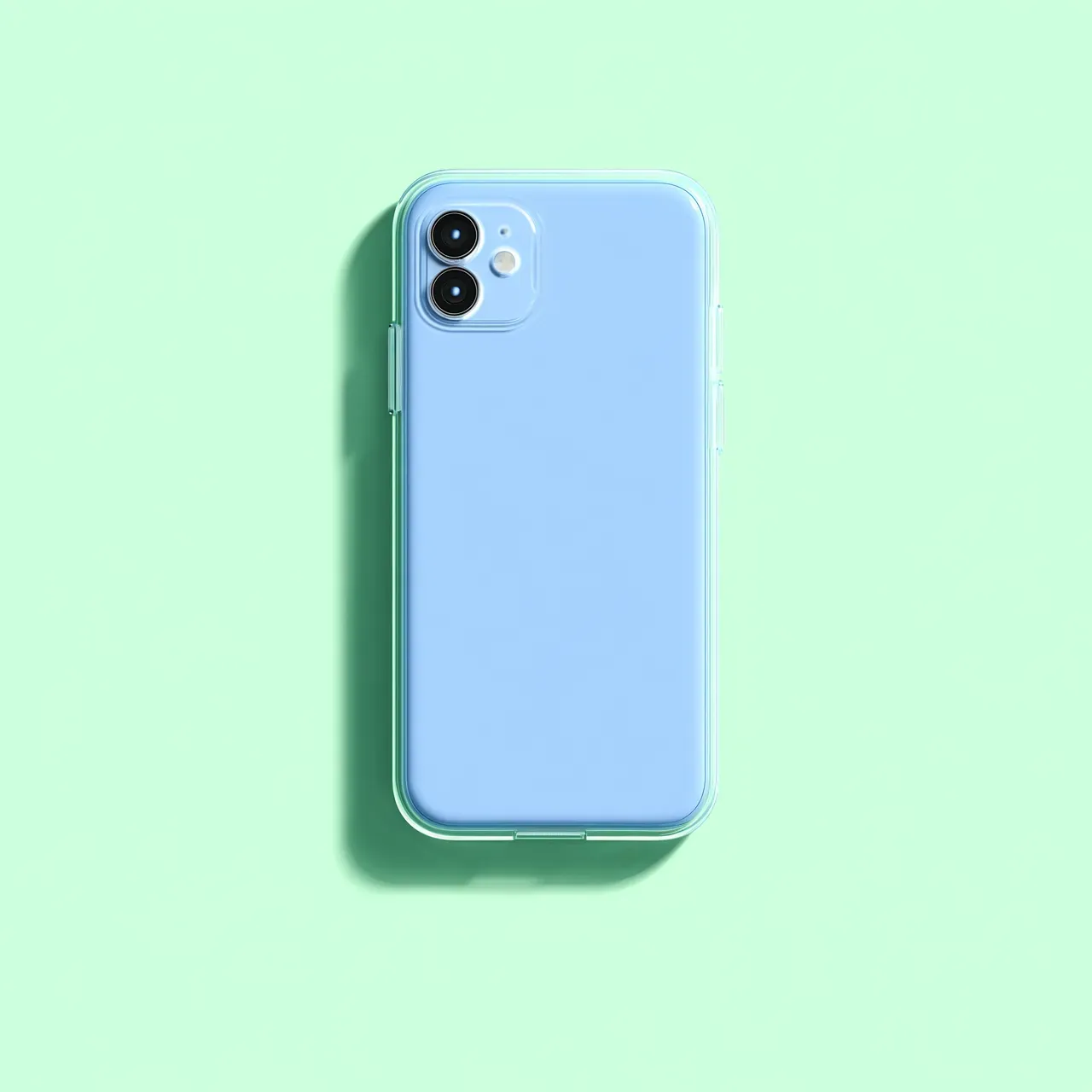 Image 1 | 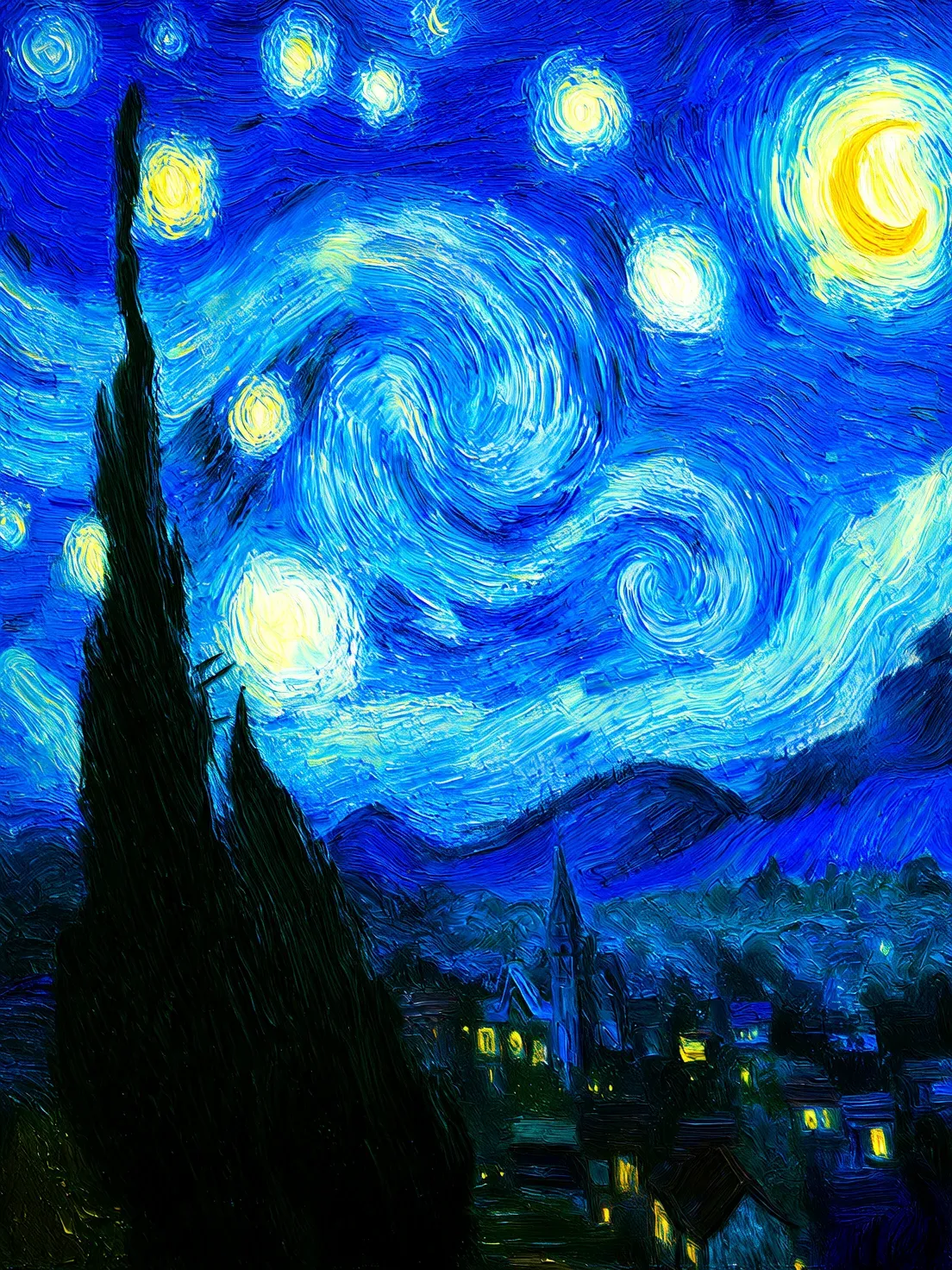 Image 2 | 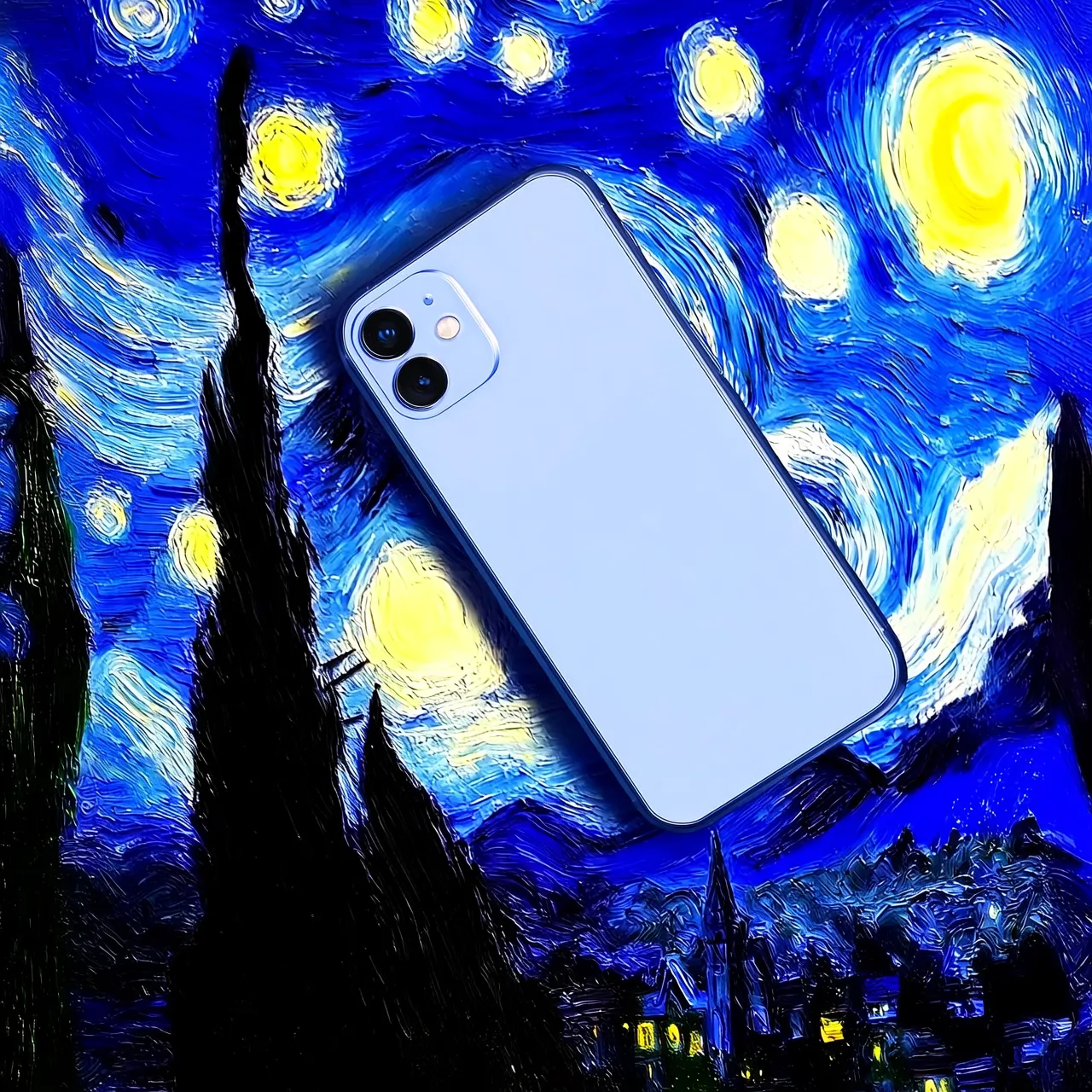 Prompt: Move Image 1 onto Image 2 | 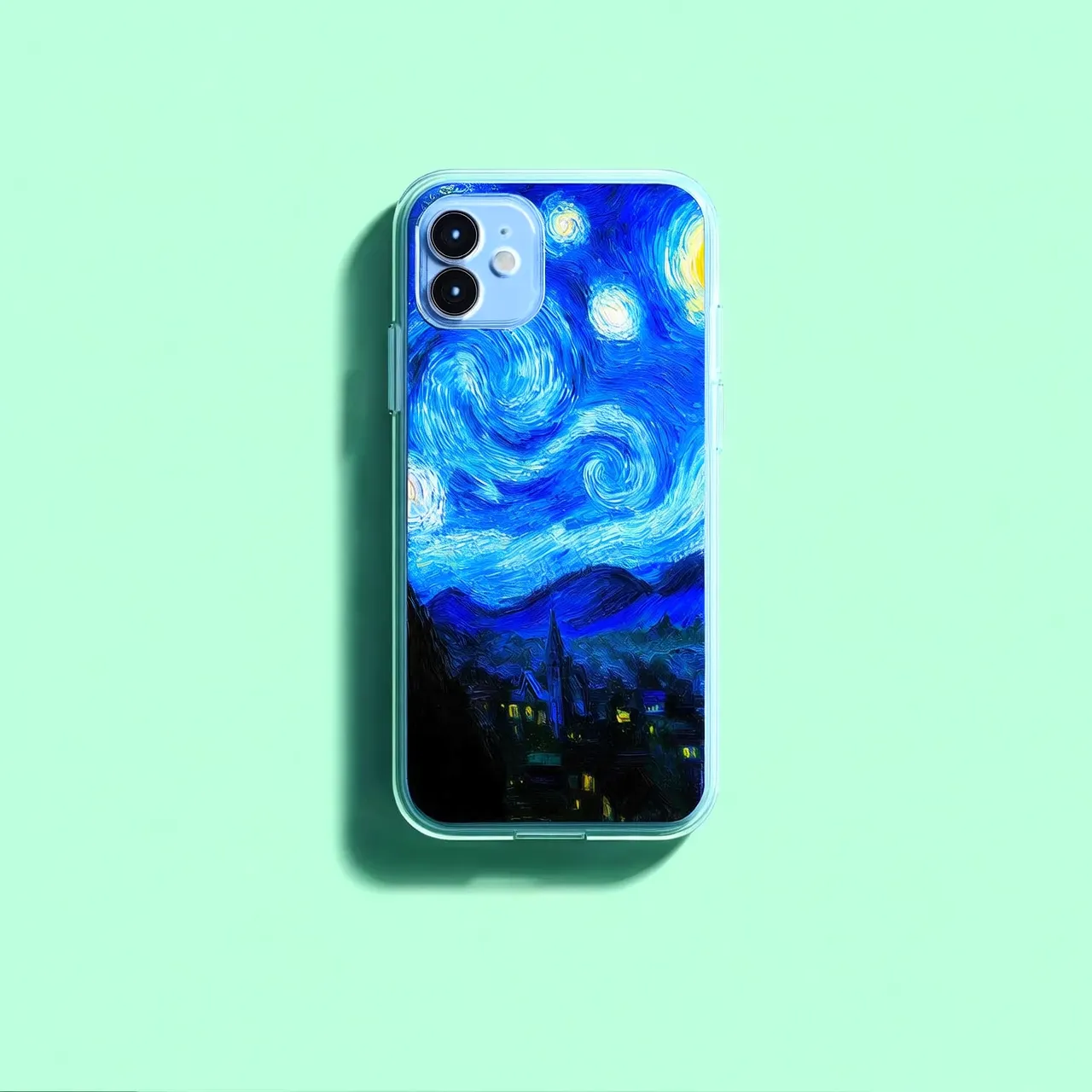 Prompt: Move Image 2 onto Image 1 |
Methods for passing images
Public URL
- Provide a publicly accessible image URL that supports the HTTP or HTTPS protocol. For local files, see Upload a file to obtain a temporary URL.
- Example value:
https://xxxx/img.png.
data:{mime_type};base64,{base64_data}.
{mime_type}: The media type of the image, which must match the file format.{base64_data}: The string obtained by Base64-encoding the file.- Example value:
data:image/jpeg;base64,GDU7MtCZz...(truncated for demonstration only)
More parameters
You can adjust generation results with the following optional parameters:
- n: The number of output images (default 1, up to 6 images). n directly affects the fee.
- negative_prompt: Describes content you do not want to appear (such as "blurry" or "extra fingers"), helping optimize generation quality. The qwen-image-2.1 series does not support this parameter; describe such content in the positive prompt instead.
- size: The output resolution, in the format
width*height. The qwen-image-3.0 series and qwen-image-2.1 series support 512*512 to 2048*2048 (aspect ratio 1:8 to 8:1); if not specified, the model recommends one automatically. - prompt_extend: Intelligent prompt rewriting (enabled by default). Recommended for concise prompts; disable it for detailed prompts or latency-sensitive scenarios.
- seed: The random seed; using the same value keeps generation results relatively stable.
- watermark: Whether to add a watermark (disabled by default).
Effect overview
Multi-image fusion
Input image 1 | Input image 2 | Input image 3 | Output image |
|---|---|---|---|
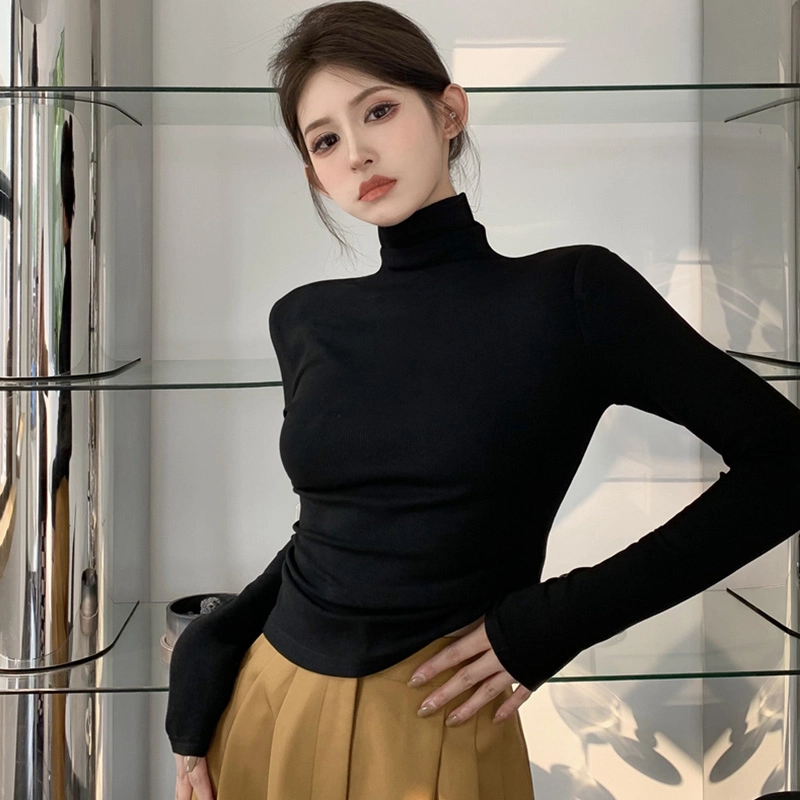 | 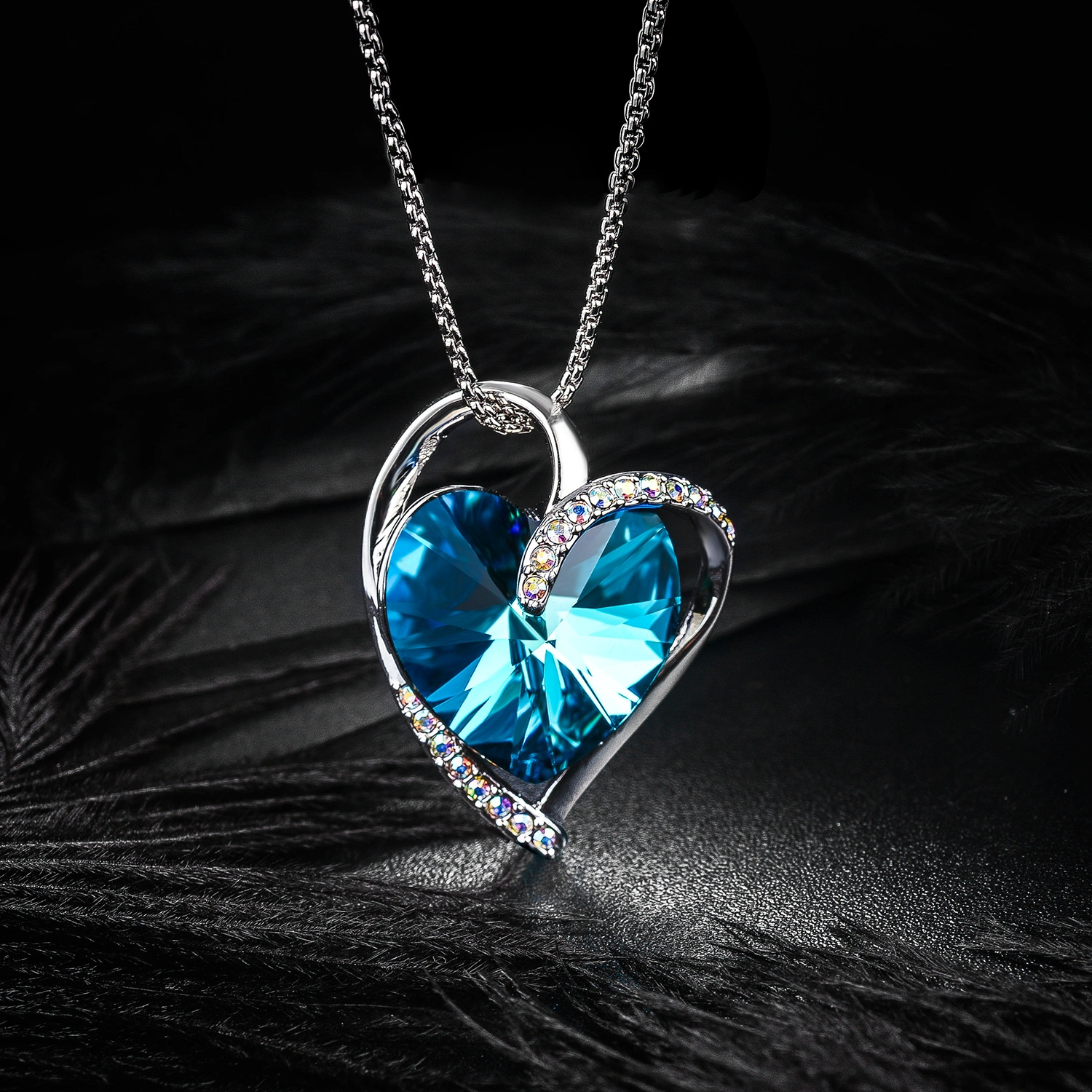 | 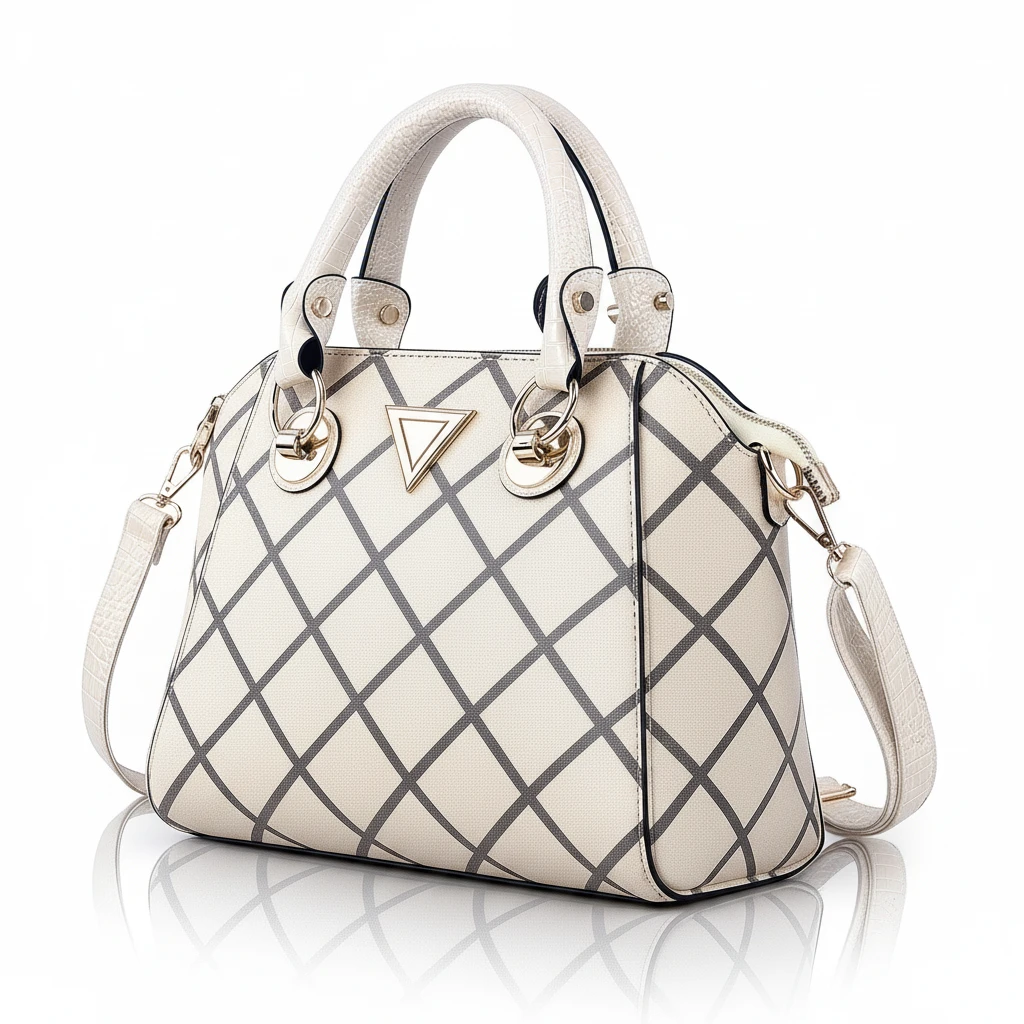 | 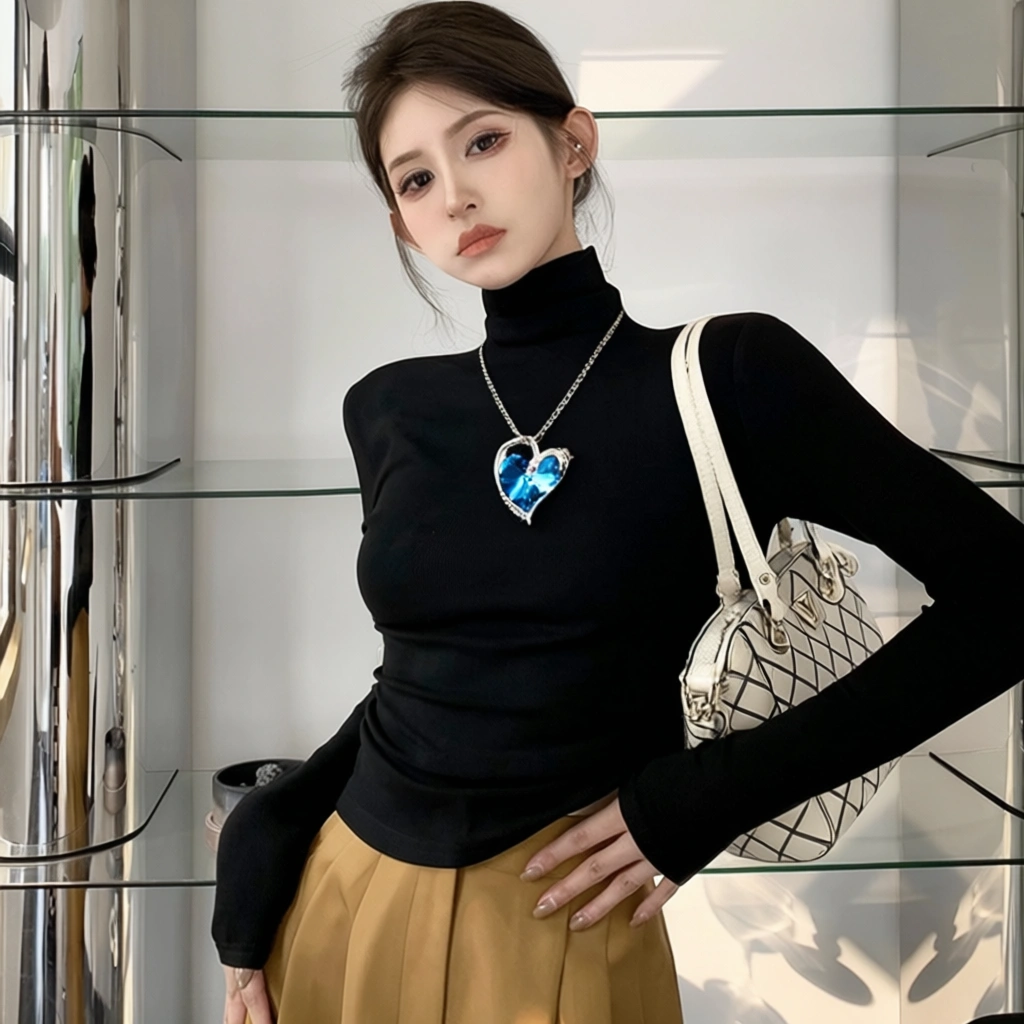 The girl in Image 1 wears the necklace from Image 2 and carries the bag from Image 3 on her left shoulder |
Subject consistency preservation
Input image | Output image 1 | Output image 2 | Output image 3 |
|---|---|---|---|
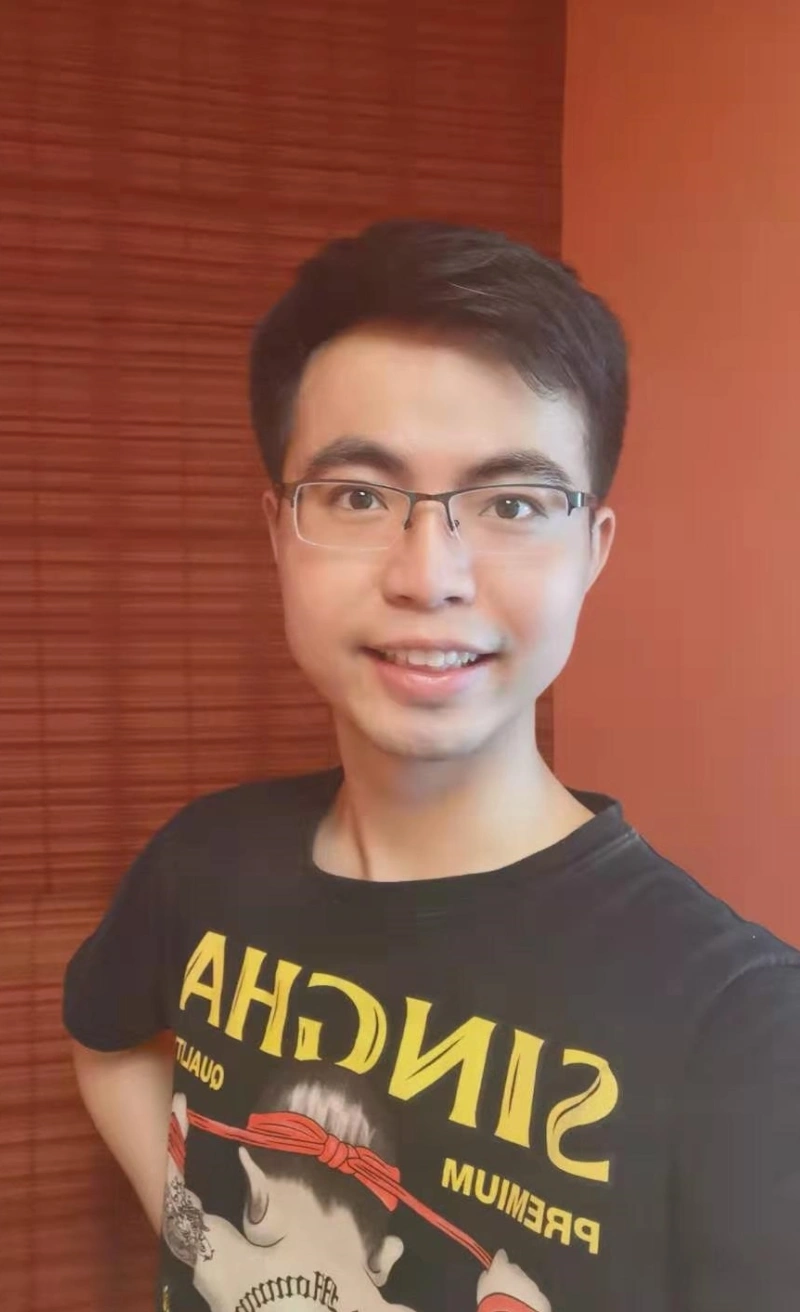 | 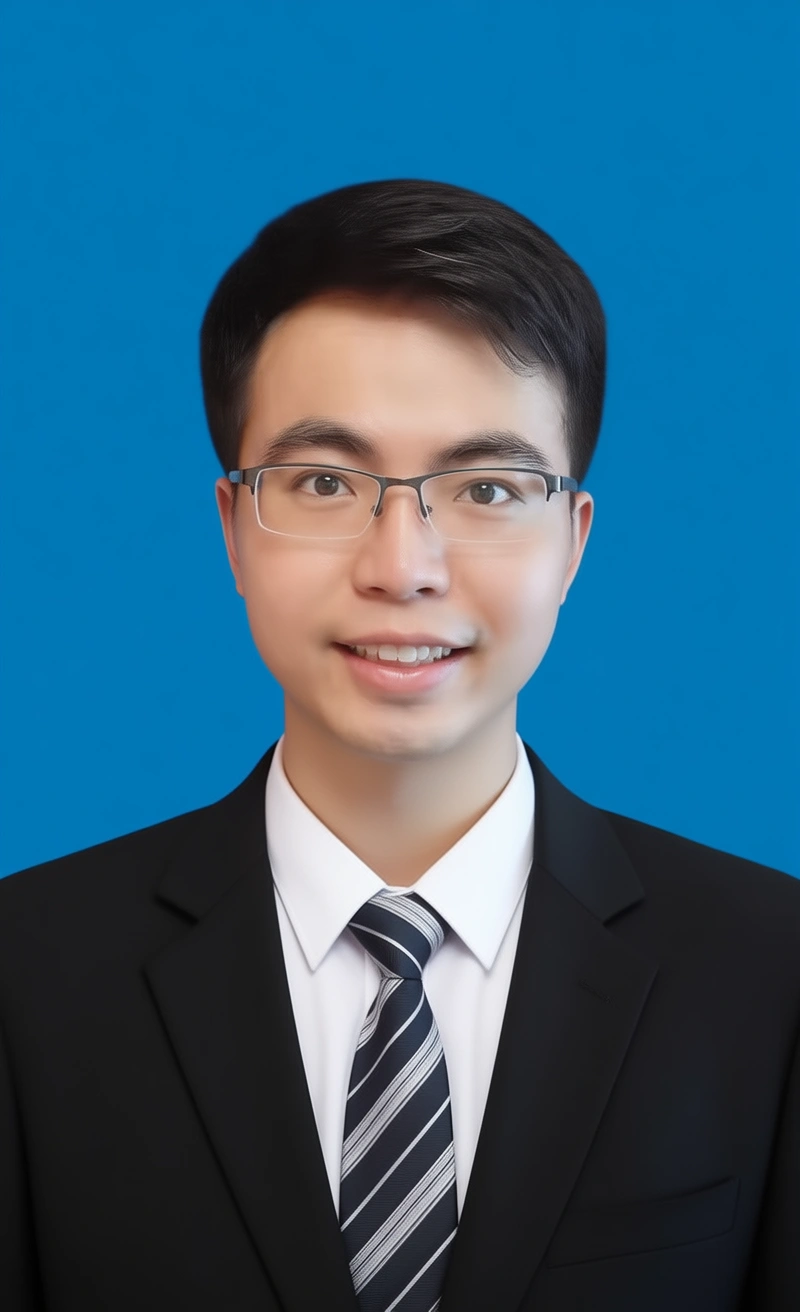 Change to an ID photo with a blue background; the person wears a white shirt, a black suit, and a striped tie | 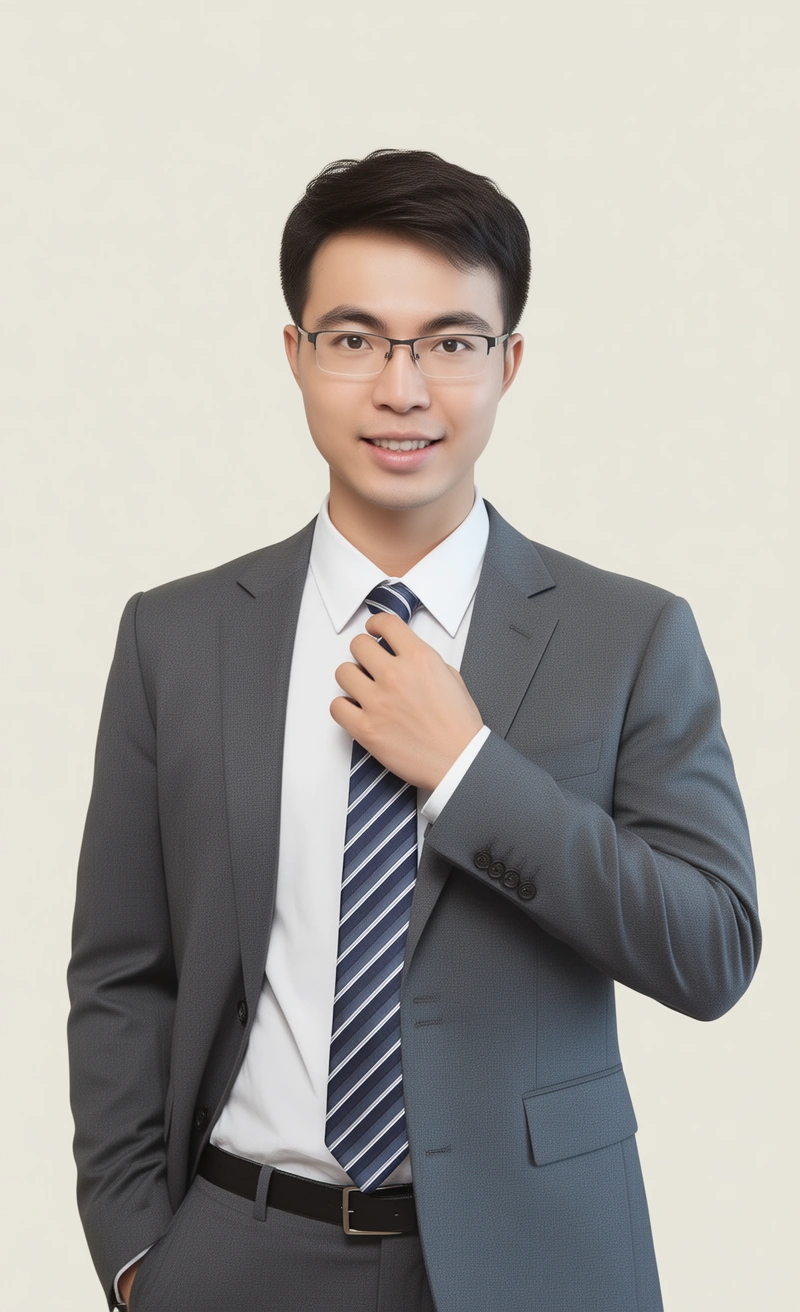 The person wears a white shirt, a gray suit, and a striped tie, with one hand touching the tie, against a light-colored background | 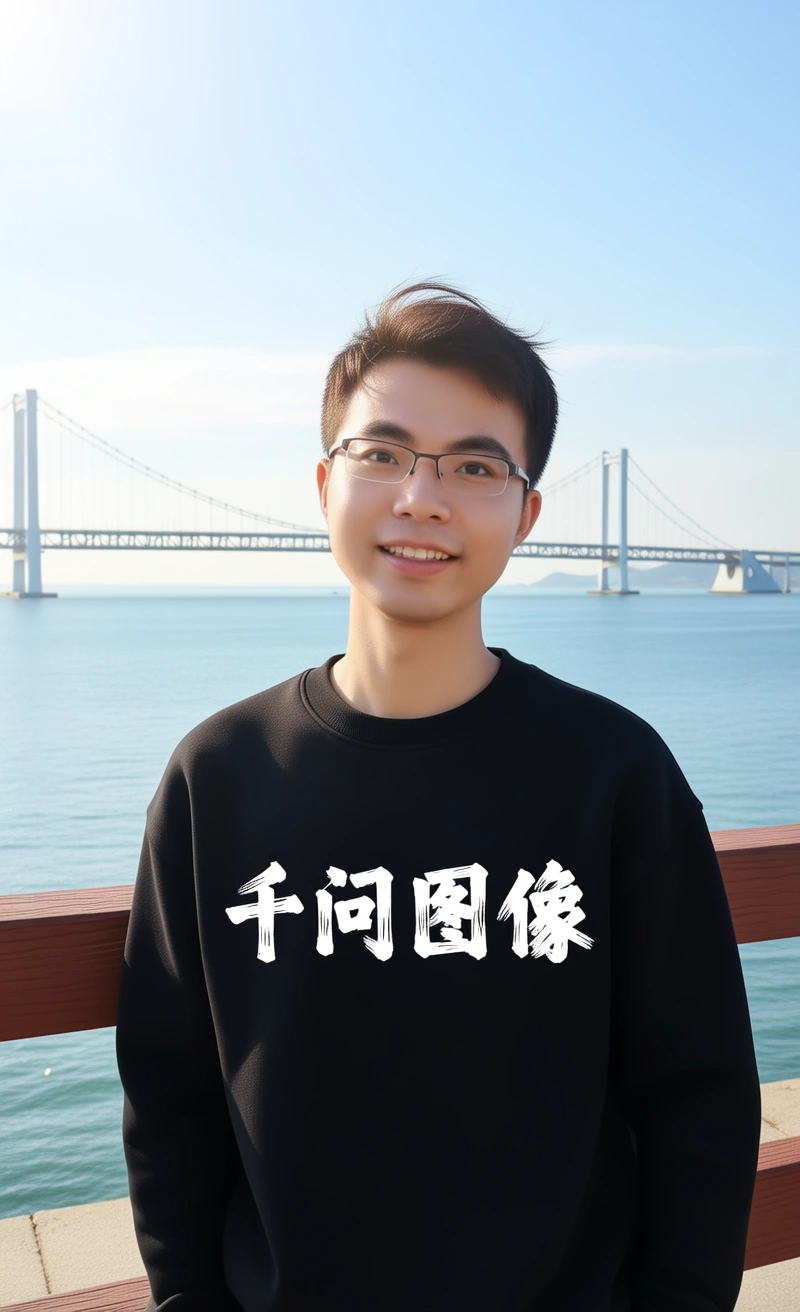 The person wears a black hoodie printed with the words "Qwen Image" in a bold brush font, leaning against a railing with sunlight on their hair and a bridge and the sea behind them |
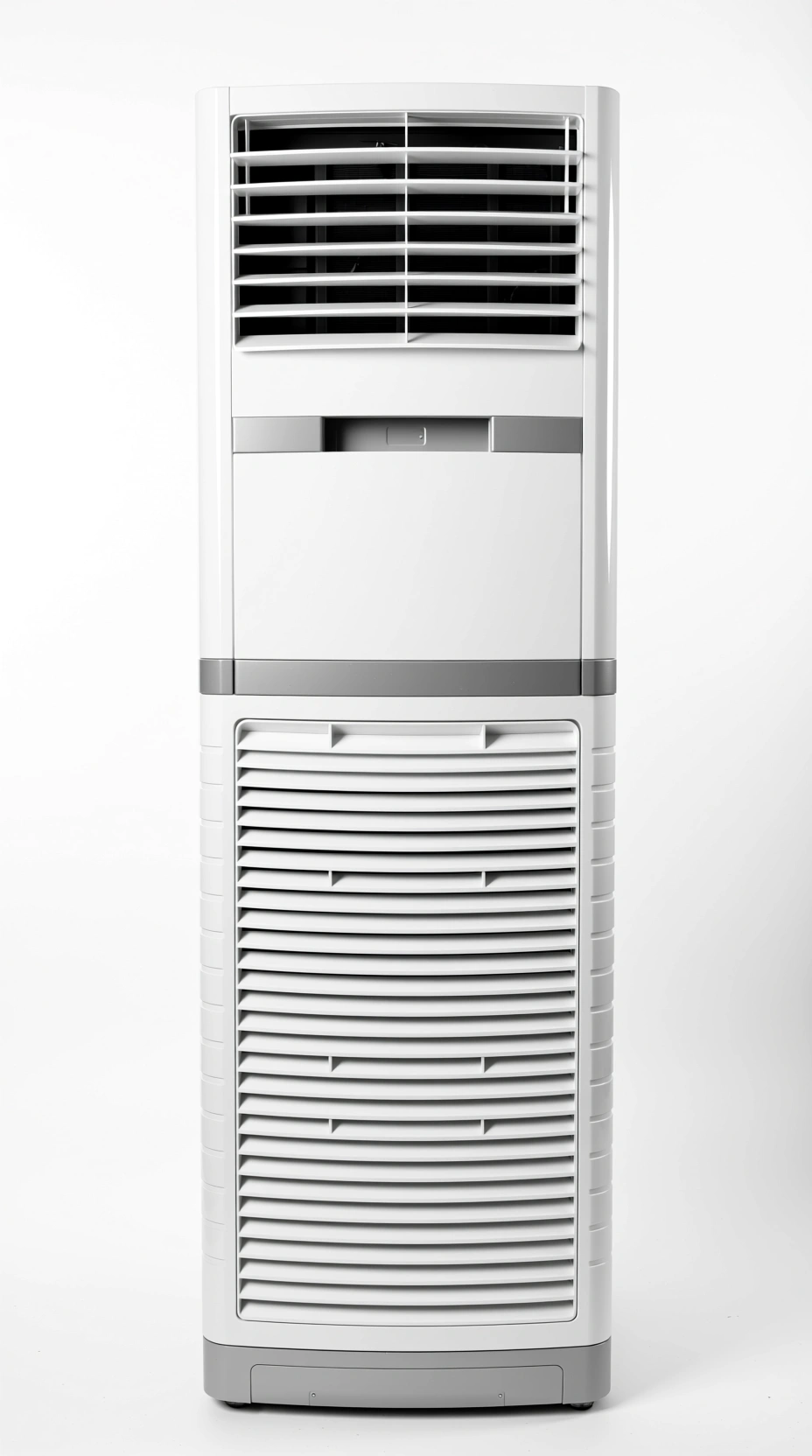 | 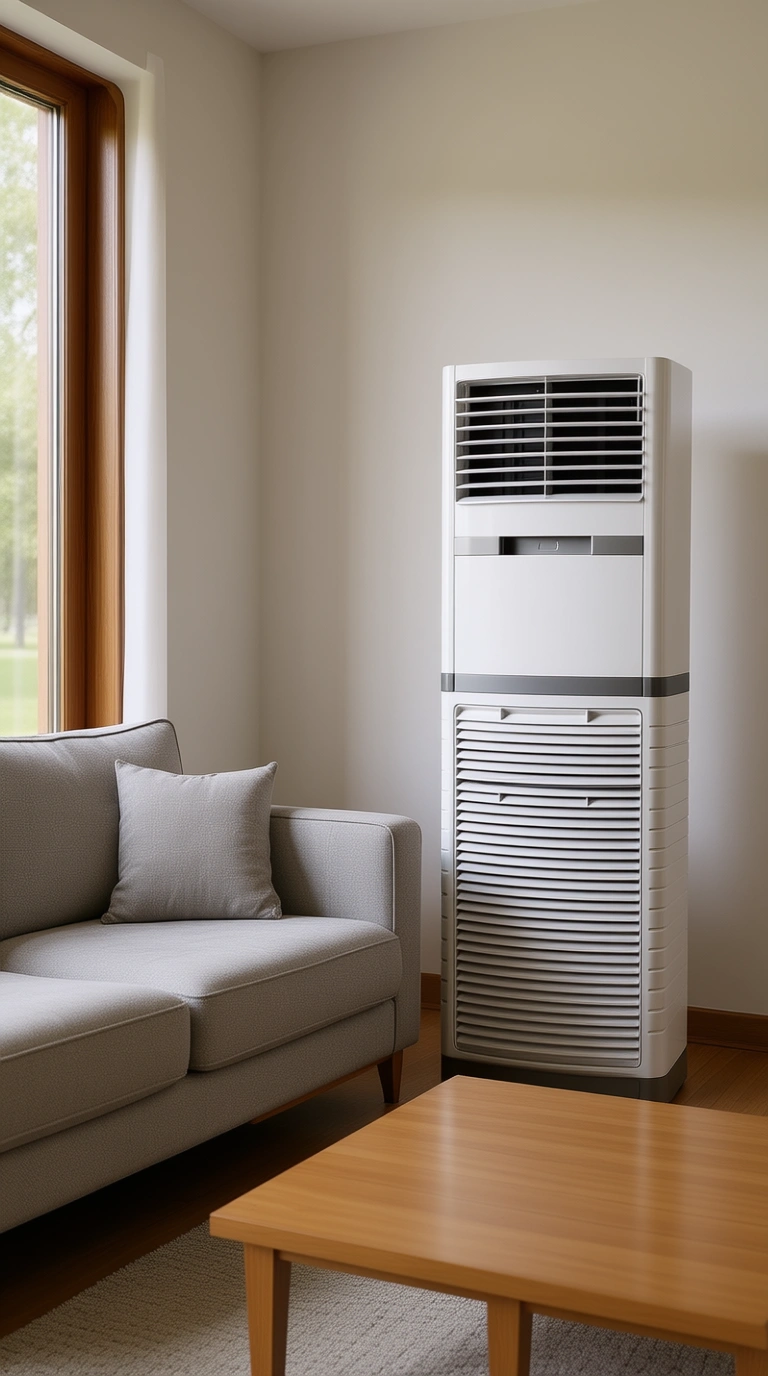 Place this air conditioner in the living room, next to the sofa | 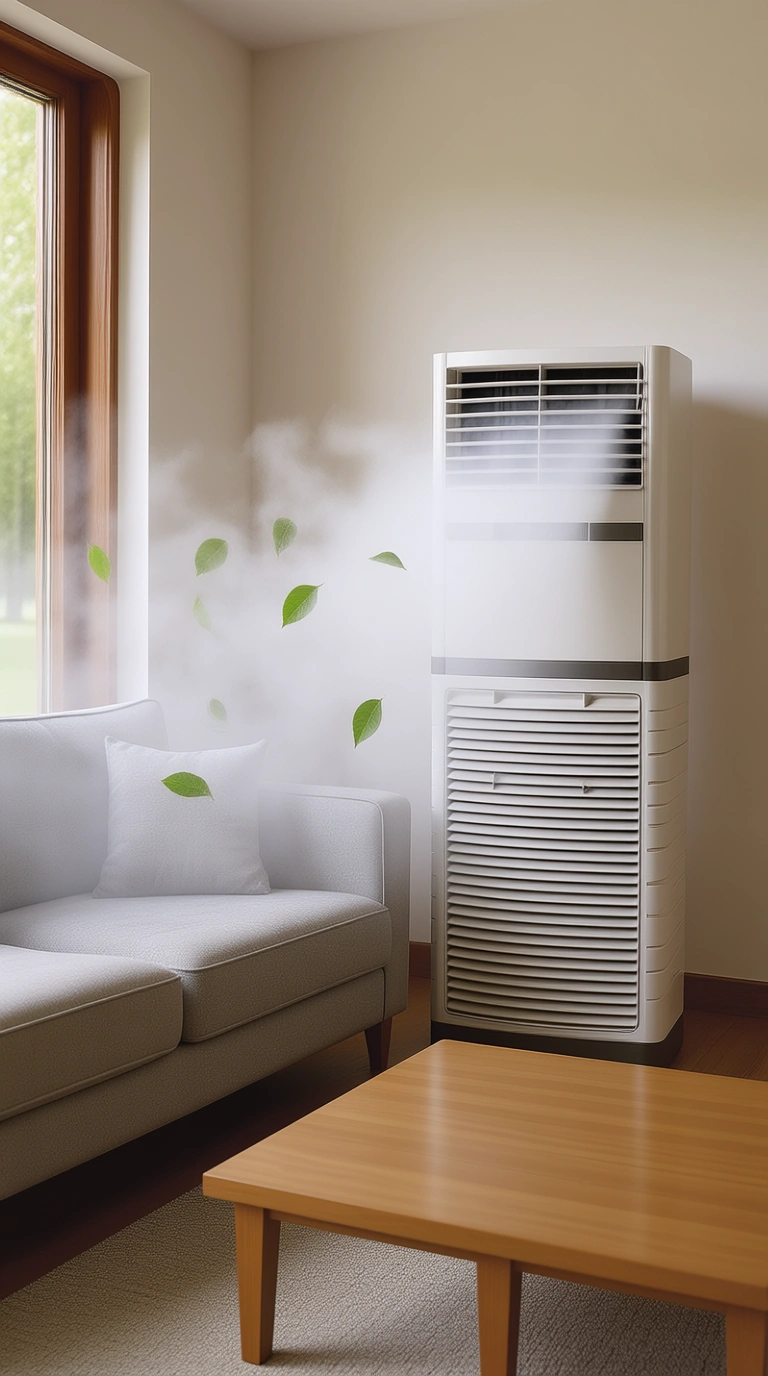 Add mist at the air conditioner outlet, extending all the way to the sofa, and add green leaves. | 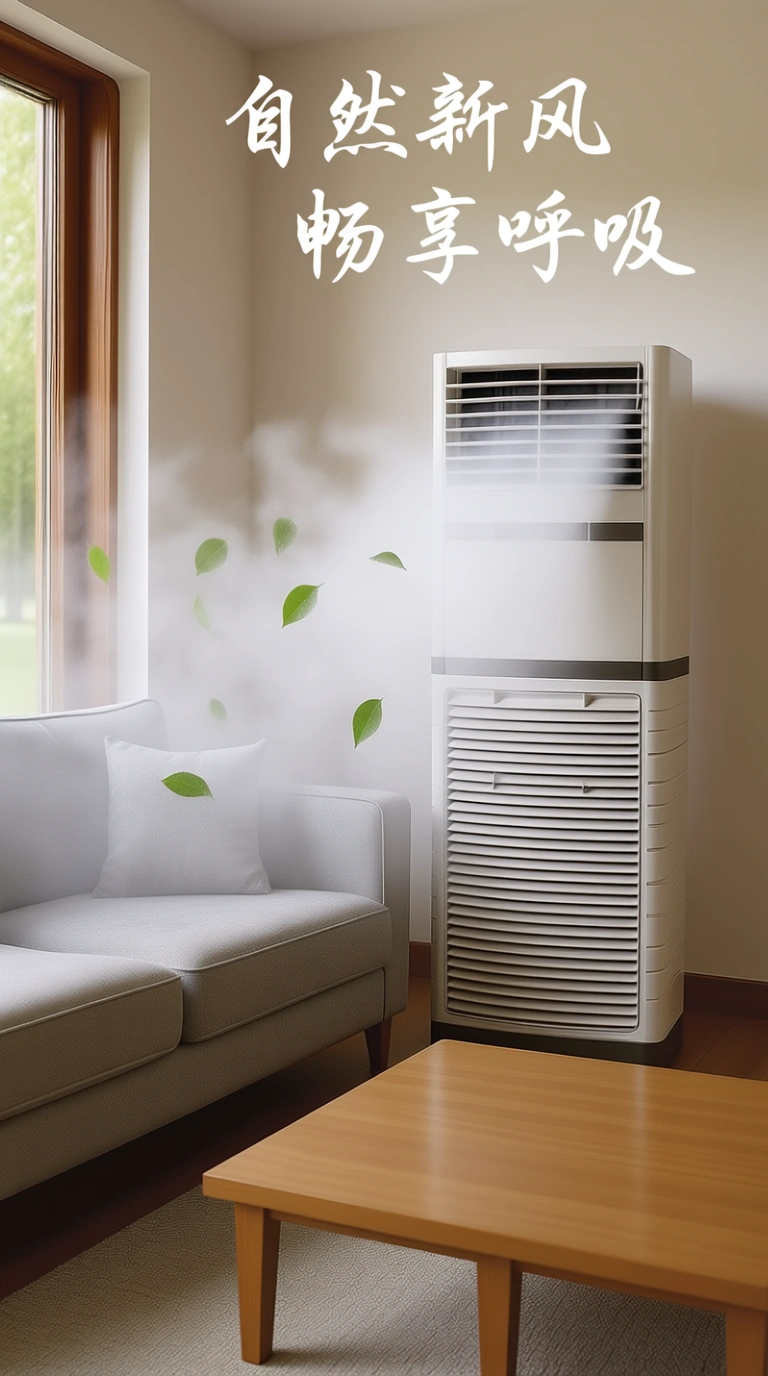 Add the white handwritten text "Fresh New Breeze, Enjoy Every Breath" at the top |
Sketch creation
Input image | Output image | |
|---|---|---|
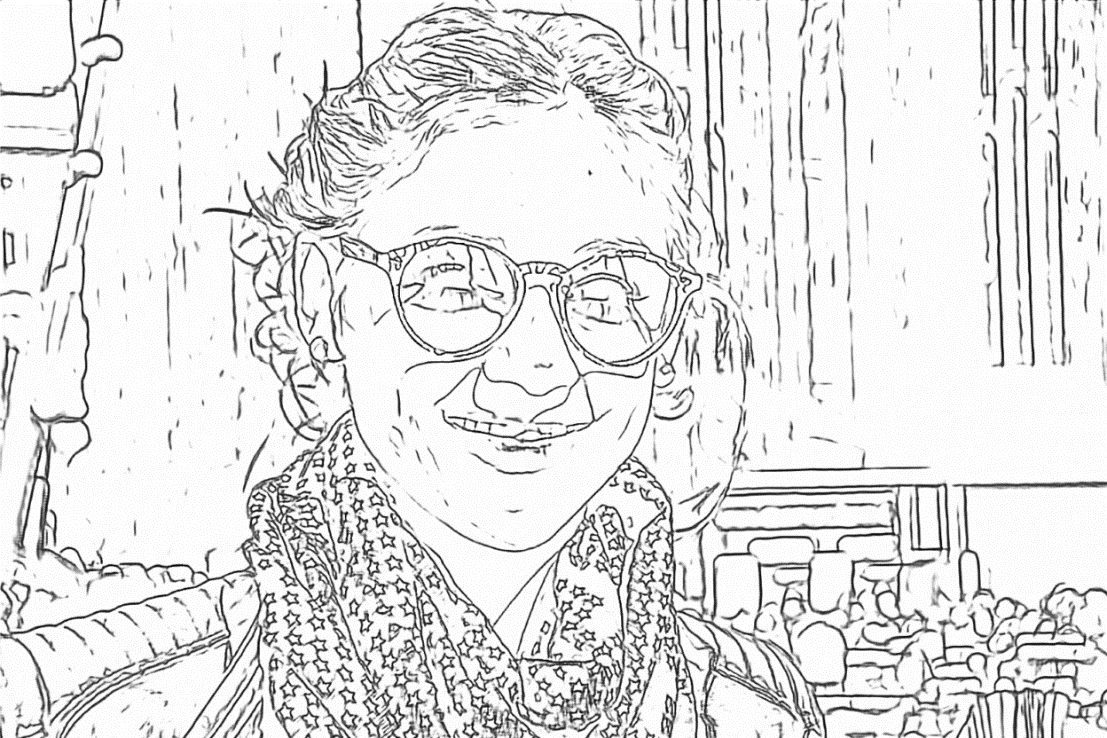 | 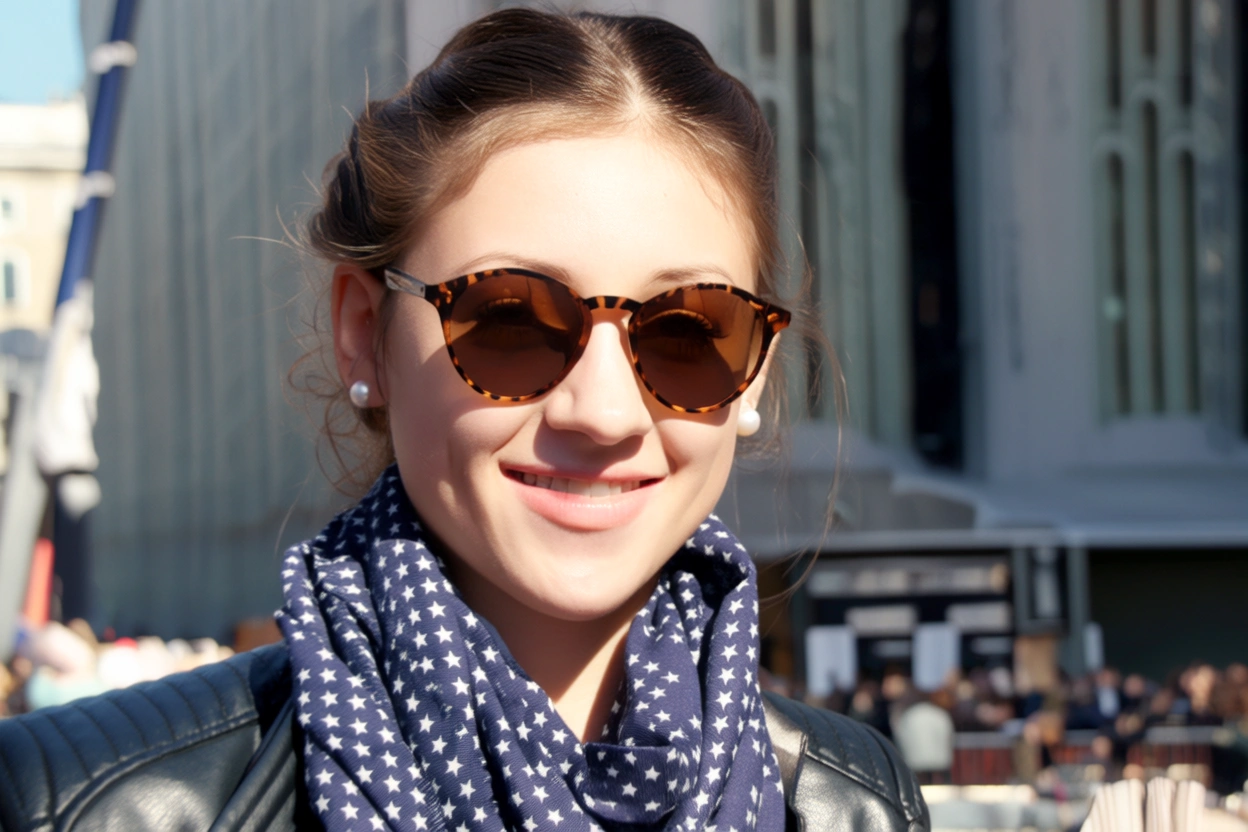 Generate an image that matches the refined shape outlined in Figure 1 and follows this description: a young woman smiling on a sunny day, wearing round brown sunglasses with leopard-print frames. Her hair is neatly pinned up, she wears pearl earrings, a dark blue scarf with a purple star pattern around her neck, and a black leather jacket. | 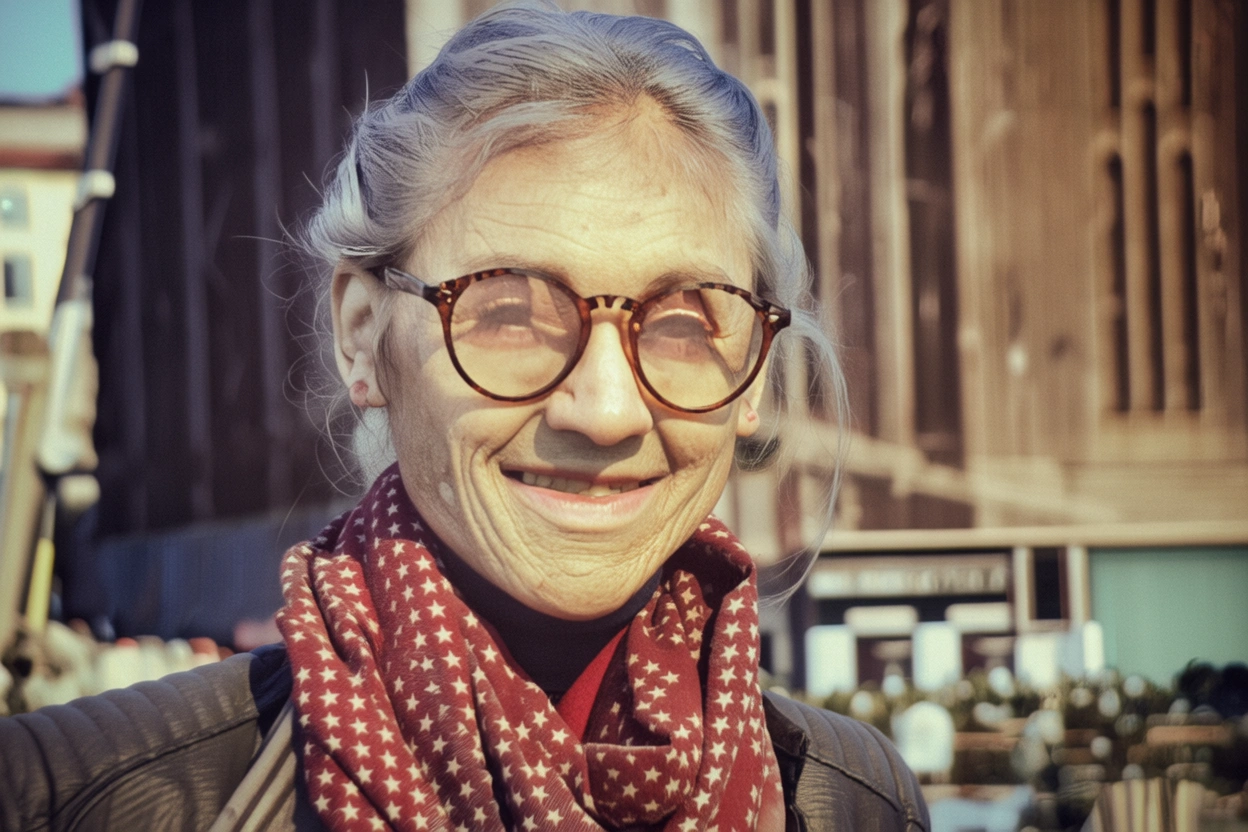 Generate an image that matches the refined shape outlined in Figure 1 and follows this description: an elderly man smiling at the camera, his face covered in wrinkles, hair disheveled in the wind, wearing a pair of round reading glasses. A worn red scarf with a star pattern is around his neck. He is wearing a cotton-padded jacket. |
Cultural and creative design
Input image | Output image | ||
|---|---|---|---|
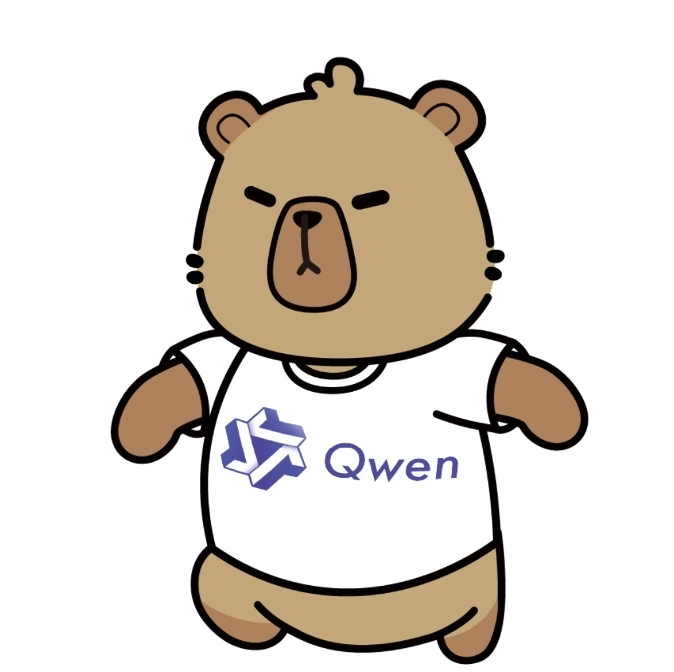 | 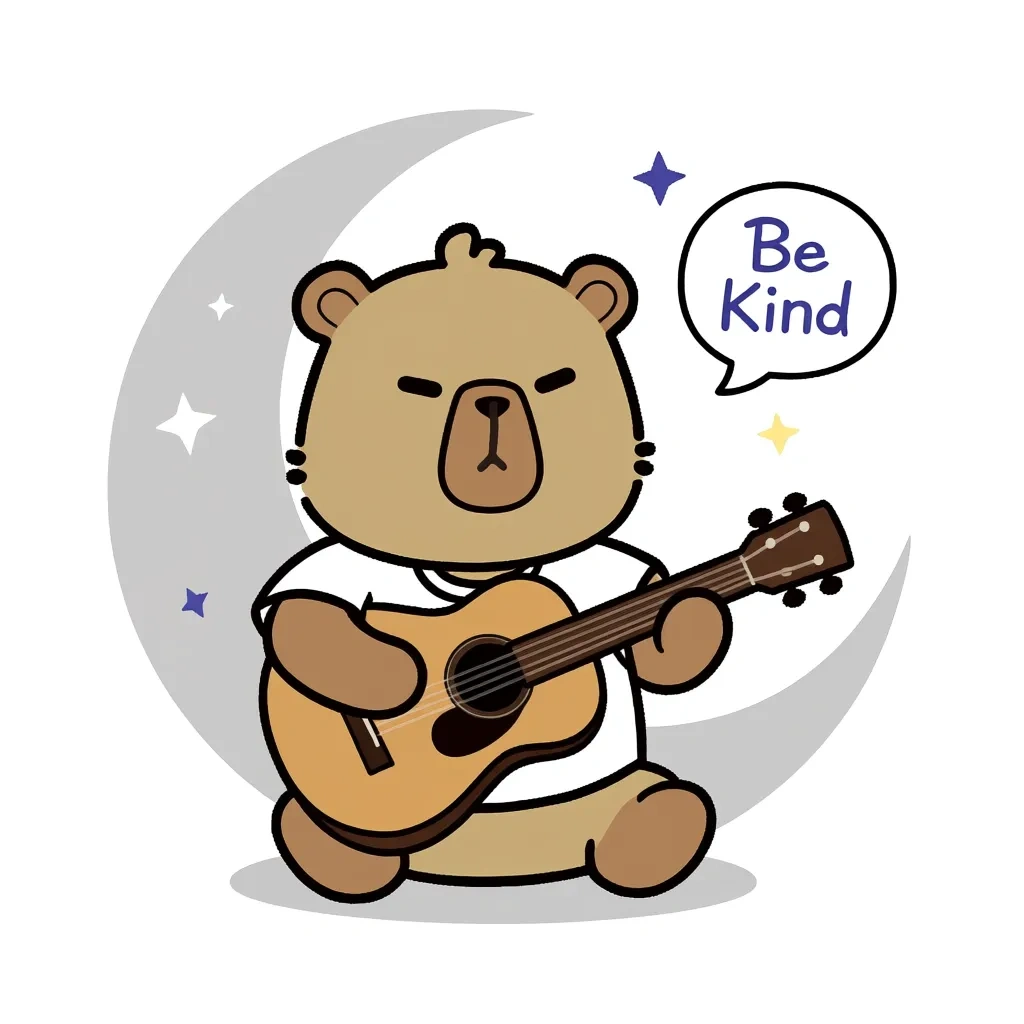 Have this bear sit under the moon (represented by a light gray crescent moon outline on a white background), holding a guitar, surrounded by floating small stars and poem bubbles such as "Be Kind". | 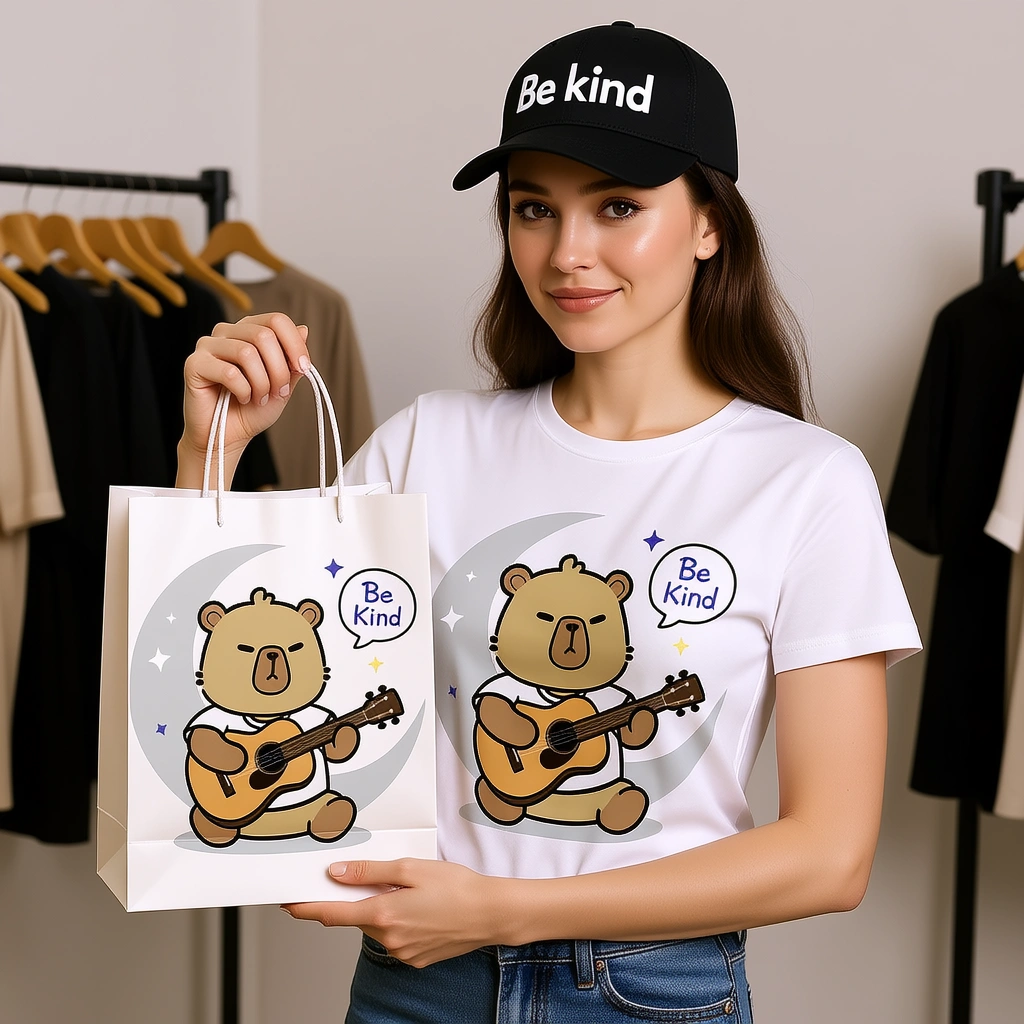 Print this design on a T-shirt and a paper handbag. A female model is displaying these items. The girl also wears a baseball cap with "Be kind" written on it. | 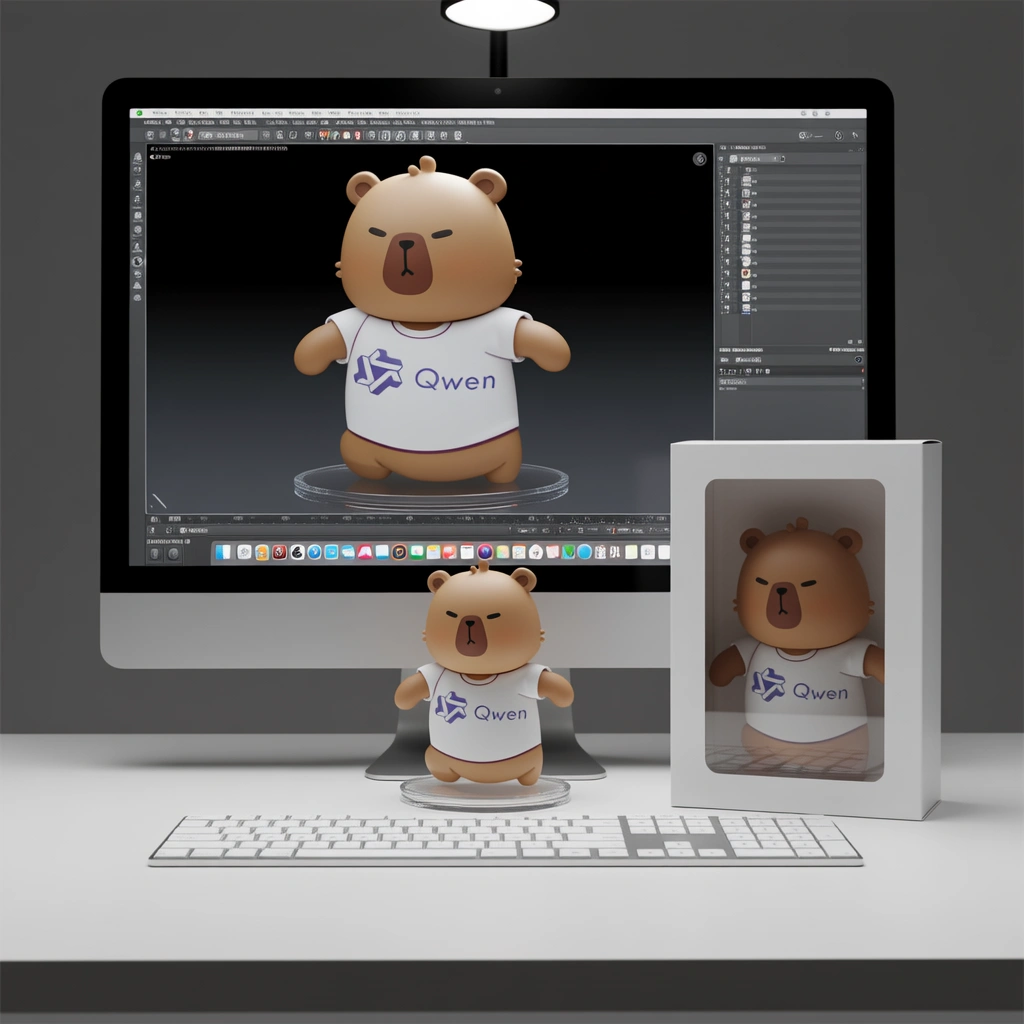 An ultra-realistic 1/7 scale character model designed as a finished commercial product, placed on an iMac desk with a white keyboard. The model stands on a clean, round, transparent acrylic base with no labels or text. Professional studio lighting highlights the sculpted details. On the iMac screen in the background, the ZBrush modeling process of the same model is displayed. Next to the model, there is a packaging box with a transparent window on the front, showing only the transparent plastic shell inside, which is slightly taller than the model and sized appropriately to hold it. |
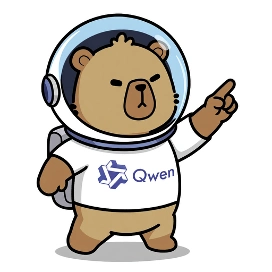 This bear is wearing a spacesuit, pointing into the distance with its finger | 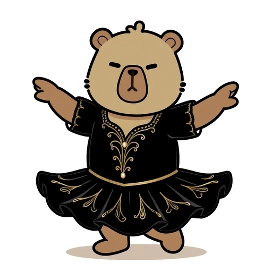 This bear is wearing an ornate dance dress, arms outstretched, performing an elegant dance move | 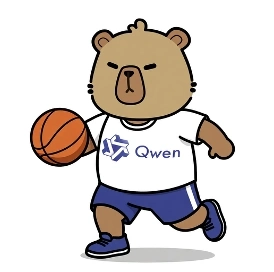 This bear is wearing sportswear, holding a basketball in its hand, with one leg bent | |
Generate images from depth maps
Input image | Output image | |
|---|---|---|
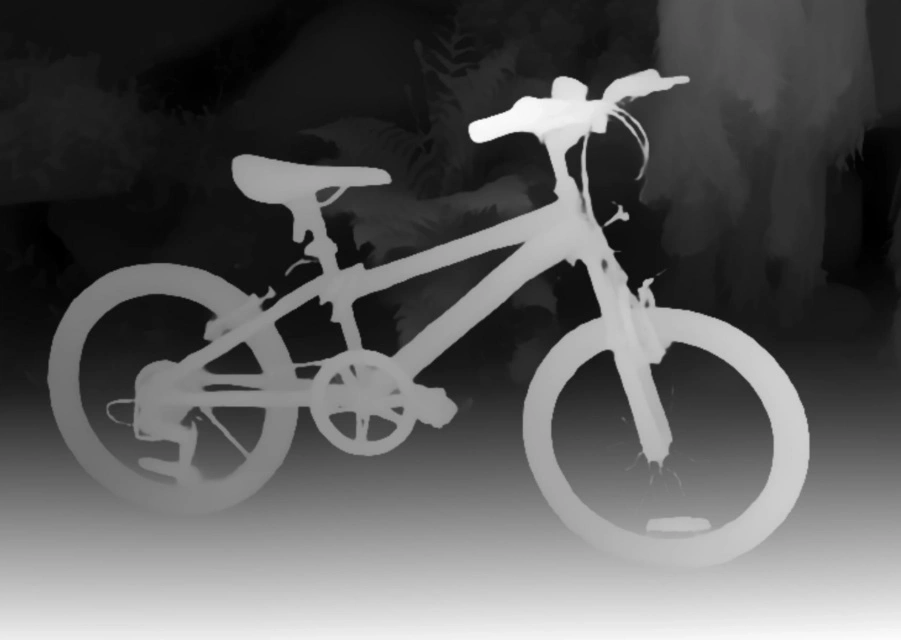 | 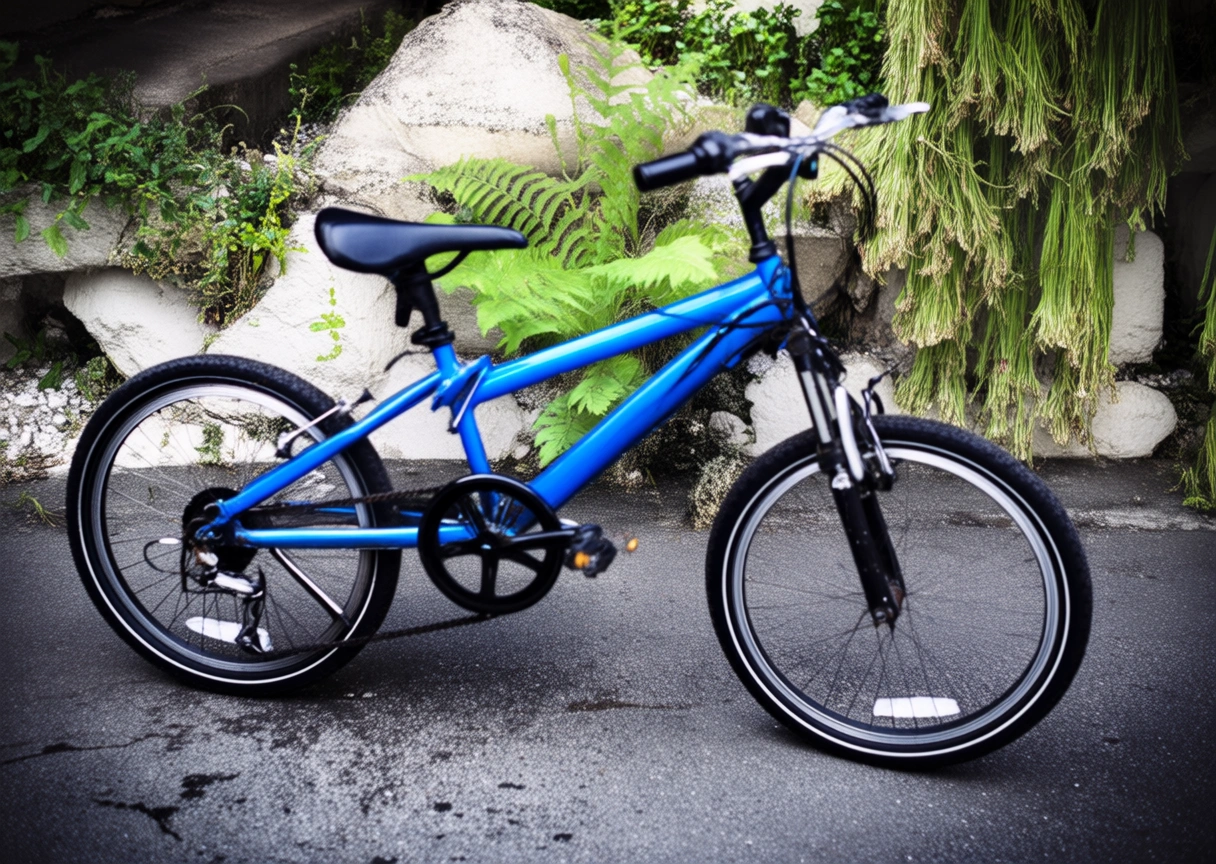 Generate an image that matches the depth map outlined in Figure 1 and follows this description: a blue bicycle parked in a small alley by the street, with a few weeds growing out of the stone cracks in the background | 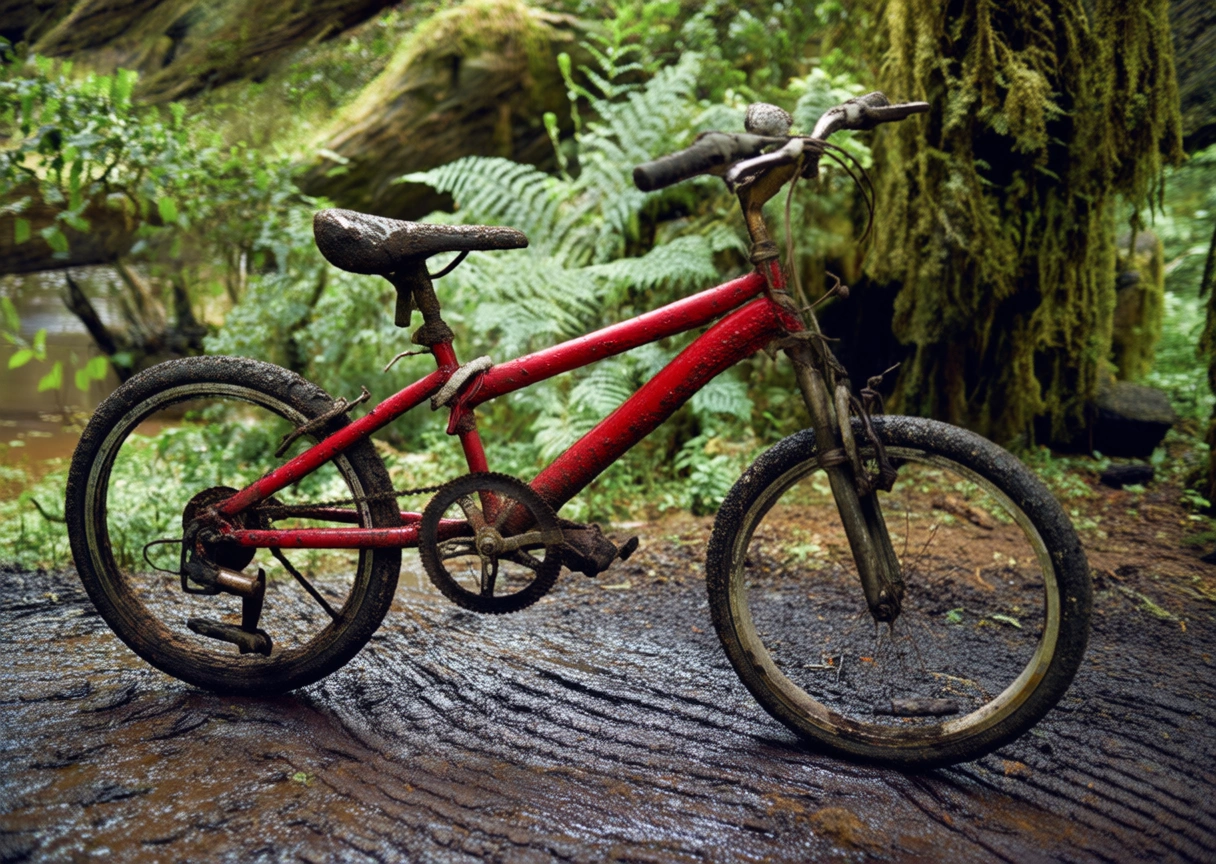 Generate an image that matches the depth map outlined in Figure 1 and follows this description: a worn-out red bicycle parked on a muddy path, with a dense primeval forest in the background |
Generate images from keypoints
Input image | Output image | |
|---|---|---|
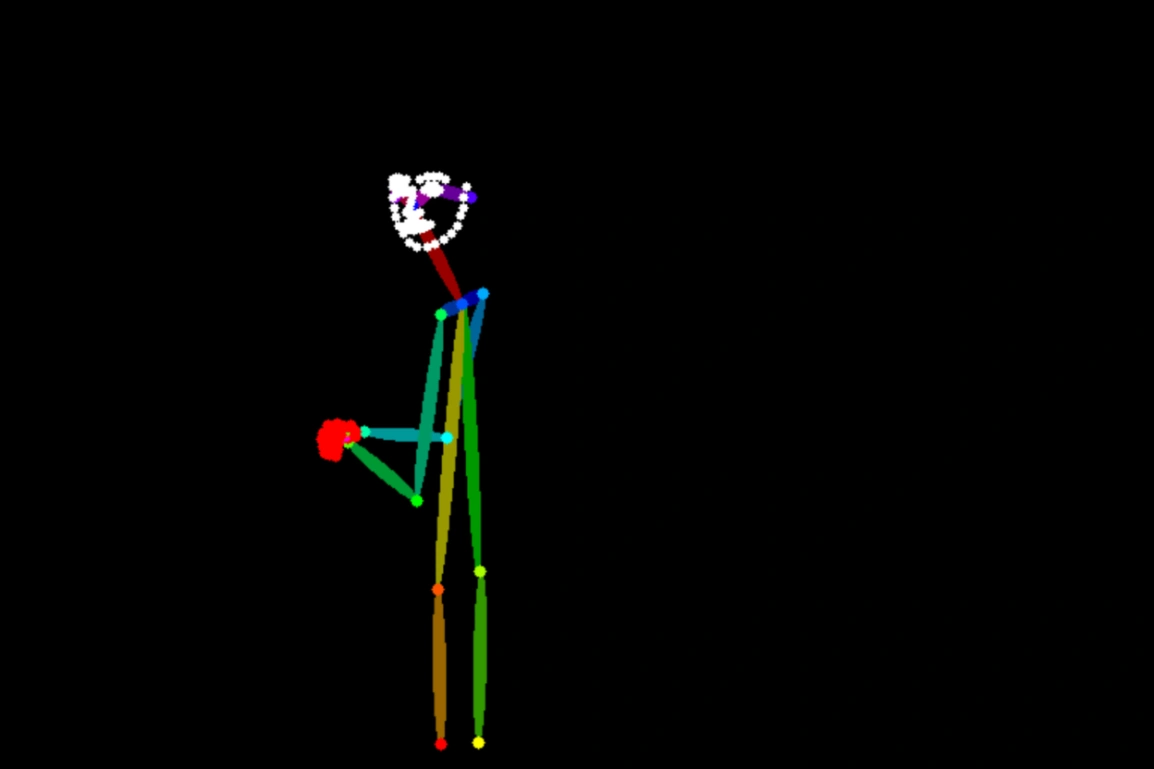 | 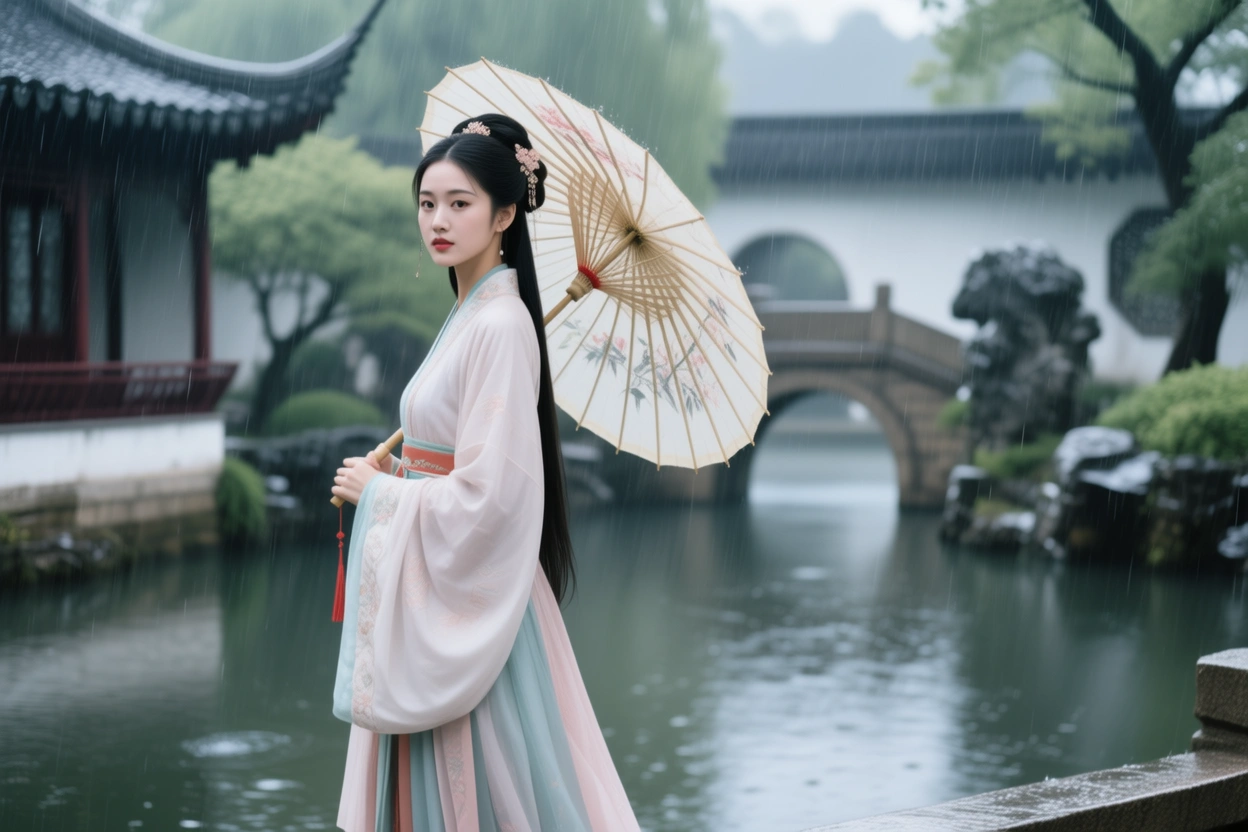 Generate an image that matches the human pose outlined in Figure 1 and follows this description: a beautiful Chinese woman dressed in Hanfu, holding an oil-paper umbrella in the rain, with a Suzhou garden in the background. | 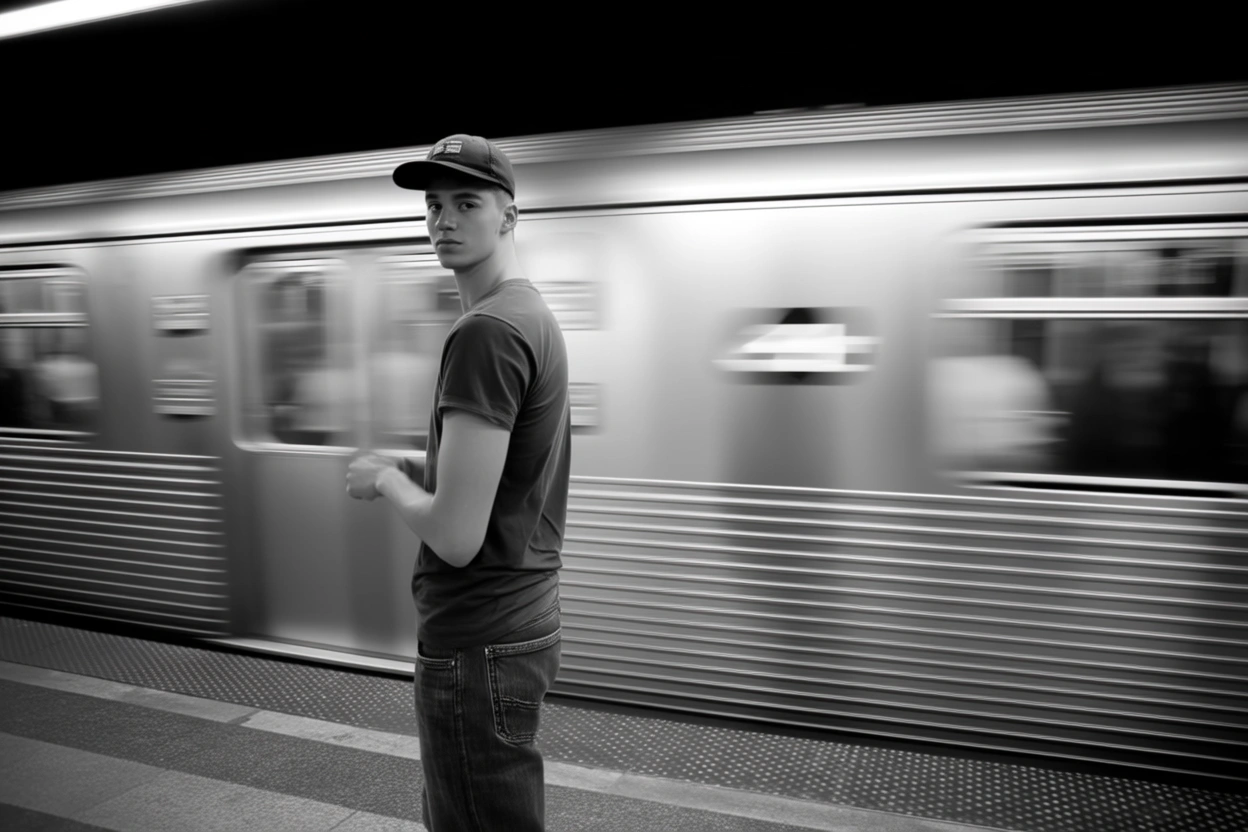 Generate an image that matches the human pose outlined in Figure 1 and follows this description: a young man standing on a subway platform, wearing a baseball cap, a T-shirt, and jeans, with a train speeding past behind him. |
Text editing
Input image | Output image | Input image | Output image |
|---|---|---|---|
 | 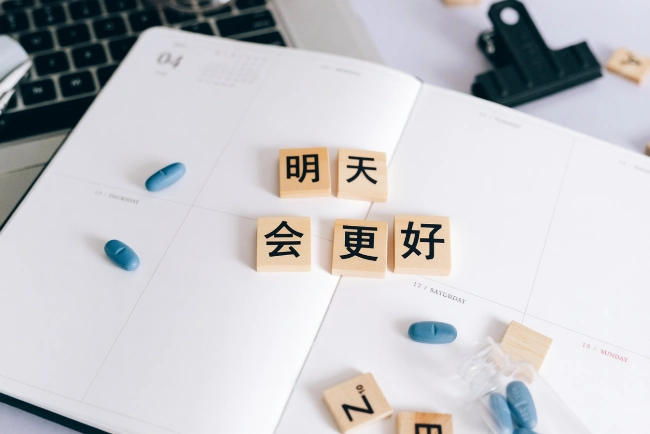 Replace 'HEALTH INSURANCE' on the Scrabble tile with 'Tomorrow Will Be Better' | 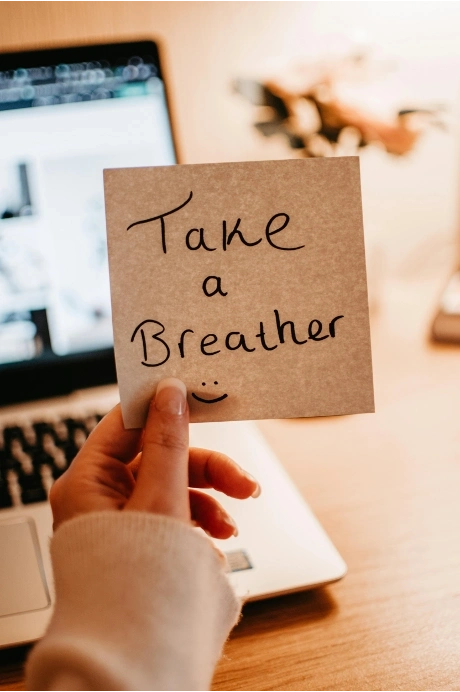 | 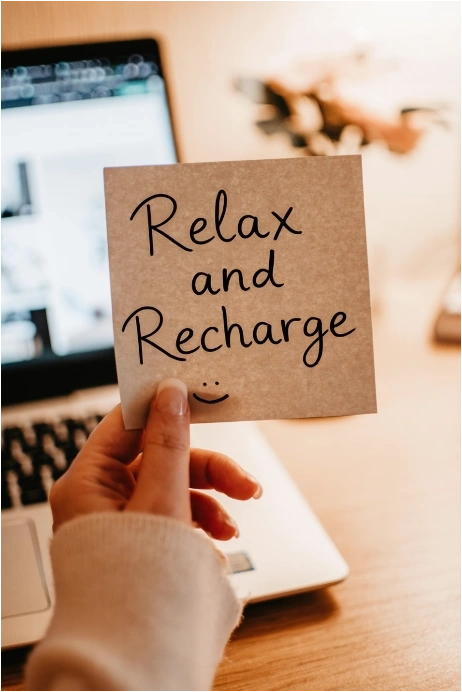 Change the phrase "Take a Breather" on the note to "Relax and Recharge" |
Input image | Output image | ||
|---|---|---|---|
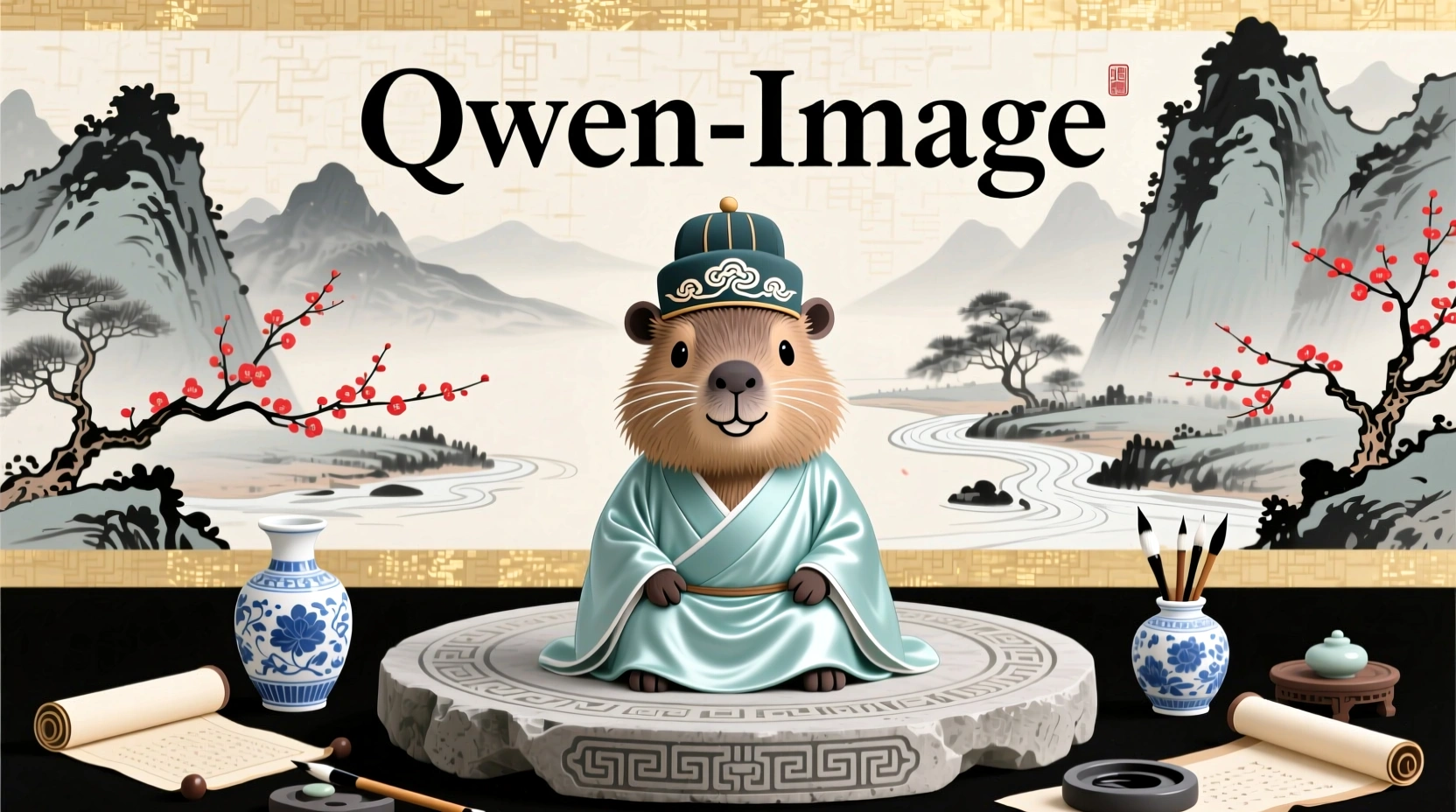 | 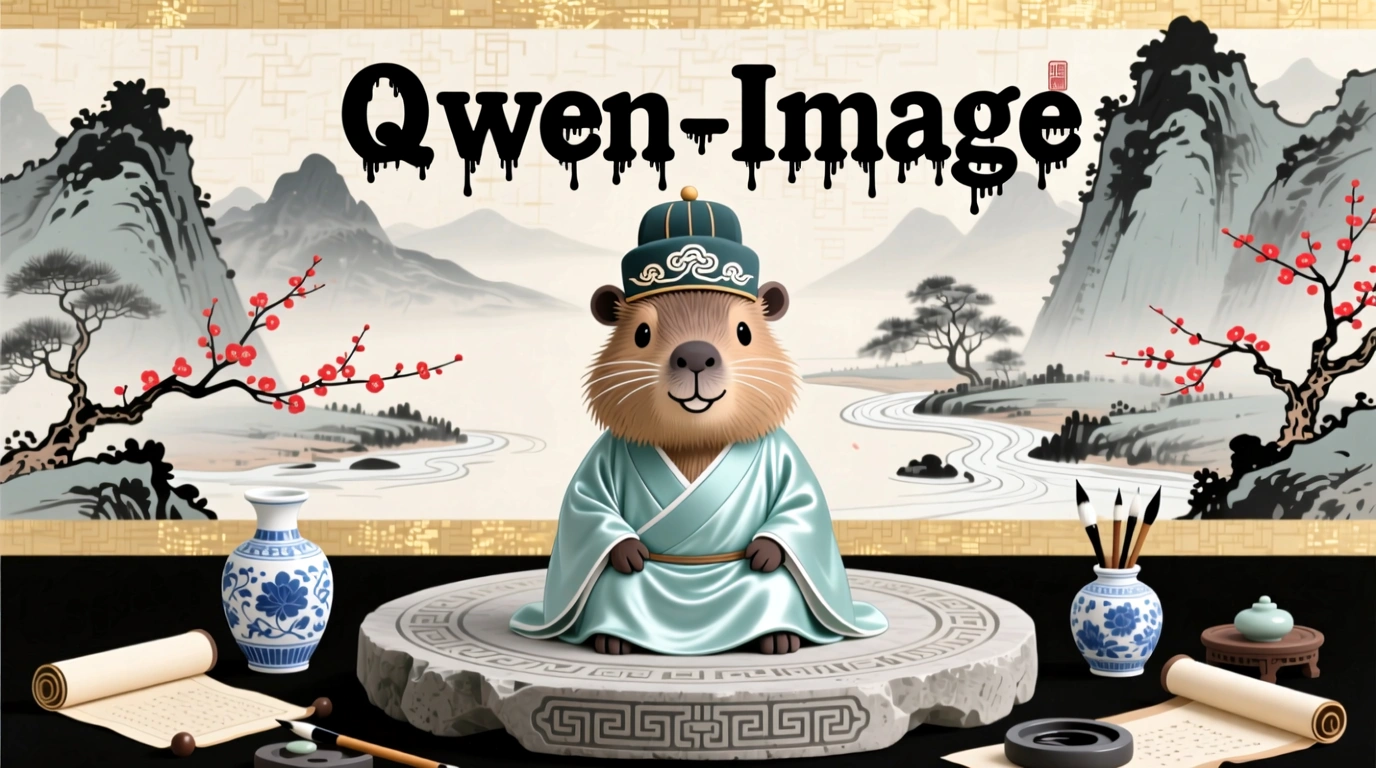 Change "Qwen-Image" to a black ink-drip font | 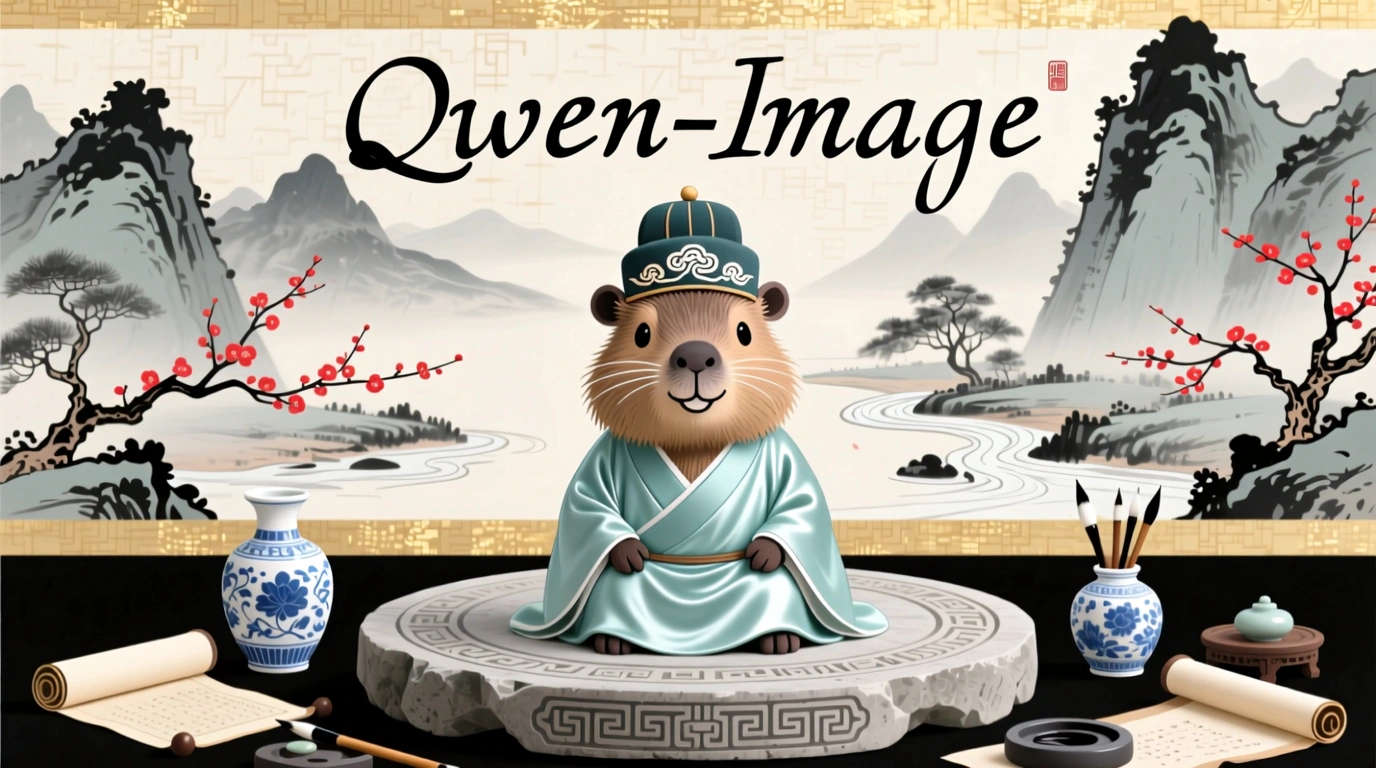 Change "Qwen-Image" to a black handwritten font | 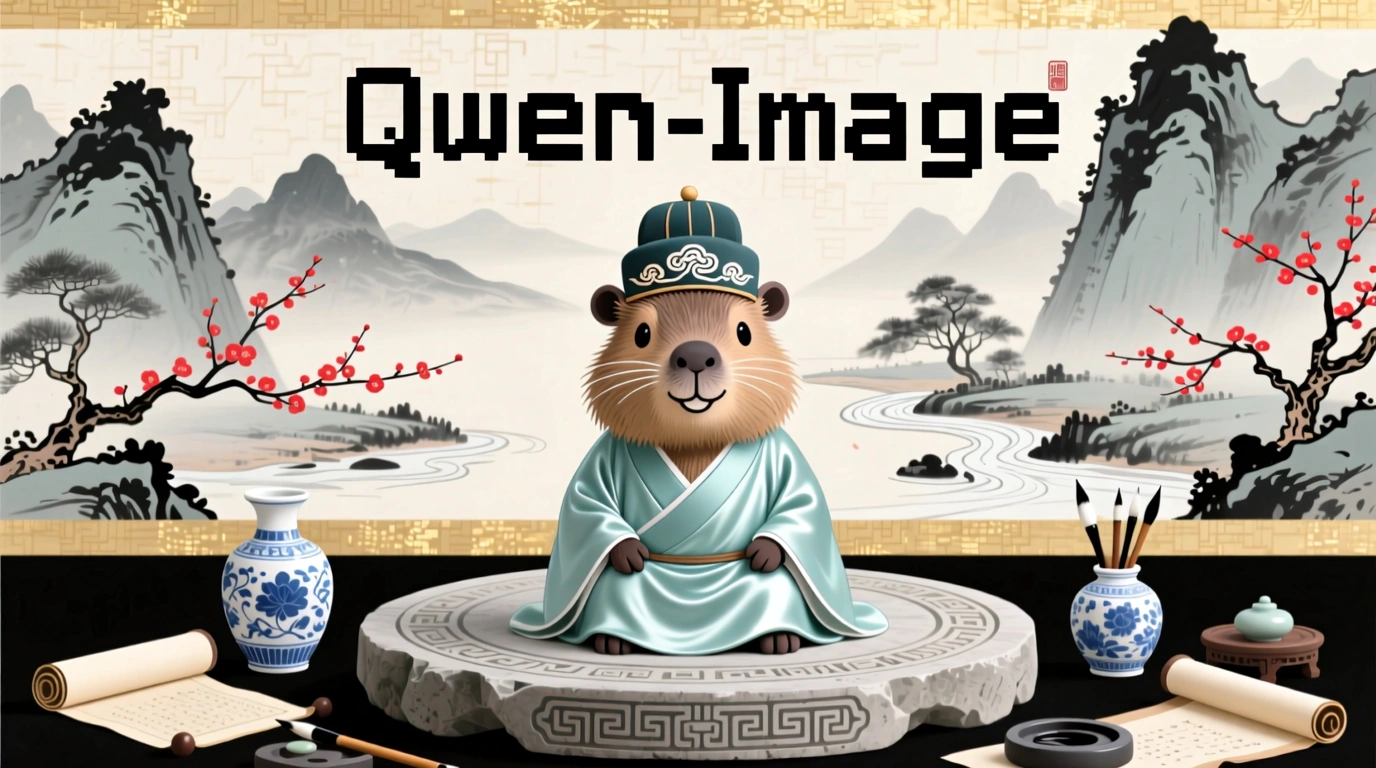 Change "Qwen-Image" to a black pixel font |
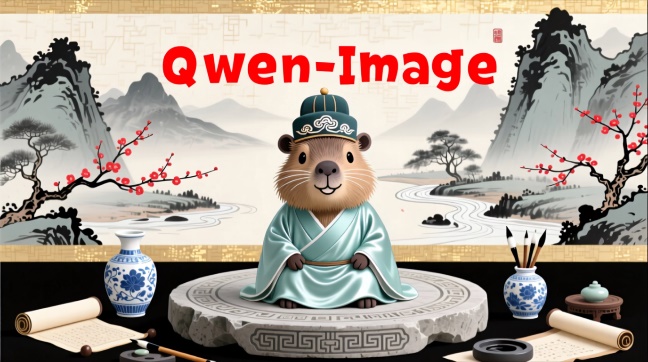 Change "Qwen-Image" to red | 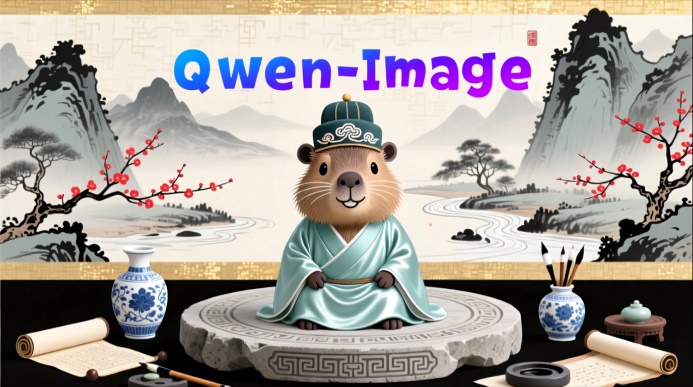 Change "Qwen-Image" to a blue-purple gradient | 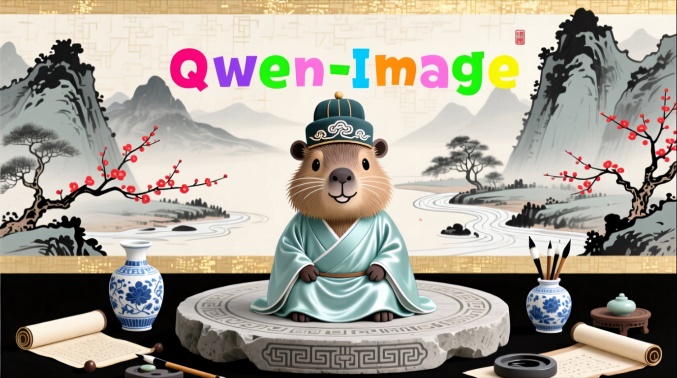 Change "Qwen-Image" to candy colors | |
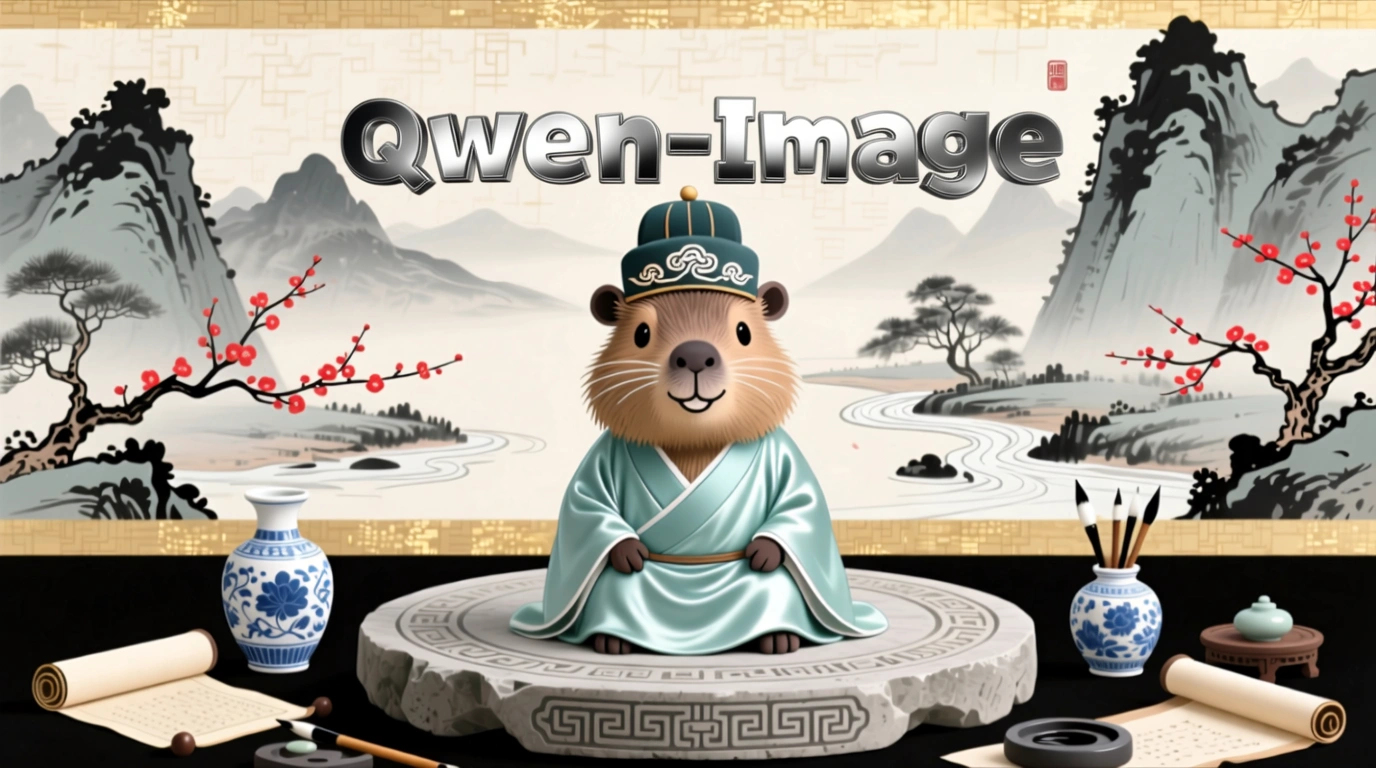 Change the "Qwen-Image" material to metal | 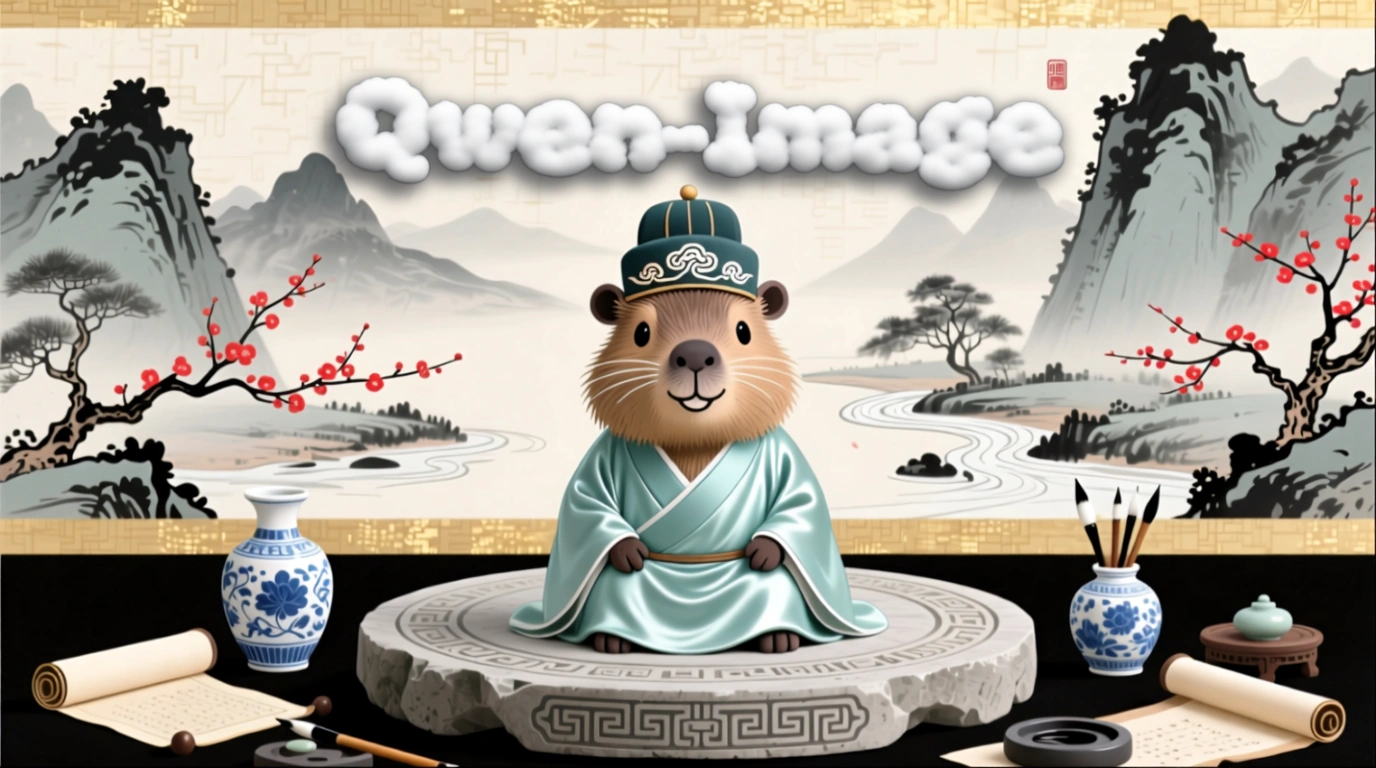 Change the "Qwen-Image" material to clouds | 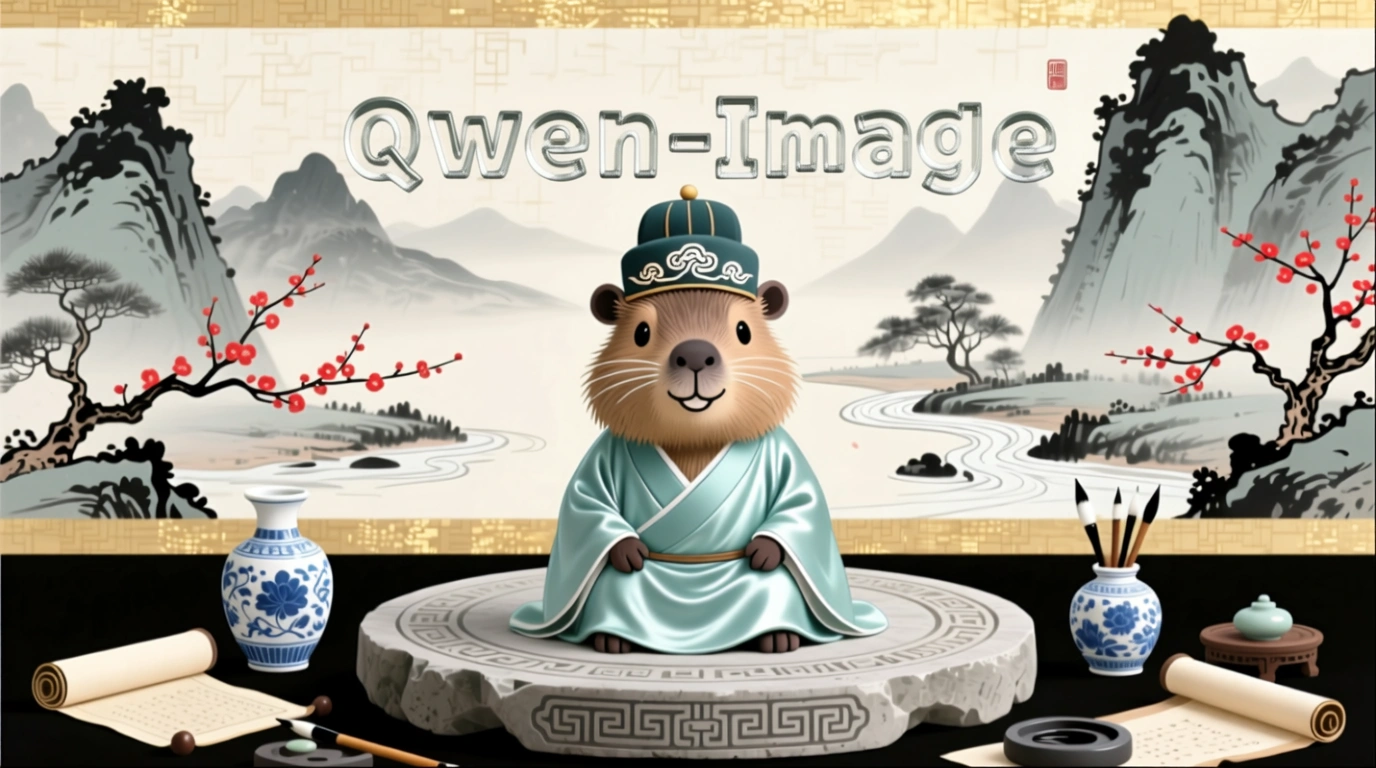 Change the "Qwen-Image" material to glass | |
Add, remove, and edit
Capability | Input image | Output image |
|---|---|---|
Add element | 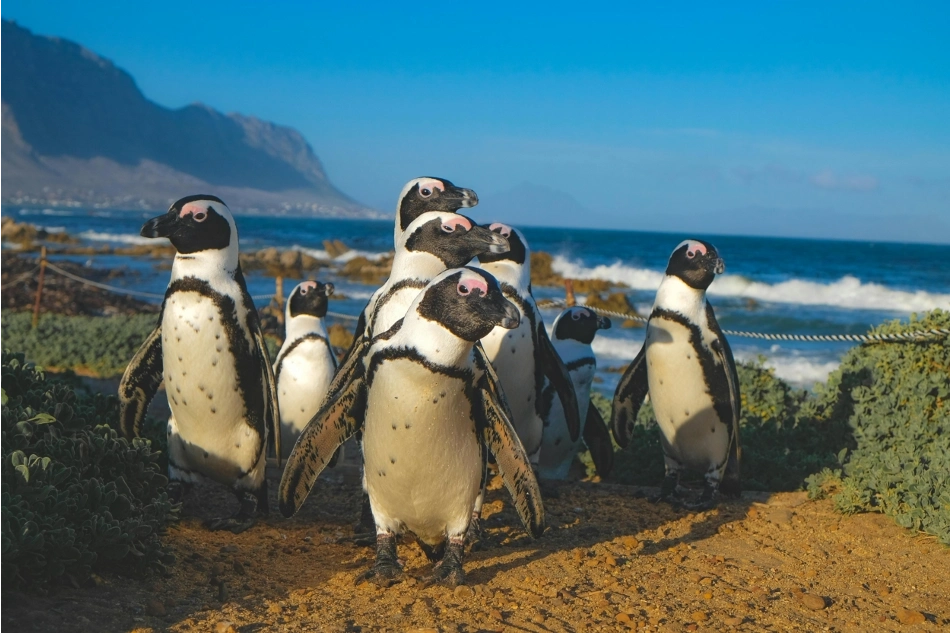 | 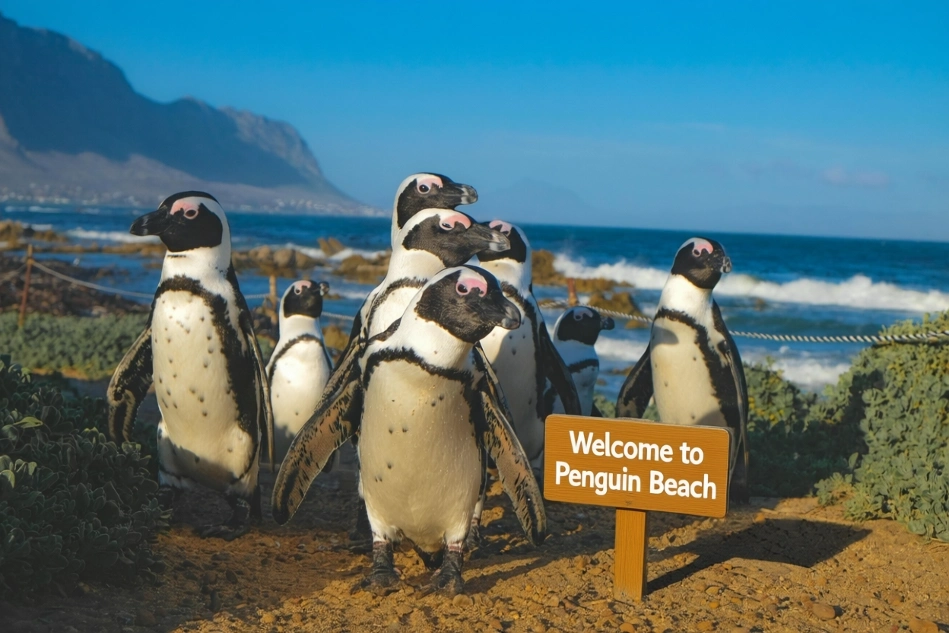 Add a small wooden sign in front of the penguin that reads "Welcome to Penguin Beach". |
Remove element | 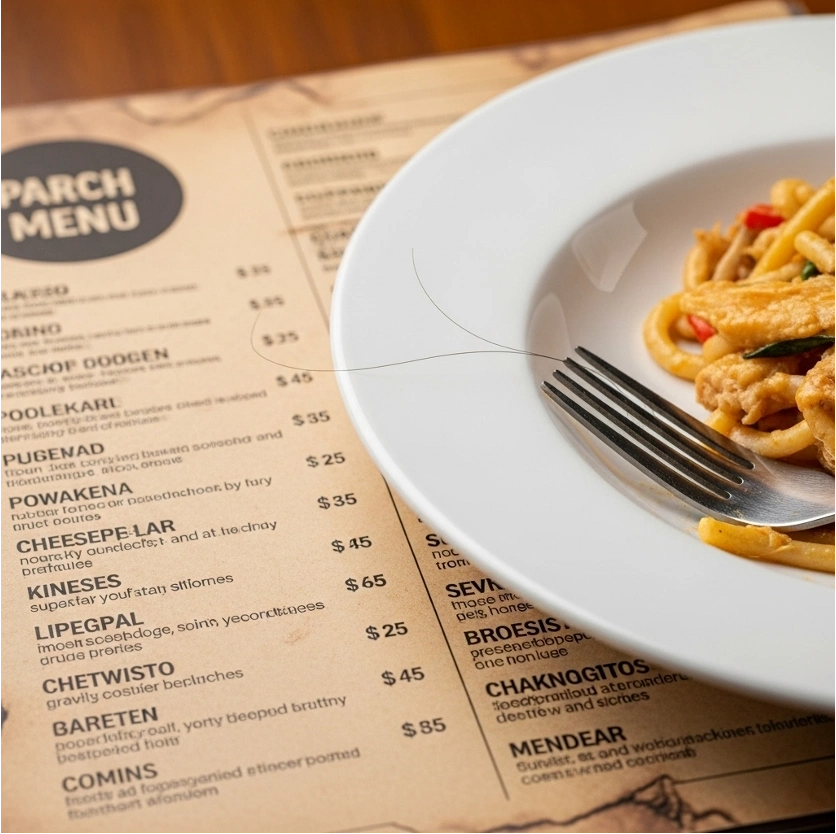 | 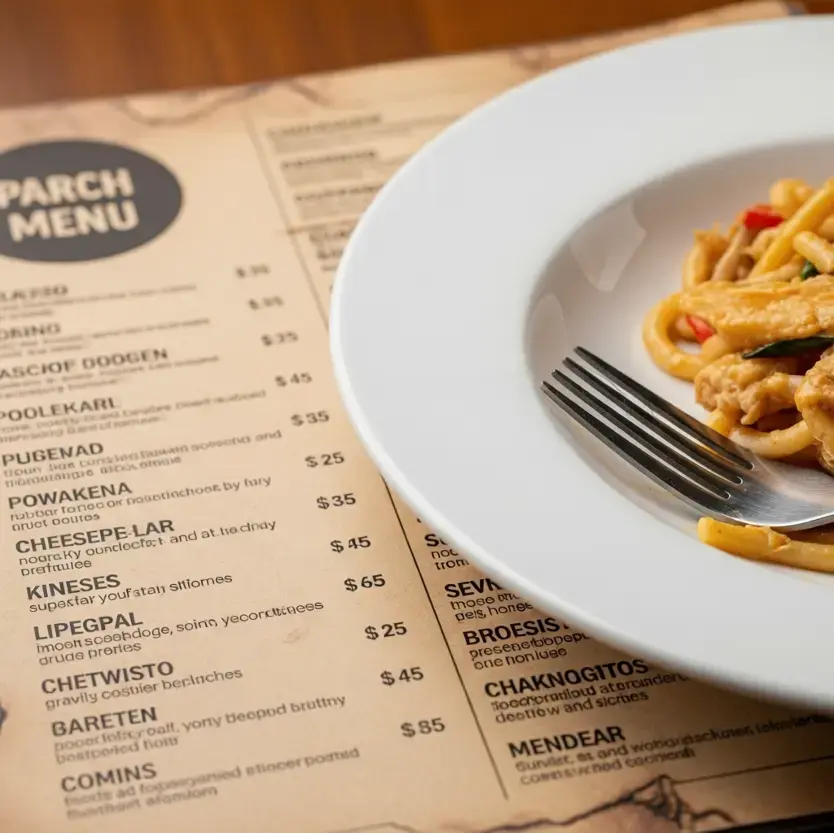 Remove the hair from the plate |
Viewpoint conversion
Input image | Output image | Input image | Output image |
|---|---|---|---|
 | 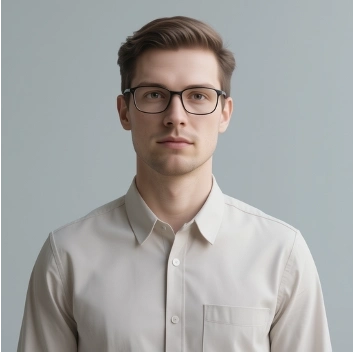 Get a front view | 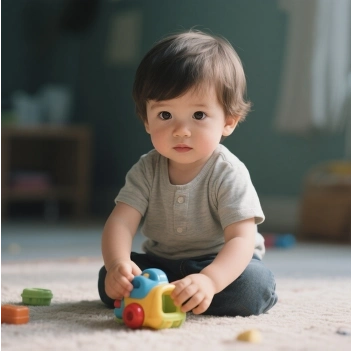 | 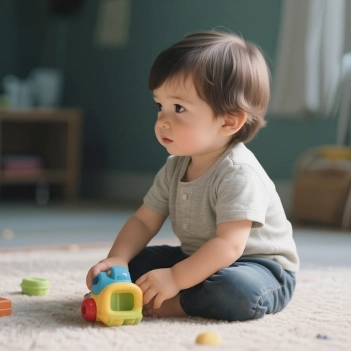 Facing left |
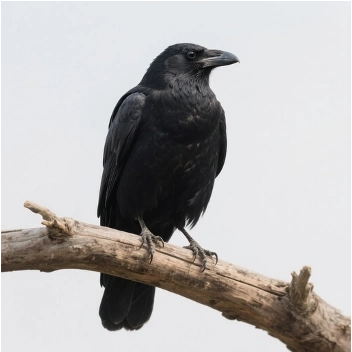 | 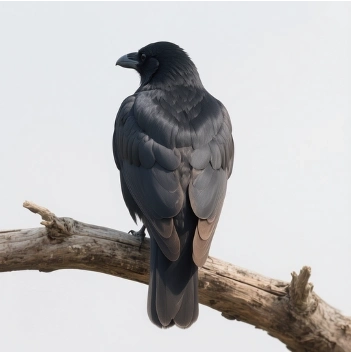 Get a back view | 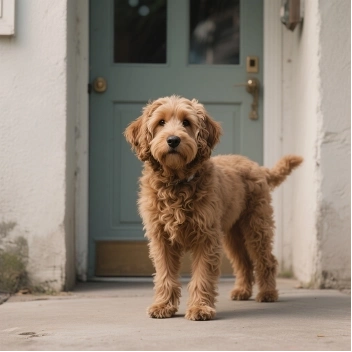 |  Facing right |
Old photo processing
Capability | Input image | Output image |
|---|---|---|
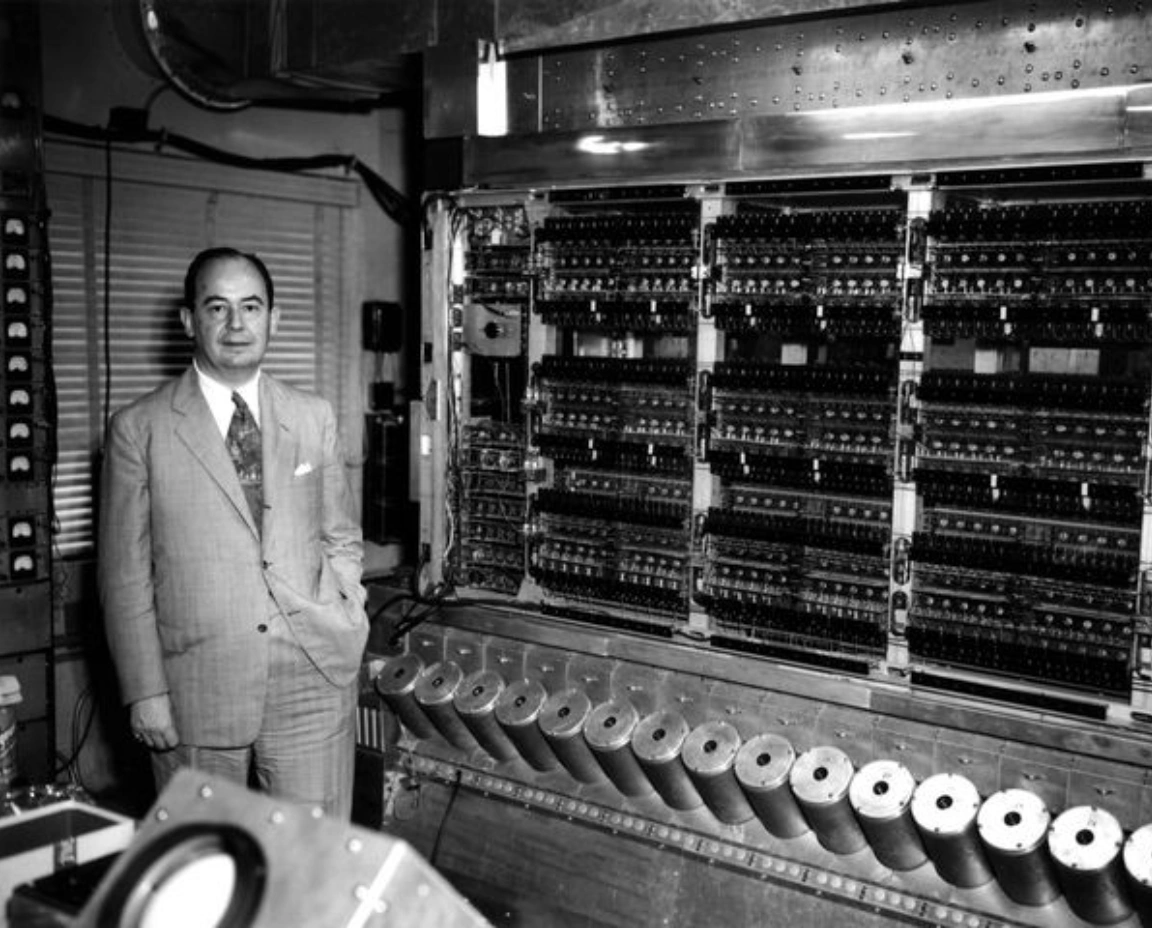
Old photo restoration and colorization | 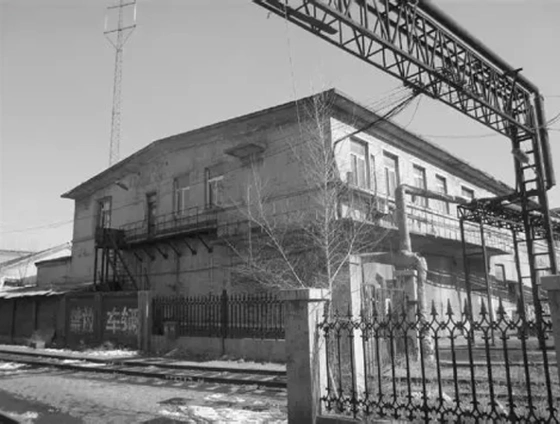 |  Restore old photos, remove scratches, reduce noise, enhance details, high resolution, realistic image, natural skin tone, clear facial features, no distortion. |
 | 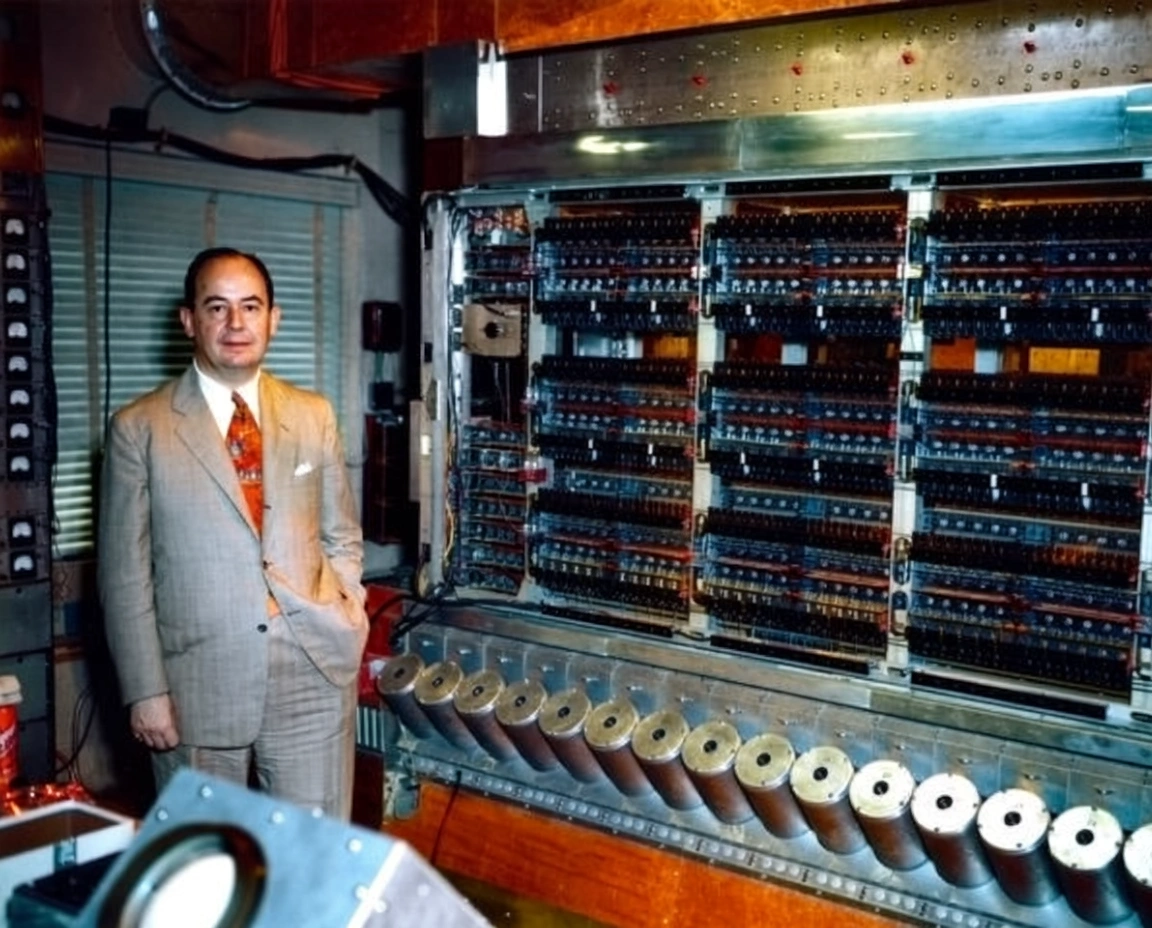 Intelligently colorize the image based on its content to make it more vivid. |
API reference
For the API input and output parameters, see Qwen-Image Edit.
Error codes
If the model call fails and returns an error message, see Error codes for resolution.
FAQ
Q: What languages does the Qwen Image Editing model support?
A: The model currently supports Simplified Chinese and English. You can try other languages, but performance is not guaranteed.
Q: How do I view model invocation metrics?
A: One hour after a model invocation completes, go to the Monitoring (China (Beijing)) or Monitoring (Singapore) page to view metrics such as invocation count and success rate. For more information, see Billing and cost management.
Q: How do I get the domain name whitelist for image storage?
A: Images generated by the model are stored in Alibaba Cloud OSS, and the API returns a temporary public URL (valid for 24 hours; download and save the image in time). The domain name format of the image URL is dashscope-{identifier}.oss-accelerate.aliyuncs.com or dashscope-{identifier}.oss-cn-{region}.aliyuncs.com. To configure a firewall whitelist for this download URL, note that the underlying storage changes dynamically, so the following bucket names are for reference only and may be updated at any time: dashscope-a717, dashscope-66f3, dashscope-7c2c, dashscope-2522, dashscope-c72b, dashscope-0484, dashscope-7e0f, dashscope-5859, dashscope-5496, dashscope-35f9, dashscope-31d9, dashscope-7f1f, dashscope-cc75, dashscope-64e9. To prevent access issues caused by outdated information, this topic does not provide a fixed OSS domain name whitelist. If you have security control requirements, contact your account manager to obtain the latest OSS domain name list. The API currently supports returning URLs only and does not support base64 output.
See the Image generation FAQ.