This document describes how to use the Start node.
Node interface
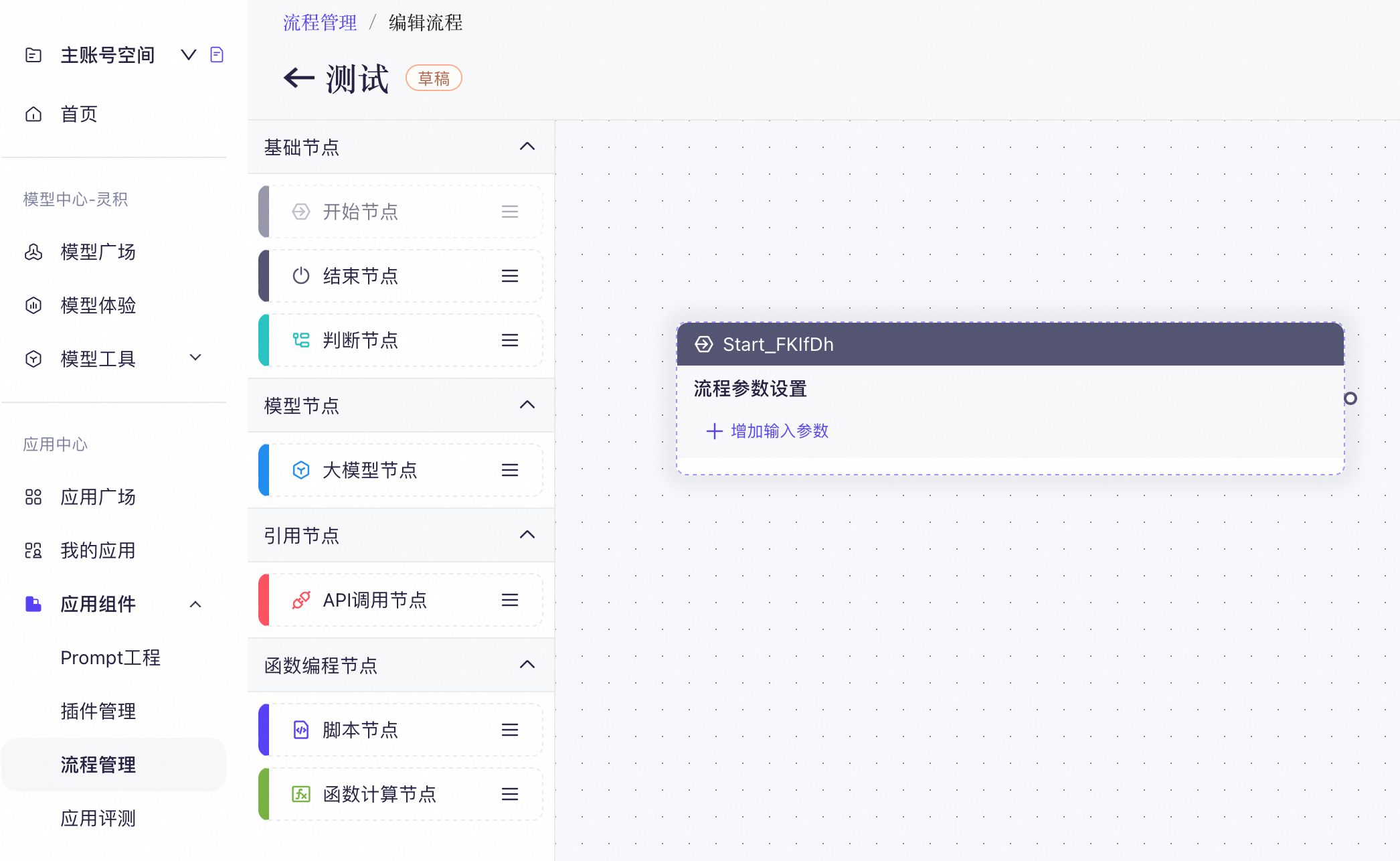
Navigate to Application Center > Flow Orchestration and click New Flow. A Start node is included by default. You can only drag one Start node. After you drag the node, it is grayed out.
Node description
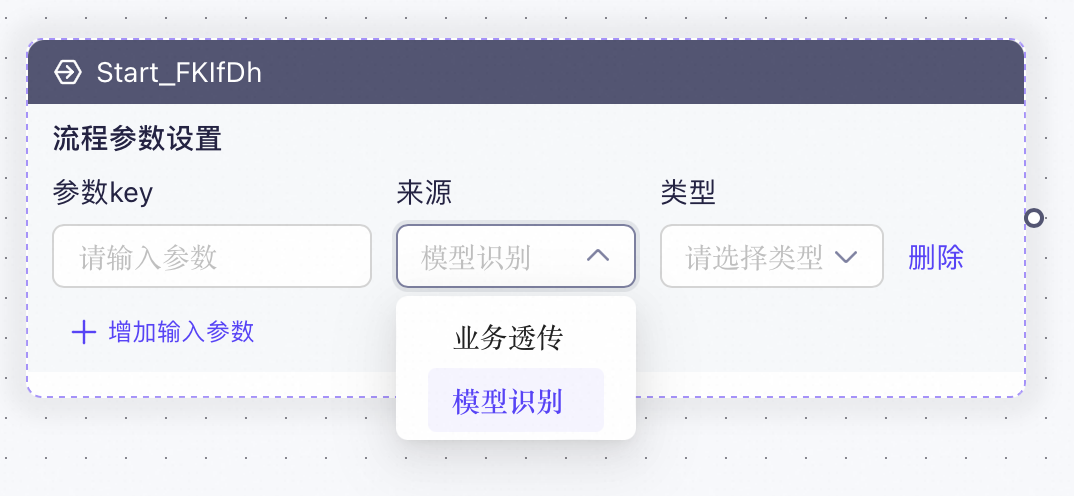
The Start node supports two parameter sources: model detection and business pass-through. To use a variable from these sources in the flow, you can reference it directly using ${bizVars.xxx}.
- Business pass-through: This source corresponds to the parameters passed in the
bizParamsfield during an SDK call. - Model detection: When the flow is invoked, the large model automatically determines which parameters to pass to the flow.
Configuration page
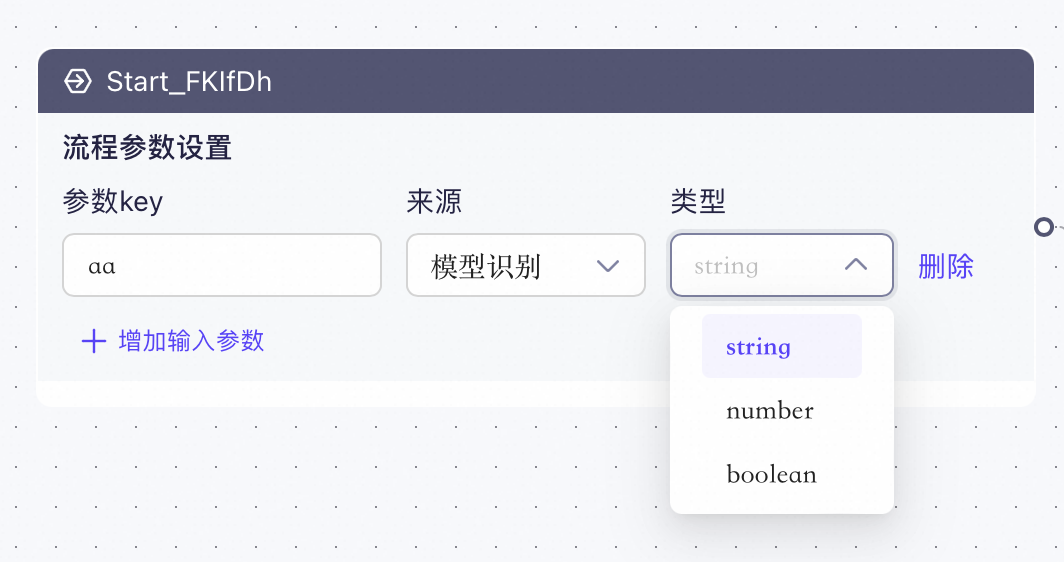
The node supports string, number, and boolean parameter types. These parameters can be referenced by subsequent nodes.