

Generate 3D models from Tripo models through Alibaba Cloud Model Studio. Three generation modes are supported: text-to-3D, single-image-to-3D, and multi-image-to-3D .
Quick start
This example uses text-to-3D.
| Input prompt | Output preview |
| A cute cat | 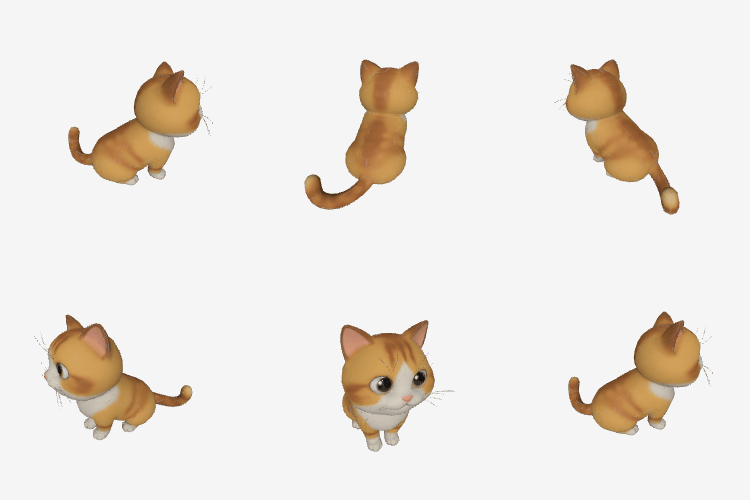 The image above is for demonstration only. The actual output is a 3D file. |
Step 1: Create a task and get the task ID
When calling, replace {WorkspaceId} with your actual workspace ID.
task_id. Example: 0385dc79-5ff8-4d82-bcb6-xxxxxx.
Step 2: Query results by task ID
Replace {task_id} with the task_id value returned by the previous API call. The task_id is valid for queries for 24 hours, Replace {WorkspaceId} with your actual workspace ID.
Task status flow:PENDING(queued) →RUNNING(processing) →SUCCEEDED(completed) /FAILED(failed).
3D generation typically takes several minutes. We recommend a polling interval of 15 seconds. To use event notifications instead of polling, see Configure asynchronous task callbacks.Sample output
Model overview
Model | Capabilities | Max polygon count | Speed | Use cases |
|---|---|---|---|---|
Tripo/Tripo-H3.1 | Text-to-3D Single-image-to-3D Multi-image-to-3D | 2,000,000 | Slower | Film-quality rendering, high-precision digital assets |
Tripo/Tripo-P1.0 | Text-to-3D Single-image-to-3D Multi-image-to-3D | 20,000 | Faster | Quick preview, gaming/AR, real-time applications |
Core capabilities
The three modes use the same endpoint but differ by fields in input. The prompt, image, and images fields are mutually exclusive — only one can be used per request.
Text-to-3D
Pass a text prompt via prompt to describe the 3D model you want to generate. Supports multiple languages (Chinese, English, etc.).
| Input prompt | Output preview |
| A red sports car | 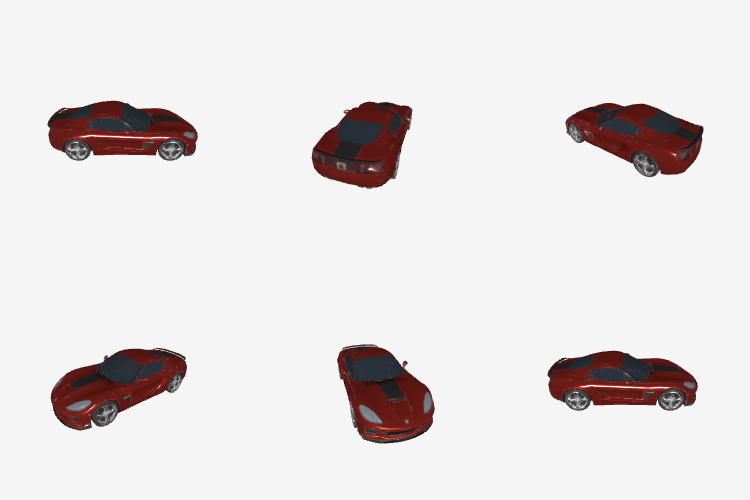 The image above is for demonstration only. The actual output is a 3D file. |
Single-image-to-3D
Pass the URL of a single image via image to generate a 3D model from it.
Image requirements: JPEG or PNG, 20–6,000 pixels in width and height (recommended > 256 pixels), up to 20 MB.
| Input image (single) | Output preview |
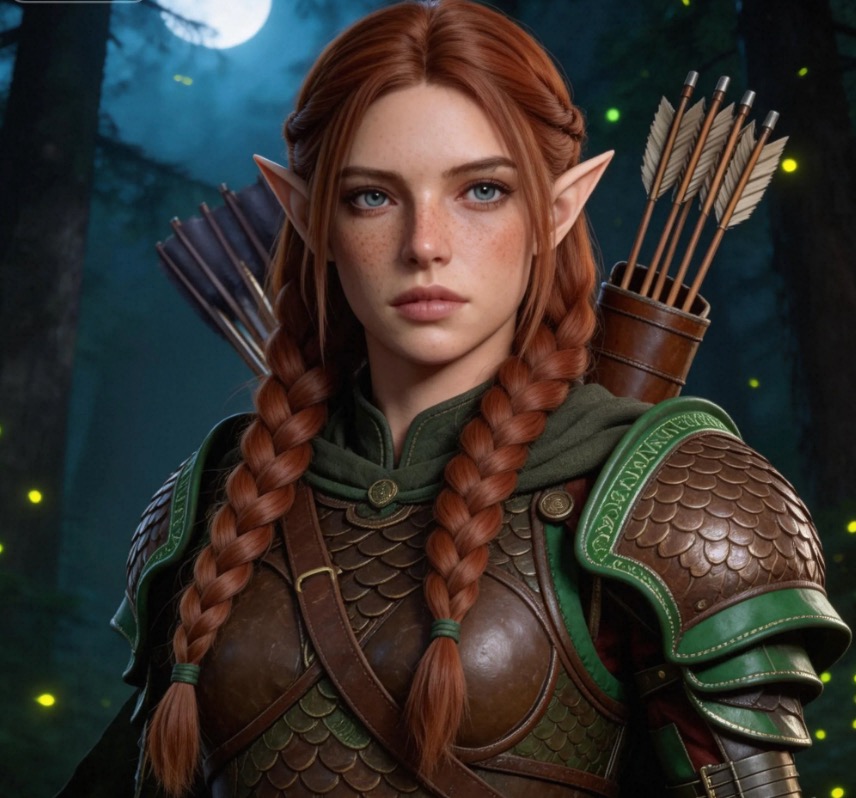 | 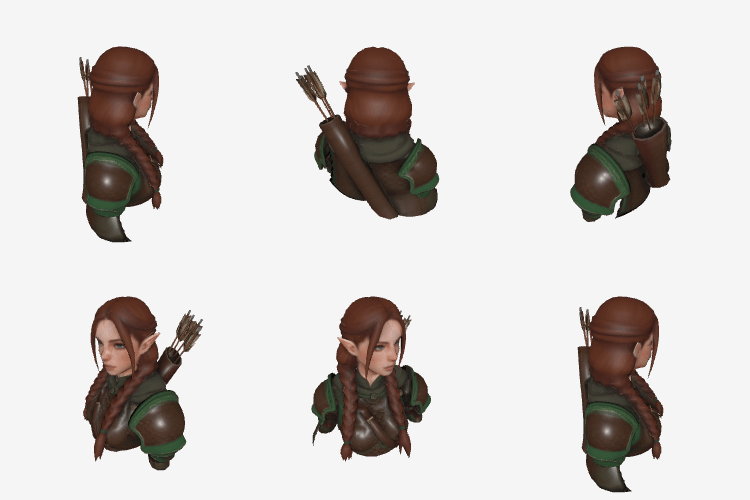 The image above is for demonstration only. The actual output is a 3D file. |
Multi-image-to-3D
Pass a URL list of 2–4 multi-angle images via images to generate a higher-fidelity 3D model. Images do not need to have the same resolution or aspect ratio. Each image must meet the same format requirements as single-image-to-3D.
| Input images (multiple) | Output preview |
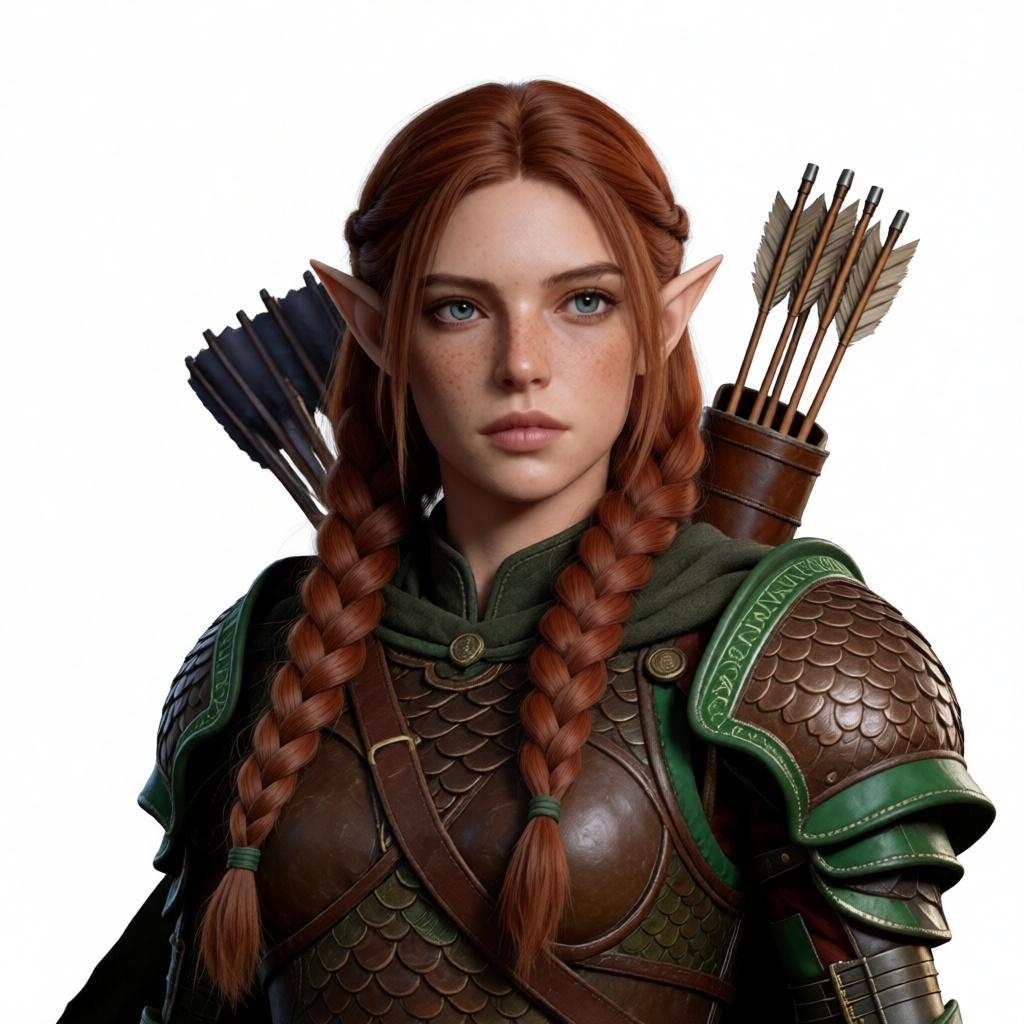 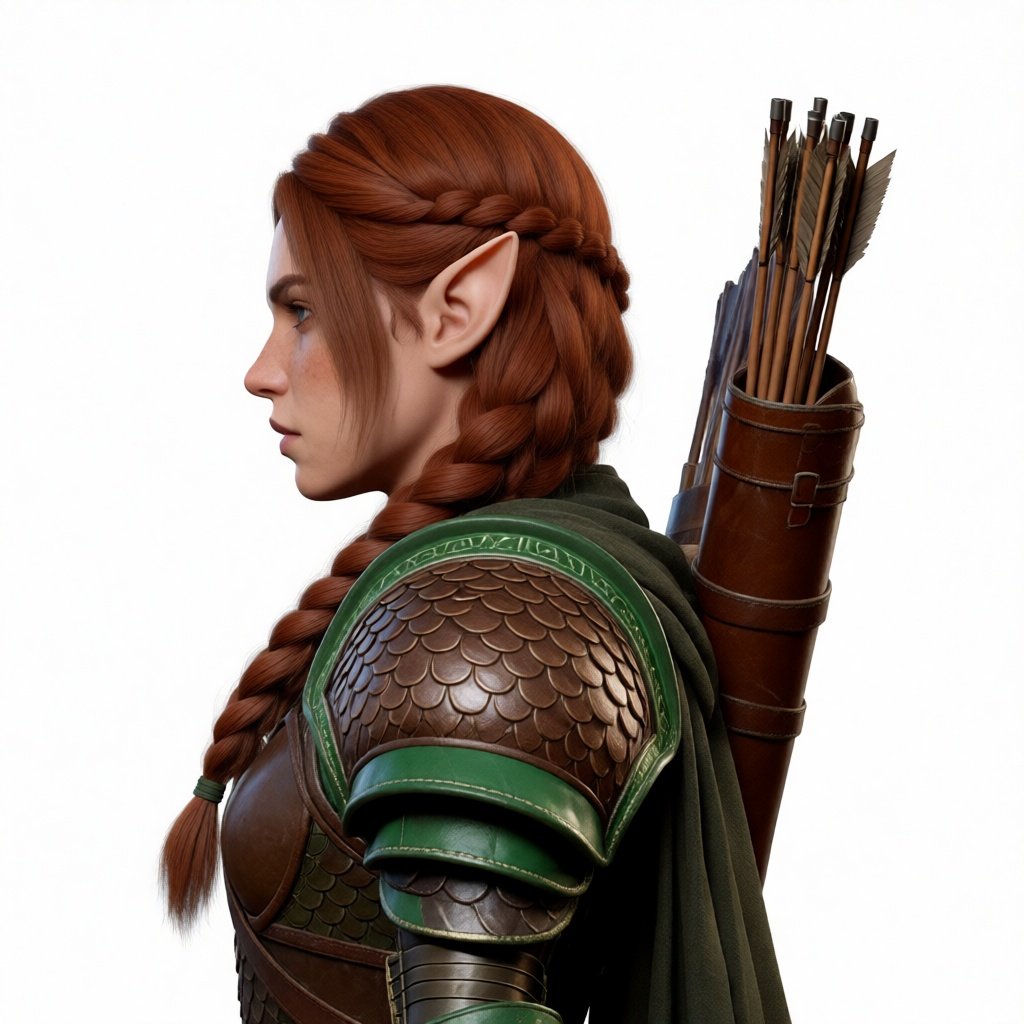 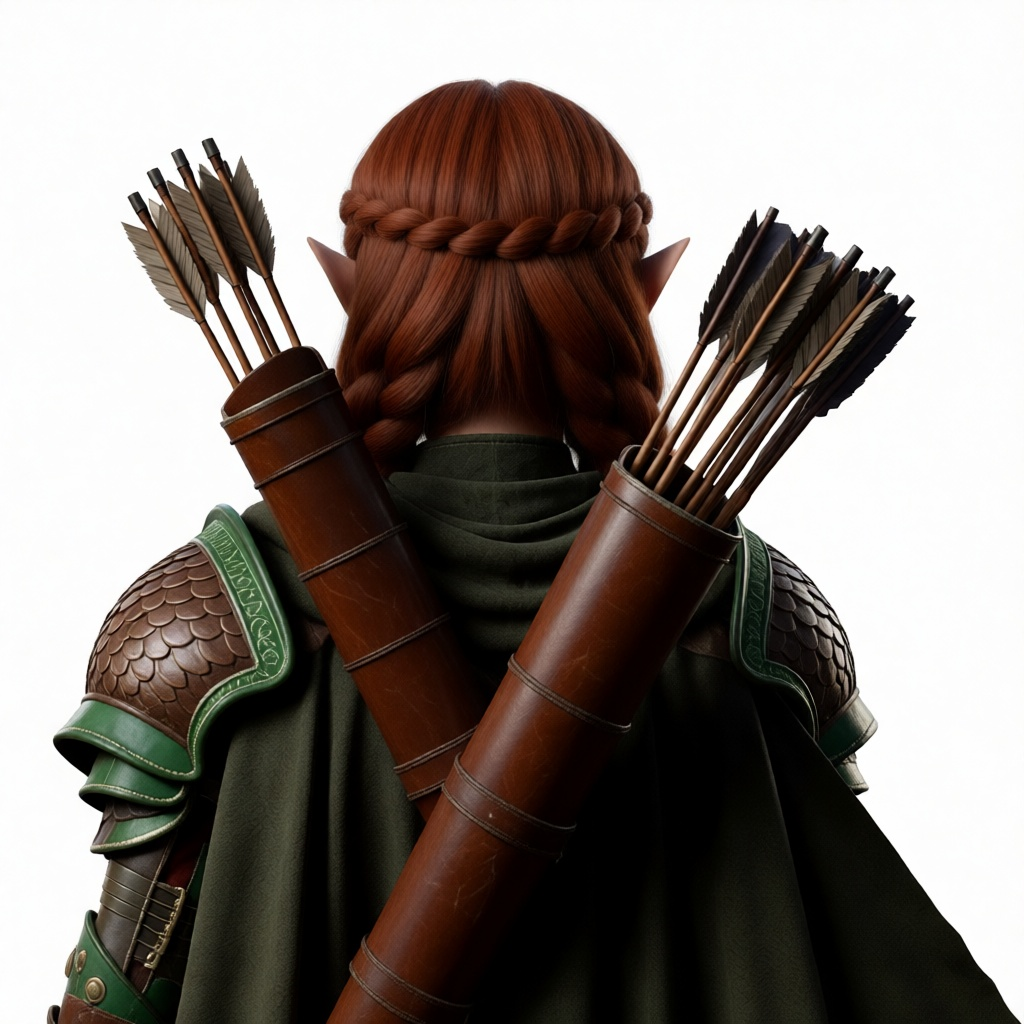 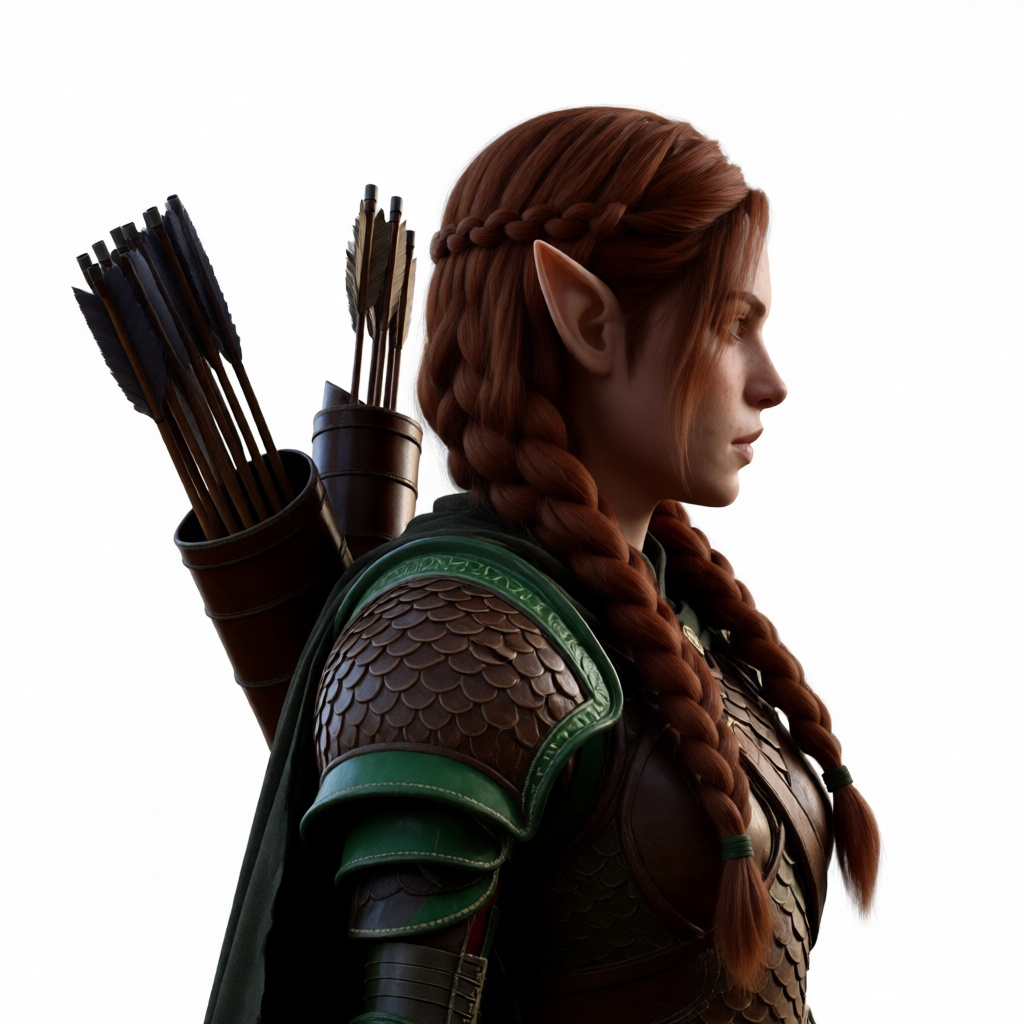 | 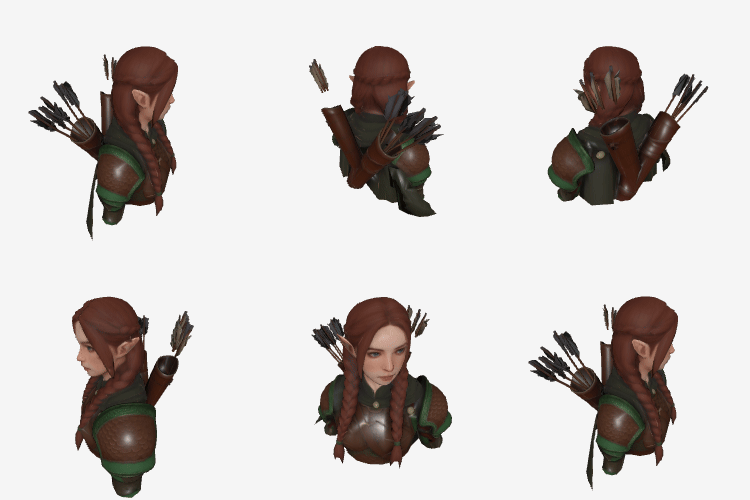 The image above is for demonstration only. The actual output is a 3D file. |
Texture and geometry
Texture quality
Texture is the image layer applied to the surface of a 3D model that defines its visual detail. Use parameters.texture_quality to control texture quality:
standard: Default. Standard-definition texture, suitable for most use cases.detailed: High-definition texture for fine surface details.
| Textured output | Parameter configuration | Output preview |
| Textured |
The response includes | The image above is for demonstration only. The actual output is a 3D file. |
| Untextured | Both
The response includes | 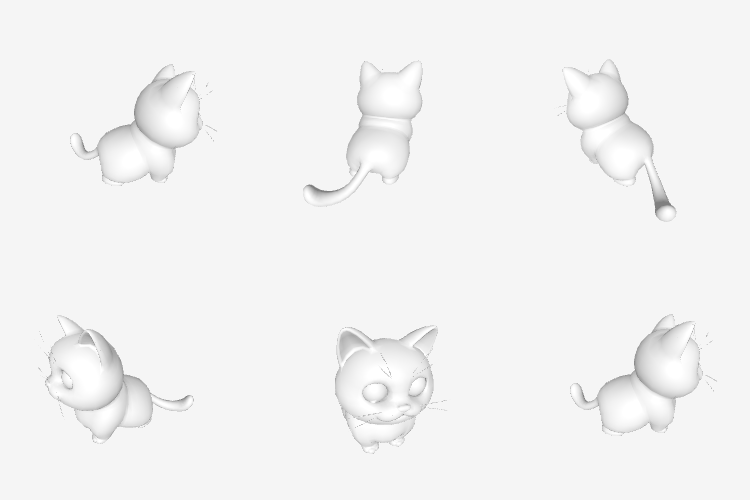 The image above is for demonstration only. The actual output is a 3D file. |
Geometry quality
Only supported by Tripo/Tripo-H3.1. Use parameters.geometry_quality to control geometry quality:
standard: Default. Up to 1,500,000 polygons.ultra: Ultra-high quality. Up to 2,000,000 polygons.
Output
When the task succeeds, the response includes:
pbr_model_url: PBR 3D model (GLB format). Can be imported directly into Blender, Unity, and other tools.base_model_url: Untextured base model (GLB format). Returned when bothtextureandpbrare set tofalse.rendered_image_url: A single rendered preview image of the 3D model.