

Learn how to tune Qwen models in Alibaba Cloud Model Studio using the API (HTTP) and the command line (shell). Model tuning involves three methods: supervised fine-tuning (SFT), continual pre-training (CPT), and direct preference optimization (DPO).
Prerequisites
- Review Introduction to model fine-tuning to understand its concepts, process, and data requirements.
- Activate the service and obtain an API key. For instructions, see Get an API key.
- Grant the RAM user (RAM user) the necessary invocation, training, and deployment permissions.
The API supports only token-based billing for training jobs. To use model training units (prepaid or postpaid), create the job in the console.
Tuning file upload
Preparing fine-tuning files
- SFT training set
- SFT thinking model
- SFT visual understanding (Qwen-VL)
- DPO dataset
- CPT training set
SFT ChatML (Chat Markup Language) format training data supports multi-turn conversations and various role settings.For information about the differences between system, user, and assistant, see Overview. Sample training datasets: SFT-ChatML_format_example.jsonl, SFT-ChatML_format_example.xlsx. XLS and XLSX formats support only single-turn conversations.All assistant lines in a single training data entry support the
The OpenAInameandweightparameters are not supported. All assistant outputs will be trained.
"loss_weight" parameter, which sets the relative importance of that line during training. (Range: 0.0 to 1.0. A larger value indicates higher importance.)This parameter is available for invitational preview. To use it, contact your account manager.
You can also download a data template from the Model Studio console. | 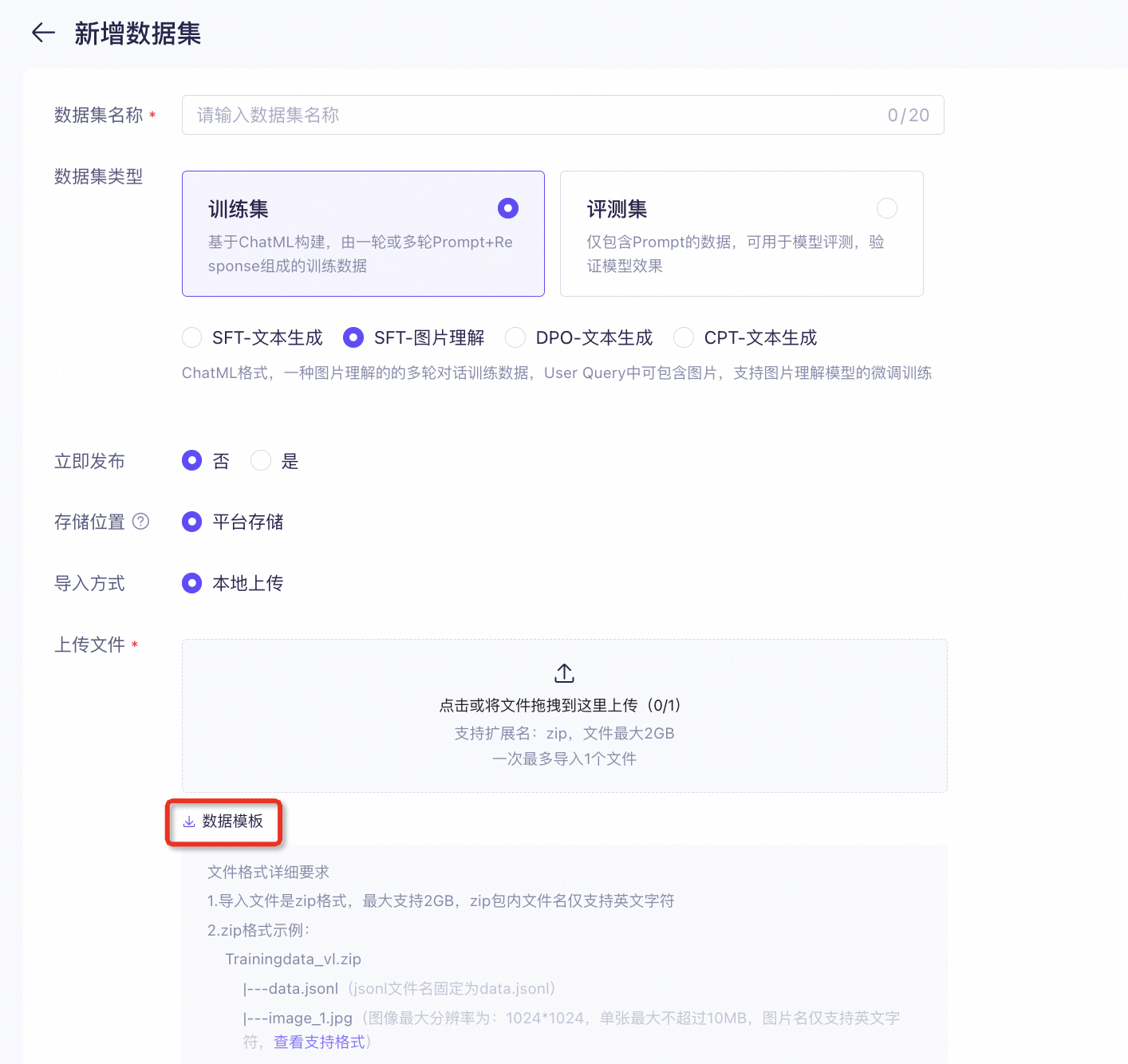 |
Upload fine-tuning fileto Model Studio
- DashScope API
For Windows CMD, replace${DASHSCOPE_API_KEY}with%DASHSCOPE_API_KEY%. For PowerShell, replace it with$env:DASHSCOPE_API_KEY.
Limitations:
- The maximum size of a single file is 300 MB.
- The total size of all non-deleted files is limited to 5 GB.
- You can store a maximum of 100 non-deleted files.
- Files are stored indefinitely.
Model fine-tuning
Creating, querying, logging, checkpoint management, and listing/canceling/deleting fine-tuning jobs are all done via API. Each interface's complete request/response parameters and examples are on the corresponding API page; this section only outlines the workflow.
Create a fine-tuning job
Call the Create a fine-tuning job interface (POST /api/v1/fine-tunes) to start training. See that page for the request body (model / training_datasets / hyper_parameters / training_type, etc.) and response examples.
Retrieve a fine-tuning job
Use the job_id to query the task status. See Query fine-tuning task details.
Get fine-tuning job logs
Retrieve training logs via the Get fine-tuning task logs interface (GET /api/v1/fine-tunes/{job_id}/logs).
Query and publish model checkpoints
Checkpoints produced by fine-tuning can be listed and exported (published):
- List checkpoints: see List Checkpoint (
GET /api/v1/fine-tunes/{job_id}/checkpoints). - Export (publish) a specific checkpoint: see Export Checkpoint (
GET /api/v1/fine-tunes/{job_id}/export/{checkpoint}?model_name=...), asynchronous; poll status via the list interface.
More fine-tuning operations
- List jobs: List fine-tuning jobs
- Cancel job: Cancel fine-tuning job
- Delete job: Delete fine-tuning job
API reference
This topic provides a reference for DashScope command-line calls. For details on API calls, see API details.
Model deployment and invocation
Model deployment
For other deployment methods, see Deploy a model by using the API.
Query deployment status
Once the deployment status is RUNNING, you can invoke the model.
Model invocation
Once the model deployment status is RUNNING, you can invoke the fine-tuned model just like any other model.
You can also get the Model Code from the Dedicated Deployment console.
For details on usage and parameters, see the DashScope API Reference.