

Lock identity in the first sentence and only let the model change clothing and scene, batch-producing different looks for the same person.
Disclaimer: All content shown on this page is generated by AI models and is for reference only; it does not constitute any guarantee of results. Actual output and Credits consumption are subject to "Usage Details" in the console.
wan2.7-image text-to-image (produce the reference portrait) → wan2.7-image reference-image editing (swap outfits and scenes one set at a time, writing identity lock at the very front each time).
Result
From the same reference portrait, the photo set after swapping outfits and scenes one set at a time:
Reference portrait (beige knit · solid gray background) 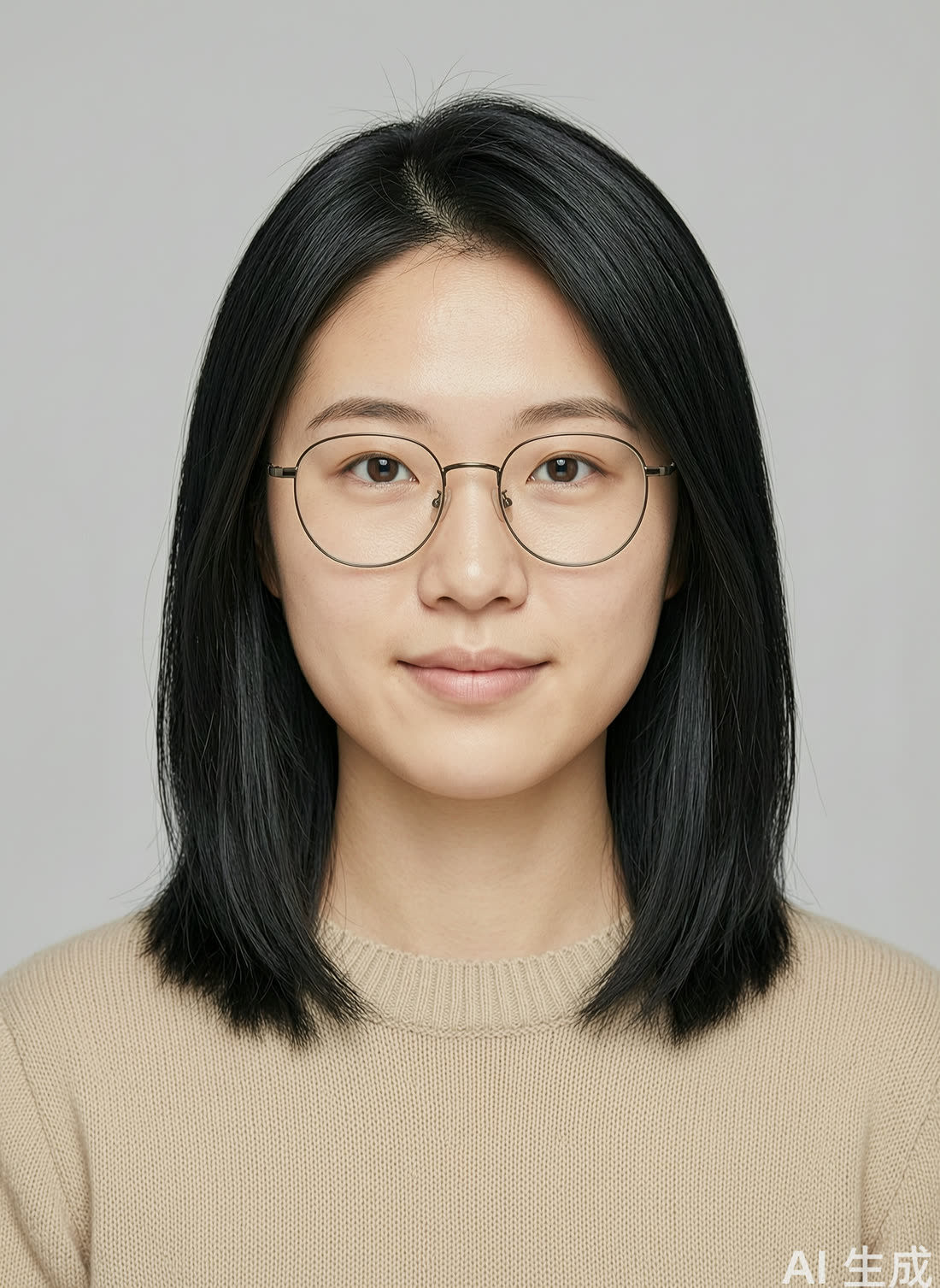 | Navy blazer + office floor-to-ceiling window 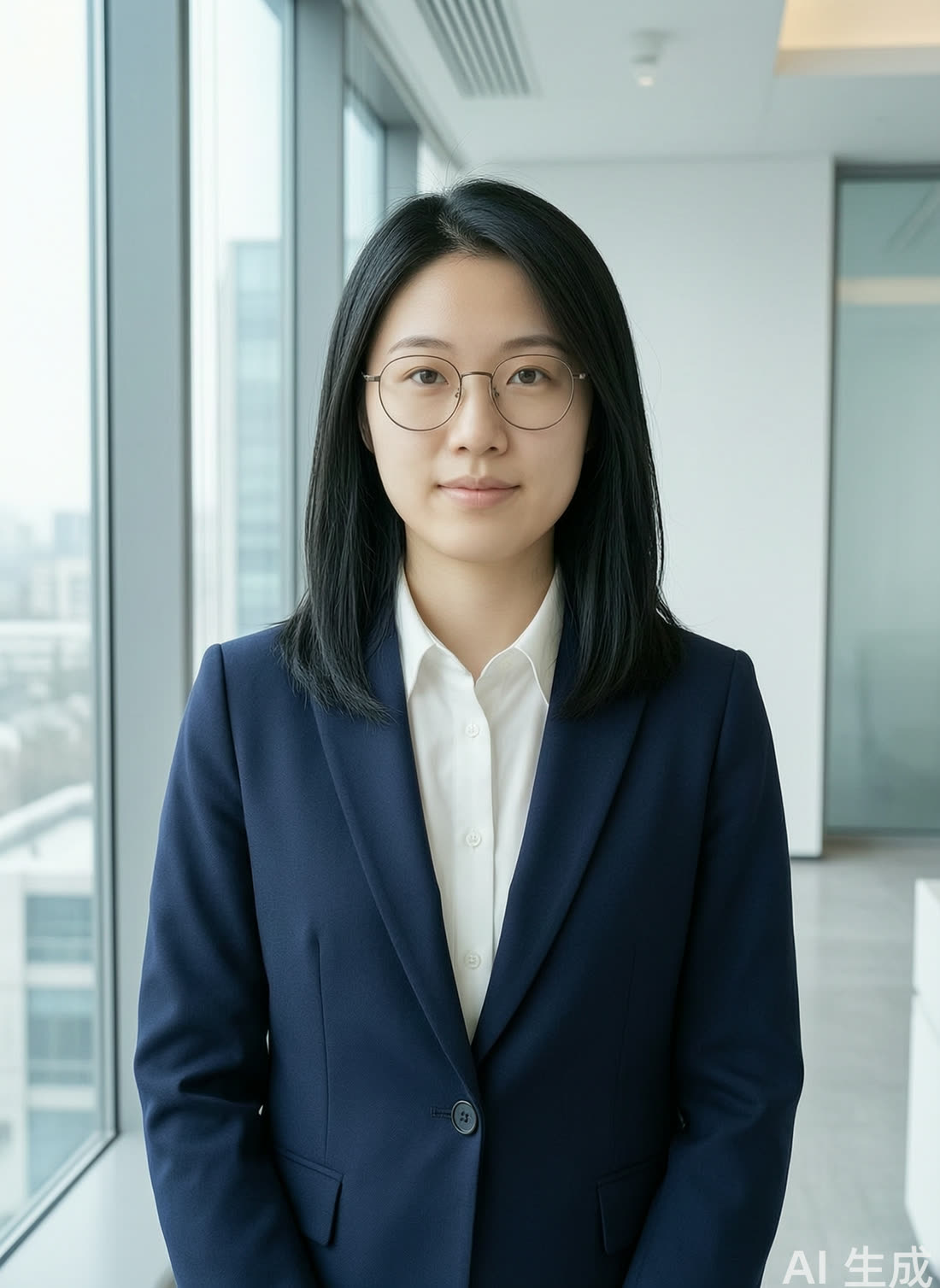 | Cream-white sweater + scarf + autumn street 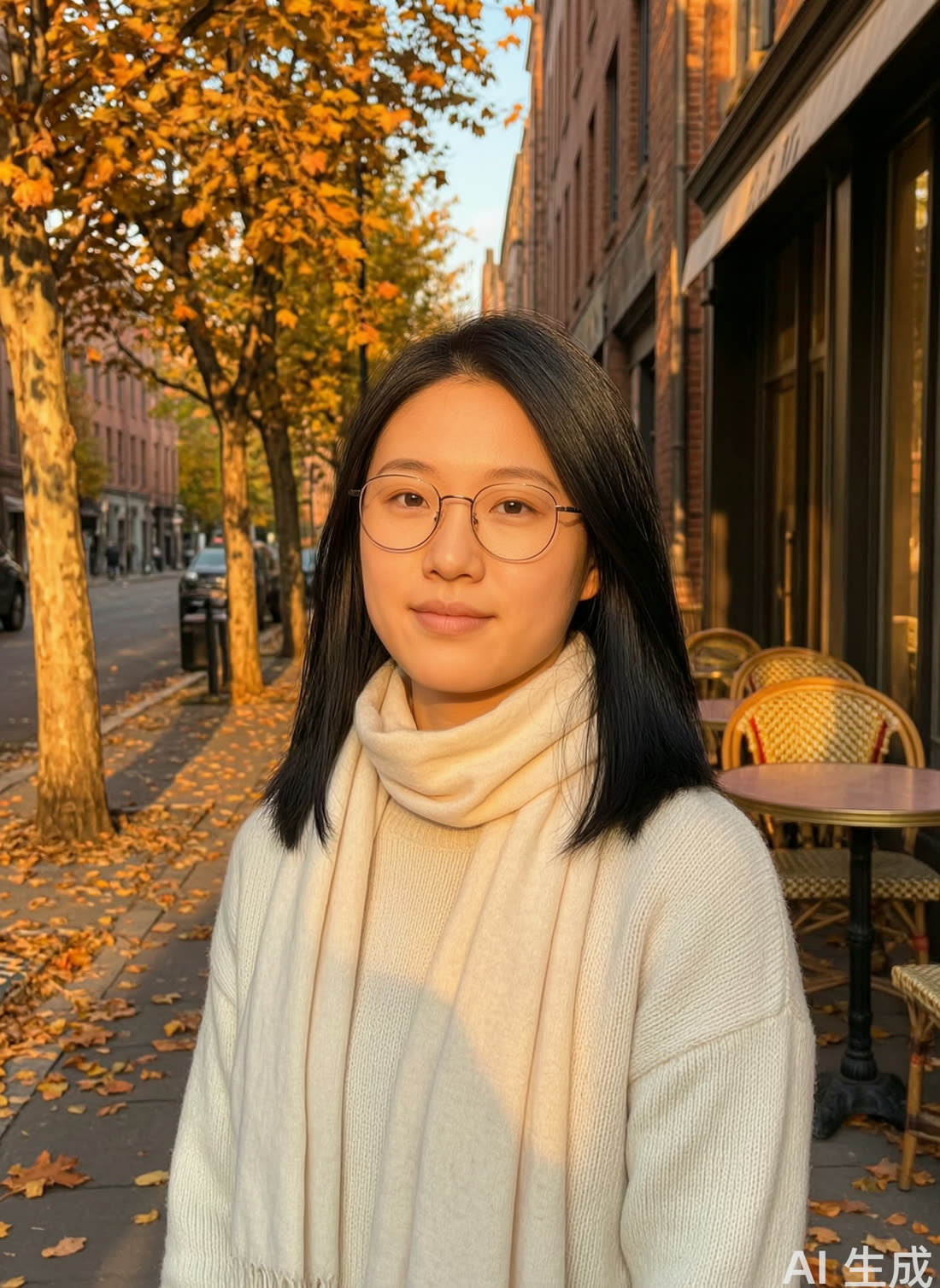 |
Step: Put identity lock in the first sentence
Once the reference image is produced, for each look, pass the reference image to wan2.7-image for one edit, with identity lock written at the very front of the prompt:
View the consistency check · cross-comparing the three images with a vision model (qwen3.7-plus)
View the consistency check · cross-comparing the three images with a vision model (qwen3.7-plus)
Notes
- Consumption: This playbook involves image generation + image editing. The reference image is produced once, and after that, each look is one edit call. To produce a set of 5 looks is 1+5 calls—far cheaper than video, and well suited to batch image production.
- Consistency: The identity-lock line must be placed at the very front of the prompt, with an explicit "this is the same person, do not change the appearance." Placing it at the end makes it easy for the clothing and scene descriptions that follow to override it. When generating multiple looks across multiple passes, always use the same reference image, rather than taking the previous output and editing it further—otherwise errors accumulate shot by shot and drift further from the original.
- Compliance: When using a real person's photo for outfit changes, you must obtain the person's consent; it may not be used to forge identity or for misleading promotion. The demo images are AI-generated fictional characters.