

From a single product image, keep the product still and let only the lighting flow, generating a showcase short video for the main image.
Disclaimer: All content shown on this page is generated by AI models and is for reference only; it does not constitute any guarantee of results. Actual output and Credits consumption are subject to "Usage Details" in the console.
wan2.7-image generates (or you use your own) a product main image → (2) happyhorse-1.1-i2v locks the camera, keeps the product completely still, and only lets studio lighting slowly flow across the bottle to create a premium sheen.
Result
The output 5-second showcase video (product locked, only lighting slowly flowing):
The starting asset is a product main image generated by wan2.7-image; you can also swap in your own product photo:
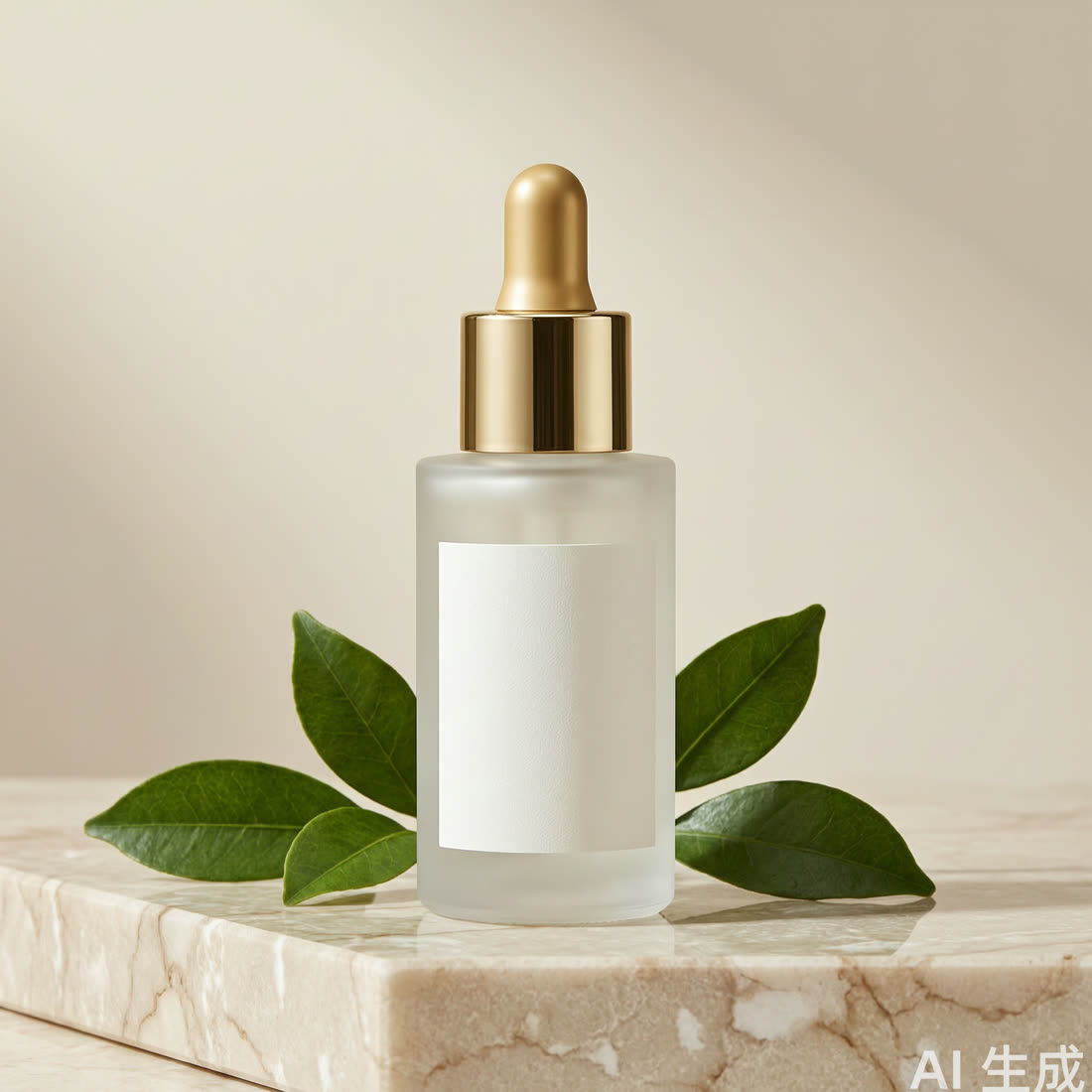
Step: Keep the subject completely still, let only the lighting move
Send the product main image along with the following prompt to happyhorse-1.1-i2v. The key is to lock down "subject completely still, only lighting moves":
Notes
- Consumption: This playbook involves image generation + image-to-video—two independent calls (if you already have a product image, skip step one and feed the image directly). Video consumption is noticeably higher than image generation, and async tasks are billed in one pass upon completion. A 5-second / 720P main-image video is sufficient; do a test run first to confirm the subject holds up before extending the duration or raising the resolution.
- The biggest risk for product shots is subject breakdown (the bottle warps as it rotates, the label flickers, the surface vanishes): testing shows that having the product rotate / move is the most likely to break down, while locking the product completely and letting only the lighting flow is the most stable and most premium-looking—this is also a common technique in cosmetics spots. In this final video, the product has zero deformation throughout; only the background lighting breathes.
- Using your own real product photo is the most stable: feed your product photo directly to step two (i2v supports local image input), which is better than generating first for guaranteeing consistency with the real thing; always lock down "subject does not deform, does not shift, camera locked" in the prompt.
- Watch out for packaging with text/logos: AI may scramble label text. For branded copy, it's recommended to overlay the real product image in post, or have the prompt keep the label "blank/unrecognizable" and then typeset your own text.